Author: Nazrul Islam

  • 10+ Best Online Photo Editing Apps Paid and Free 2025

    10+ Best Online Photo Editing Apps Paid and Free 2025

    10+ Best Online Photo Editing Apps Paid and Free – For those of you who want to edit photos but are reluctant to download the application because you don’t want to add to the burden of computer or cellphone memory. so. using an online photo editing application is the right way.
    10+ Best Online Photo Editing Apps Paid and Free
    10+ Best Online Photo Editing Apps Paid and Free

    Best Online Photo Editing Apps Paid and Free

    You can do photo editing activities starting from cropping, resizing, combining photos, giving effects, adding text, etc. without installing additional applications, just open a browser and access online photo editing applications.

    Read more:

    To be able to enjoy all the features available in the online photo editor, your device must be connected to the internet, yes, here are 10 recommendations for online photo editors that you can try.

    #1. Pixlr: Free Photo Editor Online
    Pixlr Free Photo Editor
    Pixlr Free Photo Editor

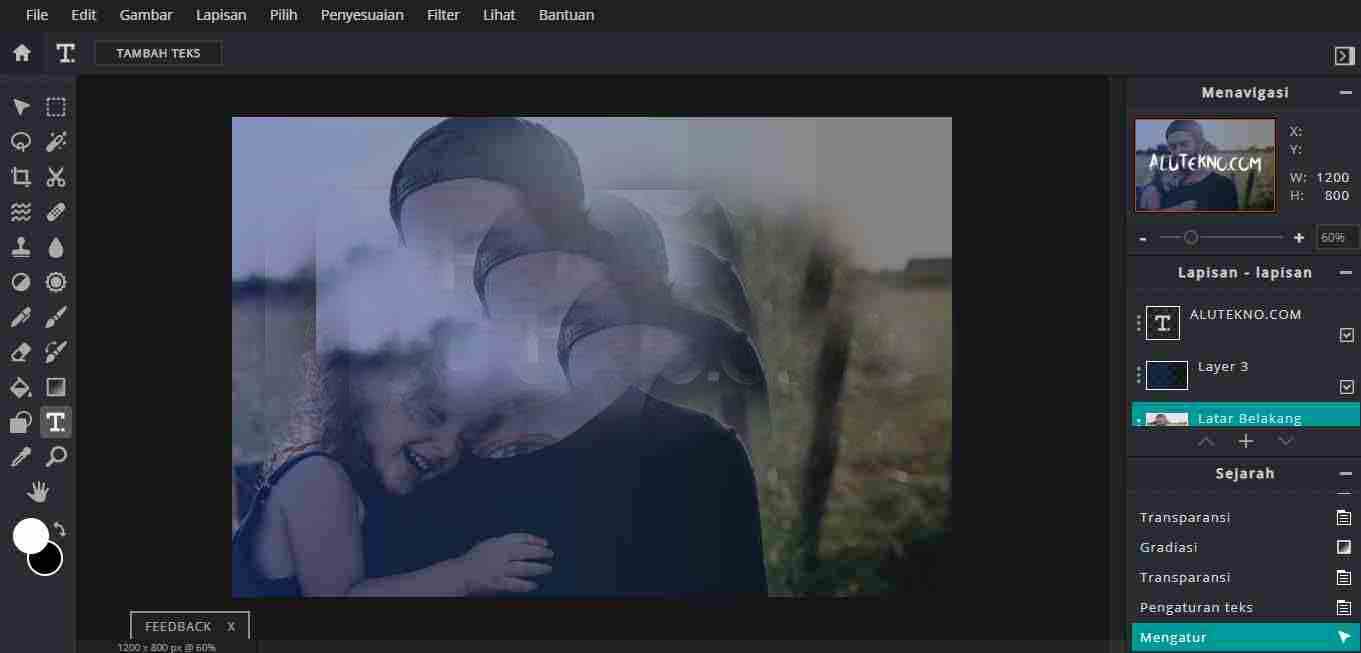
    Recommended The first free online photo editor is Pixlr, Pixlr is a free online photo editor that can be accessed through your browser.

    If you are used to using Photoshop, the interface of Pixlr and the features in it are not that much different from the Photoshop application, even Pixlr can open almost all image formats, such as PSD (Photoshop), PXD, JPEG, PNG (transparent), WebP, SVG, and much more.

    Pixlr has several excellent features such as the use of AI to remove backgrounds, a variety of interesting filters and templates, and supports multi-platform that can be used on computers and mobile phones.

    With a total of more than 500 million users, Pixlr is one of the best free online photo editors in the world today. For those of you who want to use Pixlr, you can access it on the official Pixlr website.

    #2. Canva
    Canva
    Canva

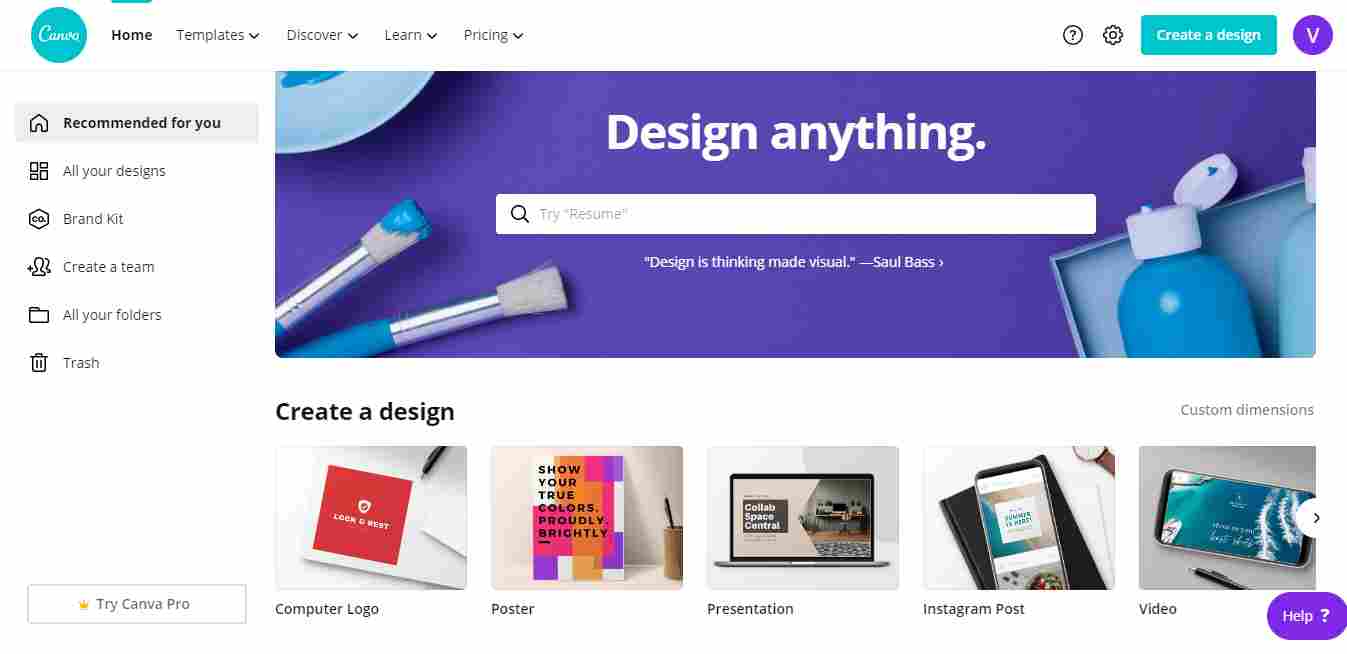
    If Pixlr offers an interface and features that are quite advanced and seem complicated for beginners, then you should try Canva which is simpler and easier to use.

    Canva is a graphic design platform that is quite widely used in Indonesia and is one of the world’s favorite graphic design applications, so far there have been millions of people using Canva since it was founded in 2012.

    Canva is widely used because it has quite complete features, not just photo editing, but Canva also has millions of images, hundreds of fonts, various filters, and icons that can be used for free to support social media facilities or do business online, besides that Canva is also very easy. used.

    For those of you who want to use Canva, the method is quite easy, you can access Canva through the official Canva website, but first, you have to register to be able to use Canva.

    After registering, all you have to do is login and use all the features there, various invitation templates, business cards, presentations, and product designs in Canva, Canva also provides subscriptions for members who want to enjoy premium features from Canva.

    However, for those of you who don’t want to spend money on a subscription, you can still use Canva for free but some features are limited.

    #3. Picresize: Crop, Resize, and Edit images online for free
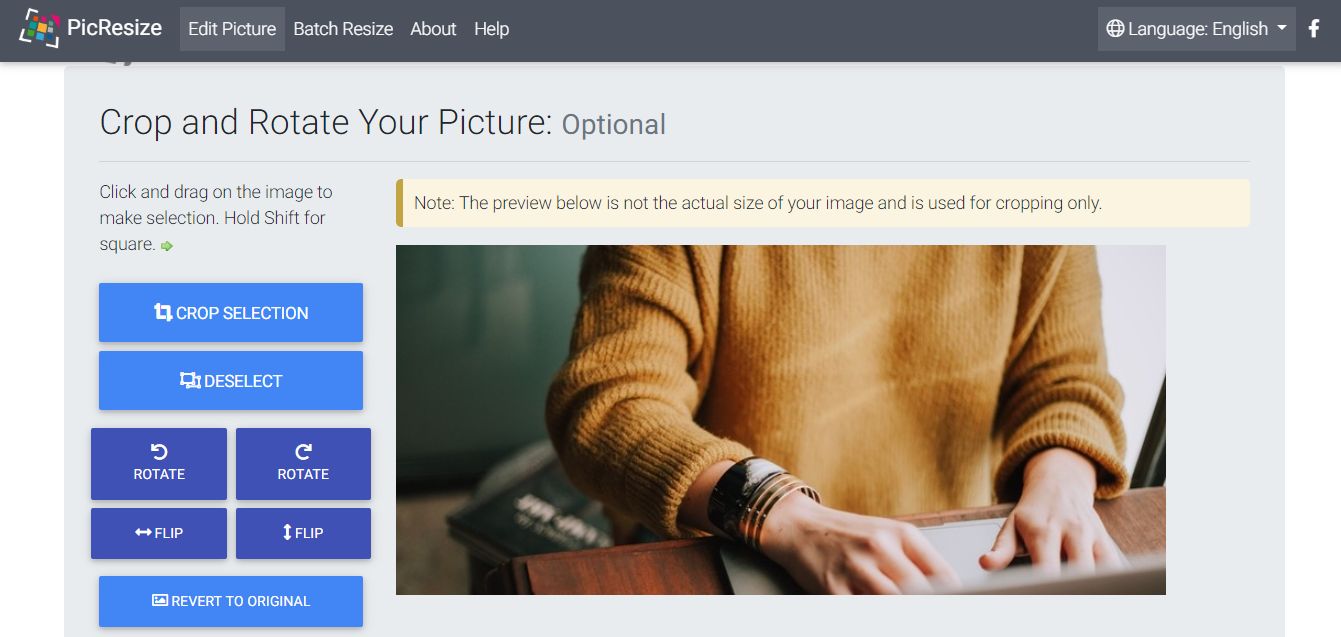
    Picresize Crop, Resize, Edit images online for free
    Picresize Crop, Resize, Edit images online for free

    Next is Picresize, a free online photo editing platform that offers easy photo editing, as the name suggests, the main feature of this platform is to change the image size, namely rotate, crop, and flip.

    But in addition to the features above, this application also has several filter effects that you can choose if you want. This platform can be used without having to register or sign up first, very practical for those of you who are just cropping or resizing images.

    How to use it is also very easy, just enter the image you want to edit, you can use the upload feature via a computer or insert a URL, and after that just edit the uploaded image according to your wishes.

    #4. Polarr: Online Photo Editor
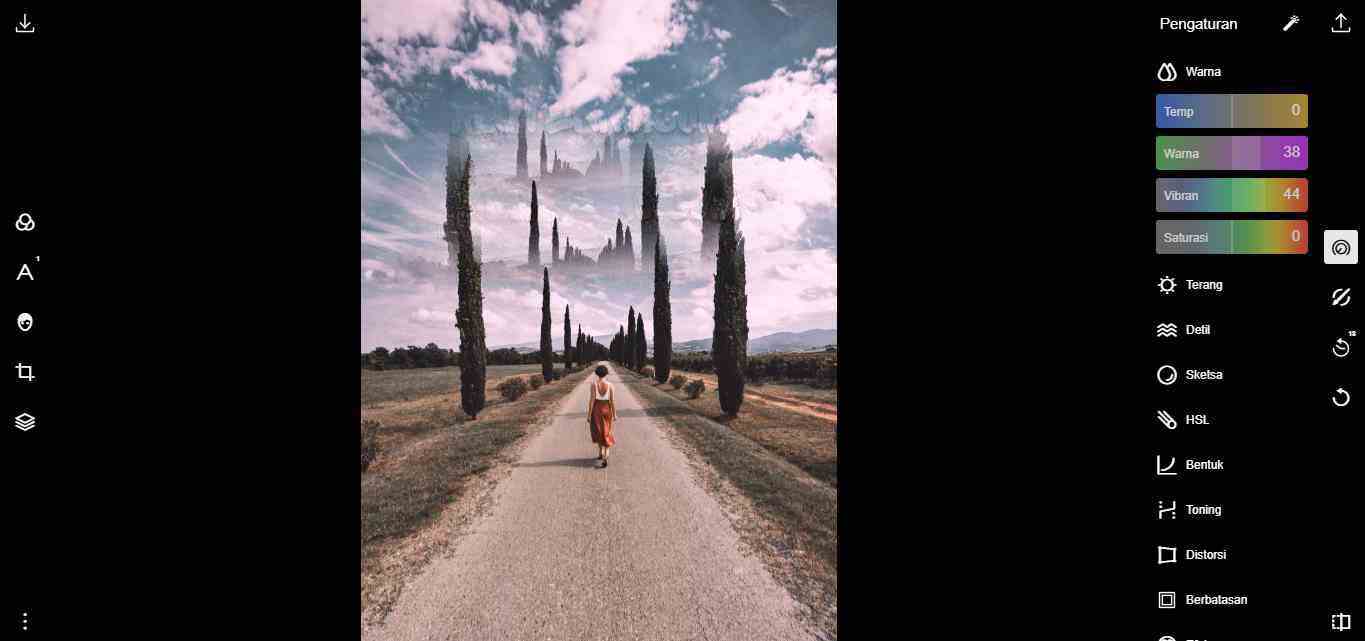
    Polarr Photo Editor
    Polarr Photo Editor

    The next free online photo editor recommendation is Polarr, Polarr is an artificial intelligence or AI-based graphic editor who was founded in California in 2014.

    Also Read:   10 Best Launchers for Android Phones

    Polarr has an interface that at first glance is almost the same as Pixlr but is simpler and easier to access without having to mess around with various tools.

    Polarr has a variety of filters that will make your photos more aesthetic when uploaded on social media. In addition to having a variety of interesting filters, Polarr also has other features like other photo editors such as image resizer, adding text, and changing color tones. To use this online photo editor, you can access it at photoeditor.polarr.com

    #5. Photopea: Online Photo Editor
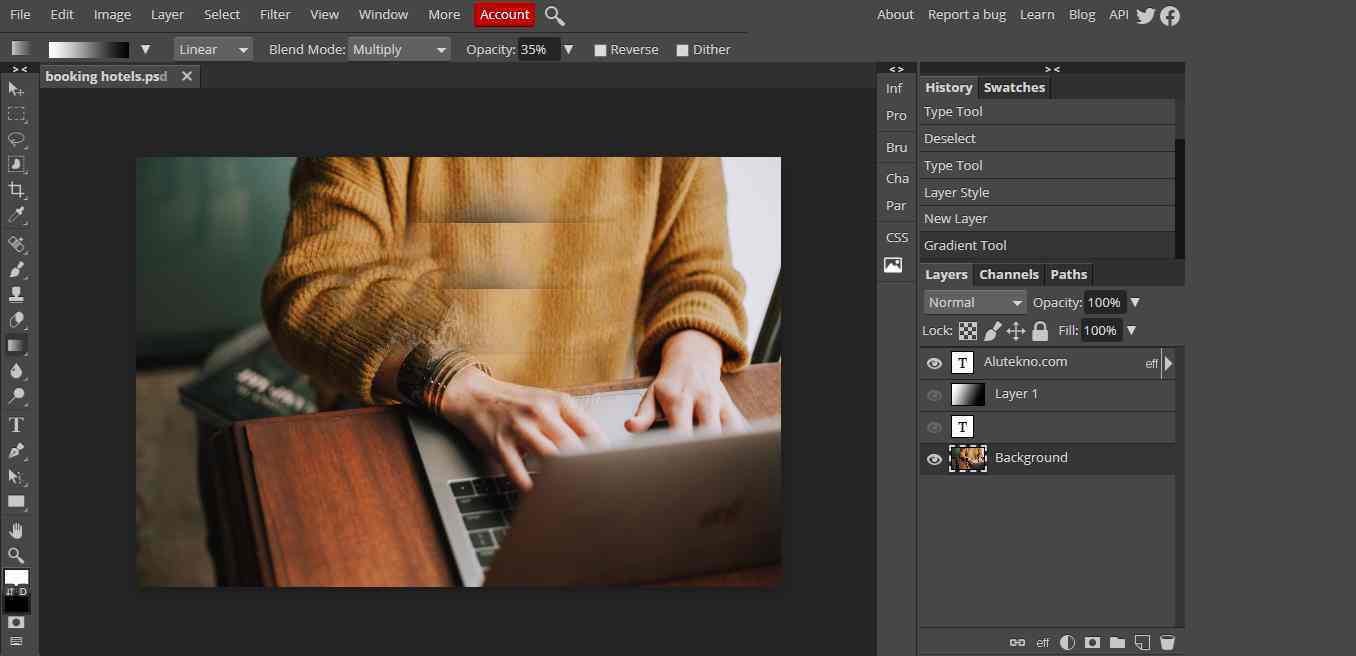
    Photopea Online Photo Editor 1
    Photopea Online Photo Editor 1

    Next, there is Photopea, Photopea is a web-based raster and vector graphics editor that is used to edit images, create illustrations, design the web, or convert different image formats.

    Photopea is an ad-supported software, with ads you can use this application for free. Photopea is compatible with several web browsers, including Opera, Edge, Chrome, and Firefox.

    This photo editing application is very similar to Pixlr, but your connection must be stable because this application is quite heavy to run and several times delays waiting to load each change is complete.

    #6. Fotor: Free Image Editor & Graphic Design
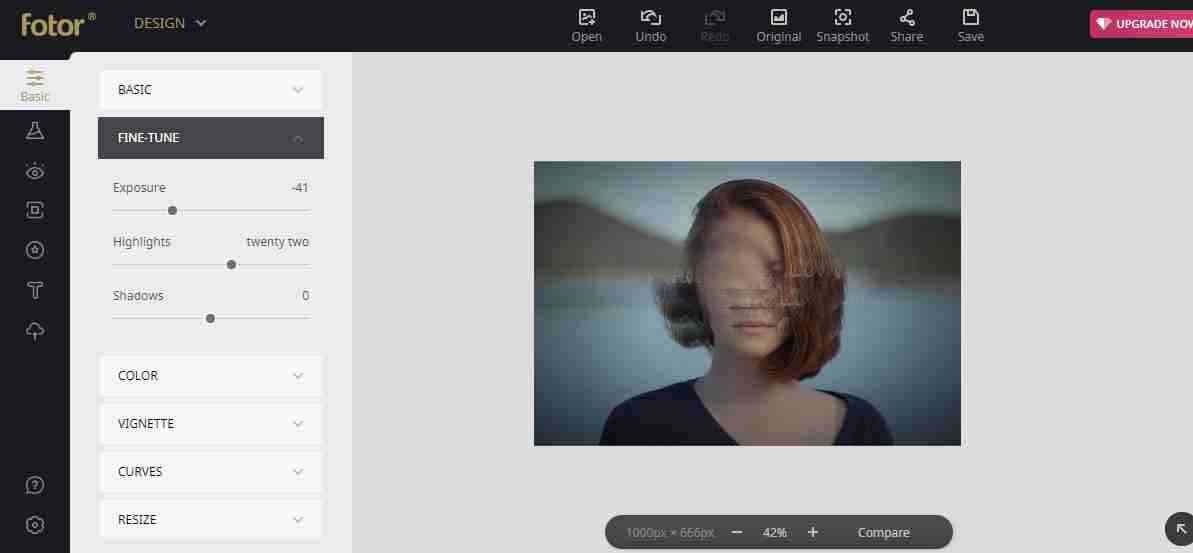
    Fotor Free Image Editor and Graphic Design
    Fotor Free Image Editor and Graphic Design

    The next free online photo editor recommendation is Fotor, this application provides features that are a combination of Canva and Polar because it has a variety of attractive design templates that you can use, from invitation designs, Facebook covers, posters, photo cards, YouTube banner ads, and many more. much more.

    In addition, this application also has a retouching feature that allows you to make photos more lively or colorful and can even beautify your face or remove pimples easily and quickly.

    #7. Photoshop Express
    Photoshop Express
    Photoshop Express

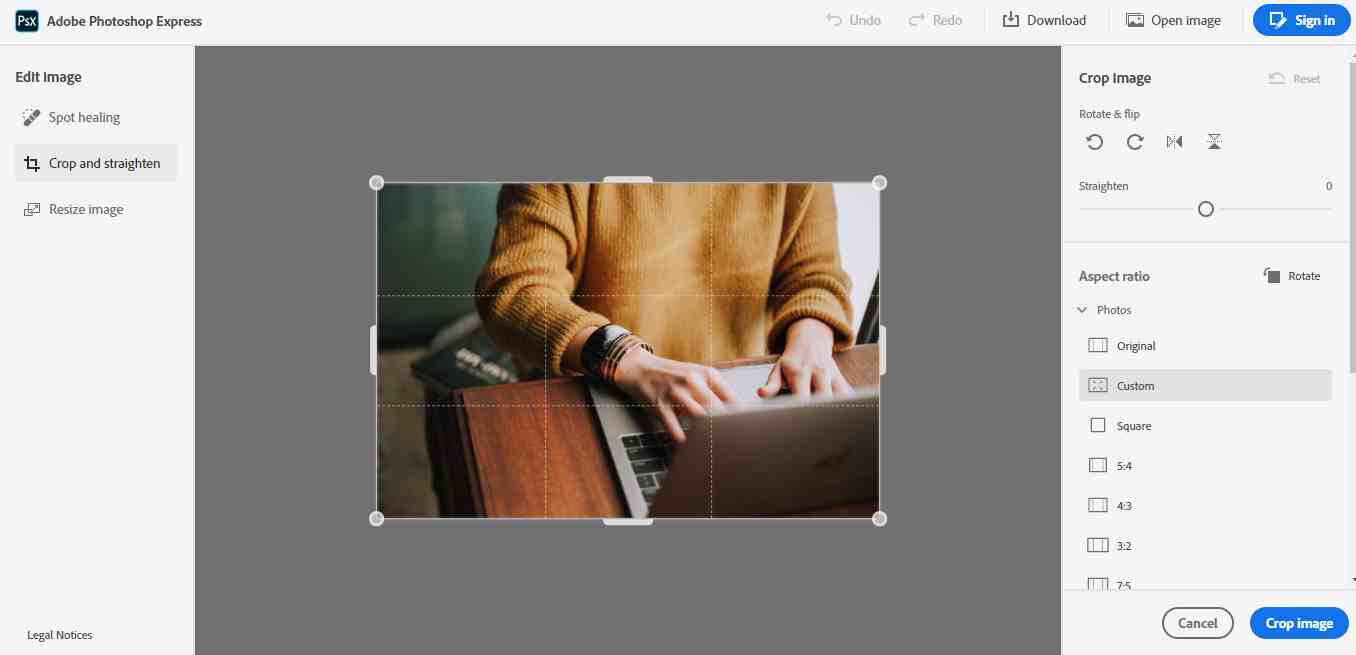
    Furthermore, there is a free version of Adobe Photoshop that you can use, namely Photoshop Express, because the free version means you can only use a few features, such as cropping, and spot healing to remove certain parts neatly, and image resizing.

    Some of the features above are sufficient under certain conditions when you don’t need a lot of tools for complex photo editing. You can access Adobe Photoshop Express at photoshop.adobe.com

    #8. Fotoram.io
    Fotoram.io
    Fotoram.io

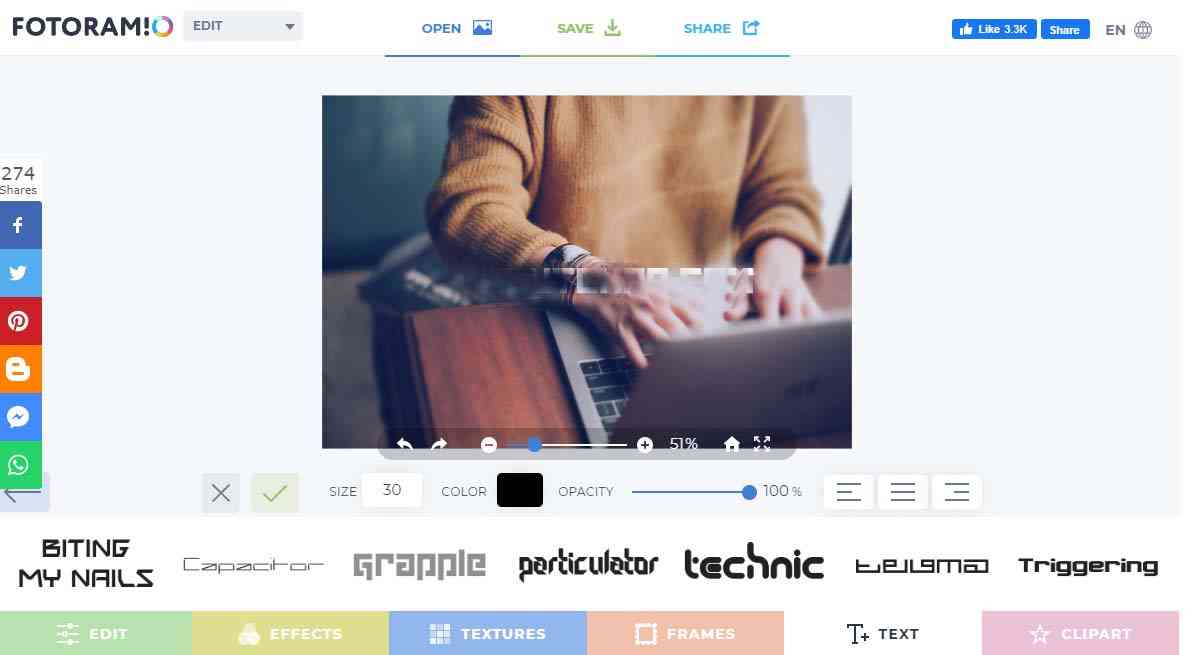
    The next recommendation is Fotoram.io, Fotoram.io has 3 main features, namely Photo editing, Art Style, and Photo Collage.

    This application is quite light to run and its features are also sufficient for simple photo editing such as adding text, cropping, providing filter effects, and changing color tones.

    Fotoram.io
    Fotoram.io

    The art style feature in this application can convert images into various interesting art ranging from anime to abstract and comic effects with just one click.

    You can access this application for free on their official website, Fotoram.io

    #9. Ipiccy Photo Editor – Mobile
    Ipiccy Photo Editor – Mobile
    Ipiccy Photo Editor – Mobile

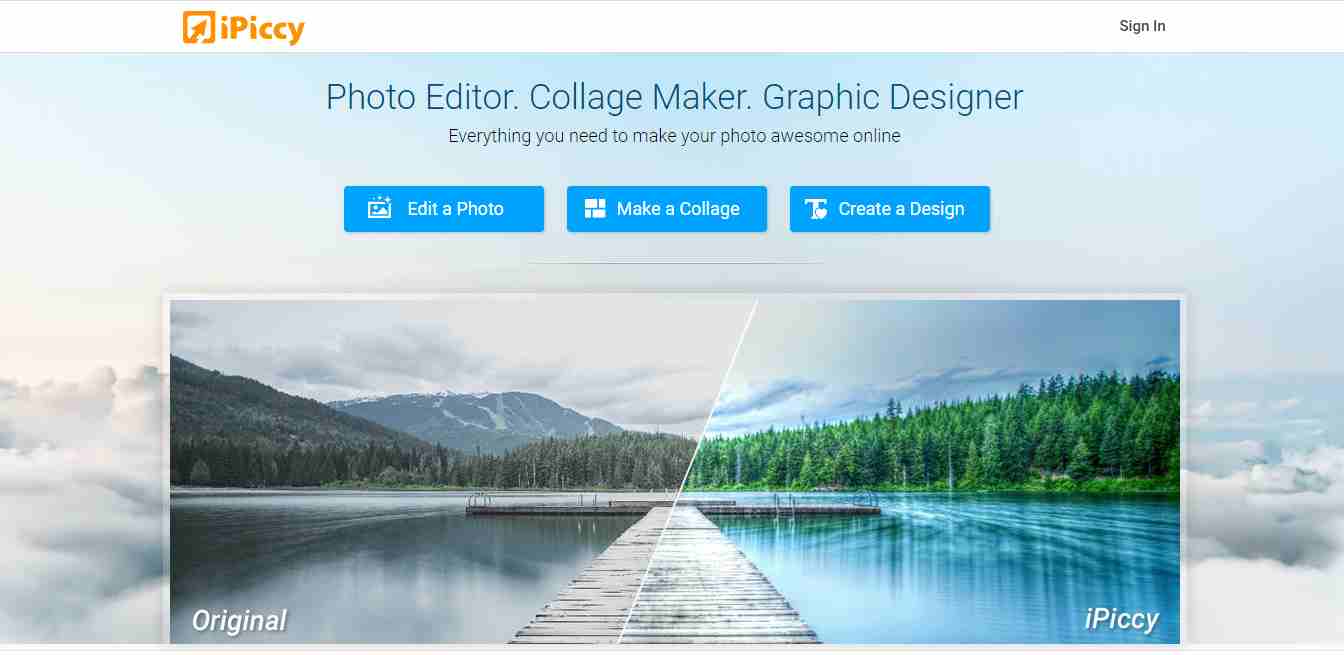
    Furthermore, there is an online Photo Editing Application from Ipiccy, this application has 3 main features, namely Image Editor, Collage Maker, and Graphic Designer.

    For the image editor feature, iPiccy has many photo editing tools that are quite good and easy to use in various browsers. Can adjust photos automatically in one click, crop, rotate, and resize images in no time. Over 100+ photo effects and PRO-level photo enhancement.

    To use this application you must use Flash in your browser.

    #10. Pizap: Free Photo Editor & Collage Maker
    Pizap Free Photo Editor & Collage Maker
    Pizap Free Photo Editor & Collage Maker

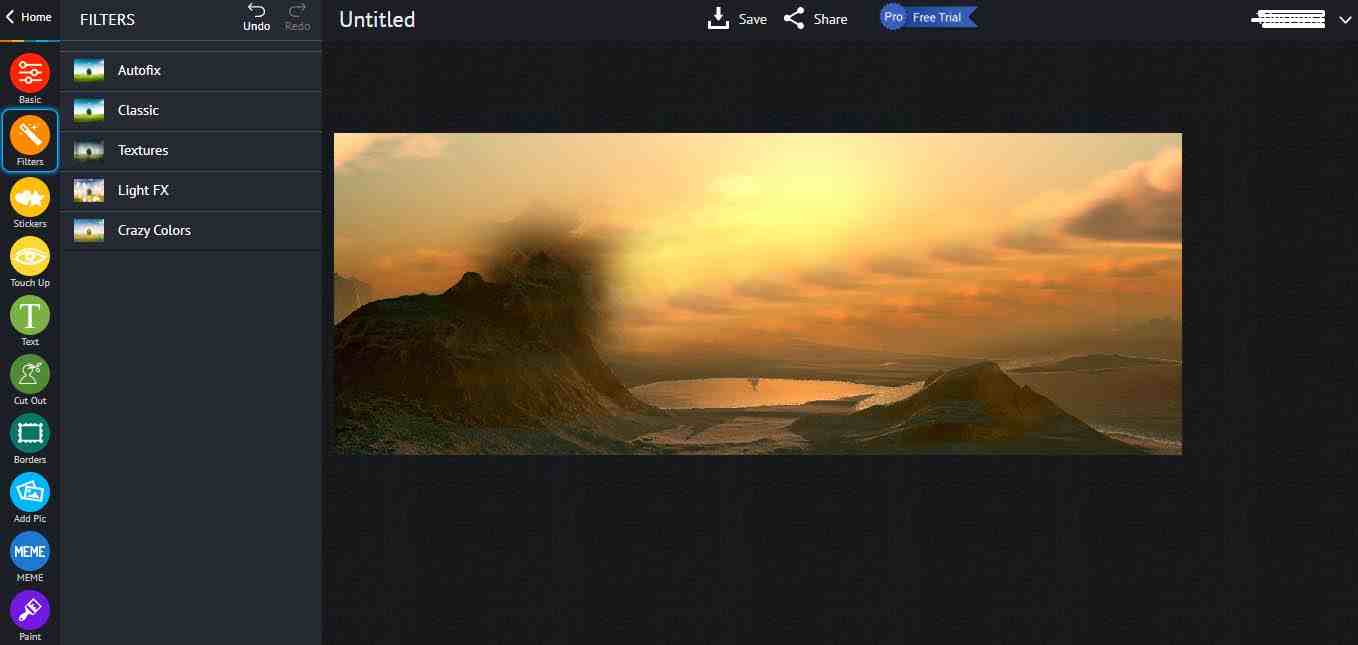
    The last recommended free online photo editing application is Pizap, like other photo editors, Pizap has various features such as an image resizer, text adder, effect filter, and image collage.

    This application can be an alternative to free image editor applications that you can use to edit photos. However, many features such as fonts and effects cannot be used because you have to become a pro member first.

    Read more:

    Conclusion:

    Those are 10 free online photo editing applications that you can use as photo editor recommendations, we have tried the above application and it works well so we can provide a review and brief review that you can take into consideration before deciding which online photo editing application you will use.

  • 10+ Best Karaoke Apps for Windows and macOS 2025

    10+ Best Karaoke Apps for Windows and macOS 2025

    10+ Best Karaoke Apps for Windows and macOS – If you like karaoke, then you can do it at home using your PC. With special applications such as the PC Karaoke Application, you can karaoke whenever you want.

    10+ Best Karaoke Apps for Windows and macOS
    10+ Best Karaoke Apps for Windows and macOS

    Best Karaoke Apps for Windows and macOS

    This application has a function to maximize computer or laptop devices for karaoke. That way, you can do karaoke very cool. Therefore, if you are interested in karaoke, you can choose one of the applications below as a reference.

    Read more:

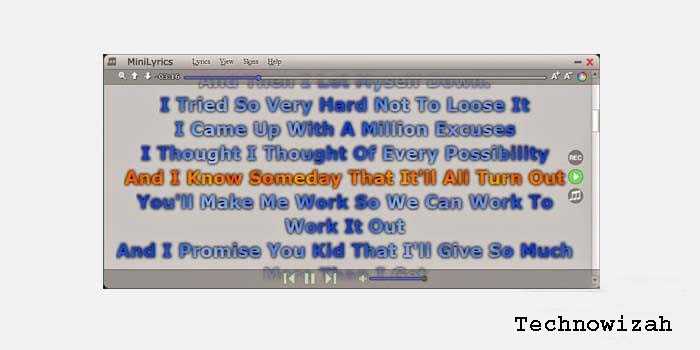
    #1. MiniLyrics (Windows)

    MiniLyrics (Windows)
    MiniLyrics (Windows)

    The first application you can use is MiniLyric which you can install on Windows. This application itself can be used on Windows XP, Windows 7, 8, and 10.

    The advantage of this application is that you can use it for free. This application is perfect for those of you who want to use it personally.

    #2. Karaoke Tube (MacOs)

    Karaoke Tube (MacOs)
    Karaoke Tube (MacOs)

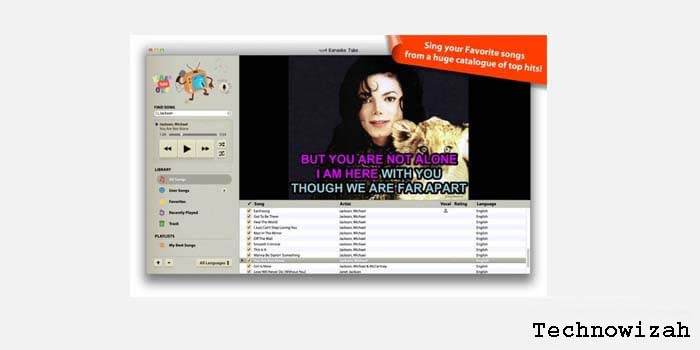
    While the best karaoke application for PC is Karaoke Tube. This application has a large collection of songs up to 7000 songs. To use it, you are also quite easy because you just install and run the application.

    That way, you can choose the song according to what you want. This application also provides karaoke videos with HD quality.

    #3. CDG Plug-in Winamp (Winamp)

    CDG Plug-in Winamp (Winamp)
    CDG Plug-in Winamp (Winamp)

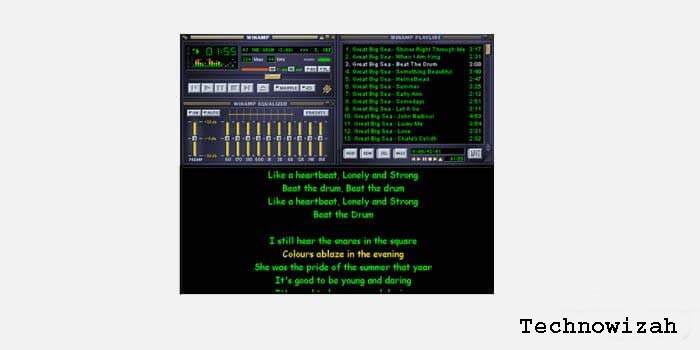
    This one application is a plugin for Winamp. The function of this application is to turn Winamp into karaoke software.

    That way, you no longer need another karaoke application. By using this application you can karaoke quite easily.

    #4. Tri Karaoke (Windows)

    Tri Karaoke (Windows)
    Tri Karaoke (Windows)

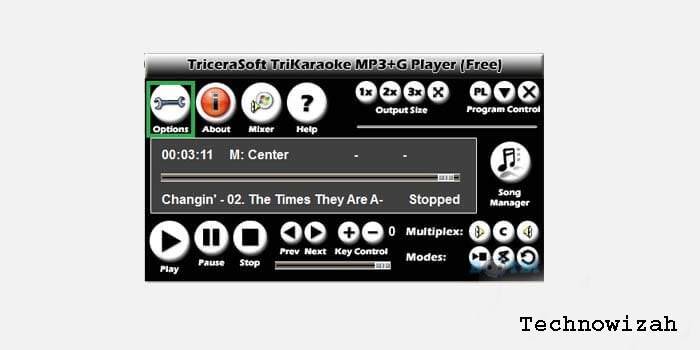
    The next application is Tri karaoke which will make other users happy. This application also has pretty cool features such as deleting vocal sounds, setting the tempo, and so on.

    In addition, this one software can play all song files ranging from mp3, mov, flv, and so on. With a simple and easy-to-understand display, it will certainly be a distinct advantage in this one application.

    #5. kJams (macOS)

    kJams (macOS)
    kJams (macOS)

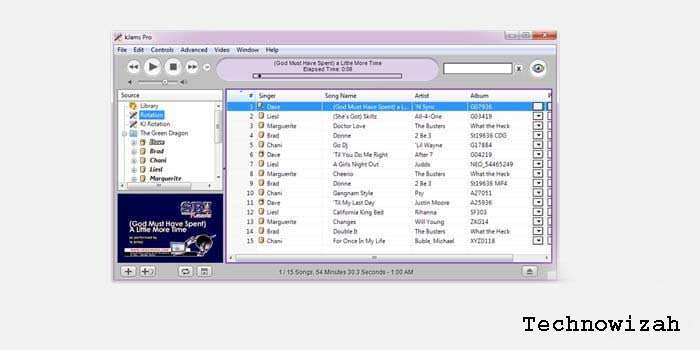
    This Karaoke PC application is indeed quite satisfying because it has an interface similar to iTunes so it is very pleasant to look at and use.

    The advantage of this application is that it can be used very easily so you can start karaoke using this application.

    This application itself has two versions, namely the Lite version and the Pro version. That way, you can get comfortable when using this one application.

    #6. Advanced Karaoke Player (Windows)

    Advanced Karaoke Player (Windows)
    Advanced Karaoke Player (Windows)

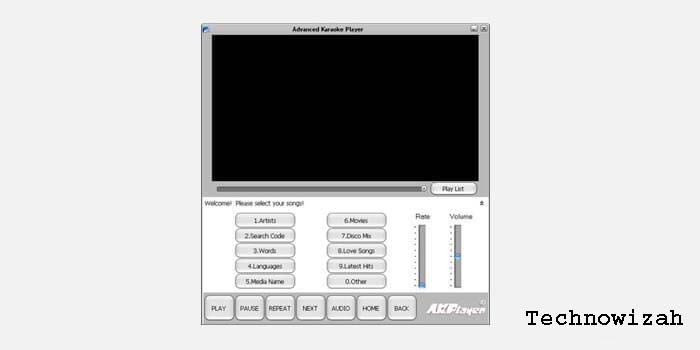
    The next interesting application is the advanced karaoke player. This PC Karaoke application does have a lot of features where this application has a collection of millions of songs which of course can be played for free.

    In addition, users can also adjust the tempo of the song so that they will feel comfortable while karaoke.

    #7. PCDJ Karaoke (Windows)

    PCDJ Karaoke (Windows)
    PCDJ Karaoke (Windows)

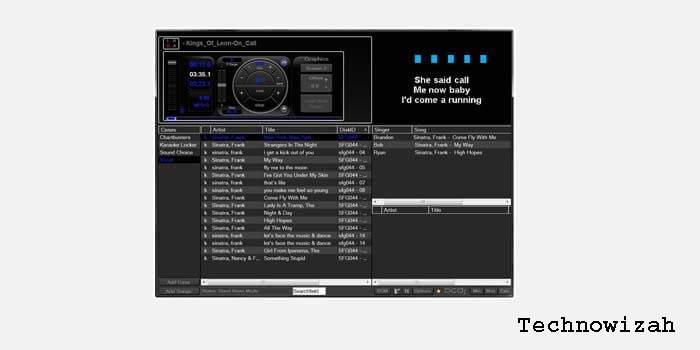
    PCDJ Karaoki is one of the best PC Karaoke applications, which is better than some free karaoke applications. This application is indeed developed professionally so that the features and access are very attractive and convenient.

    This application itself is indeed used for ordinary people. Some of the excellent features of this application are singer rotation, singer display, and other formats.

    #8. iStar (macOS)

    iStar (macOS)
    iStar (macOS)

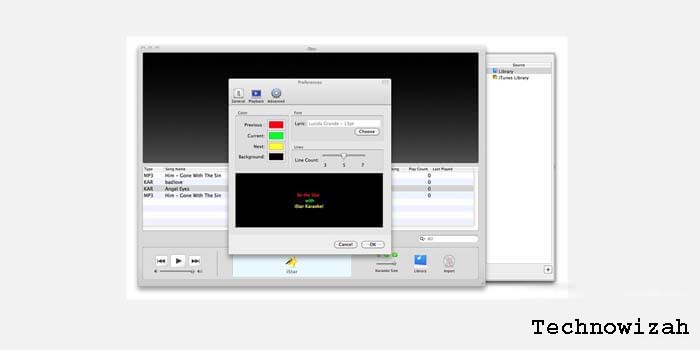
    In addition, you can also use this application to be used for free. Unlike most macOS which is premium, this application is quite different from the free ones.

    Even so, this application has interesting features such as selecting songs and an attractive appearance.

    #9. Siglos Karaoke Professional (Windows)

    Siglos Karaoke Professional (Windows)
    Siglos Karaoke Professional (Windows)

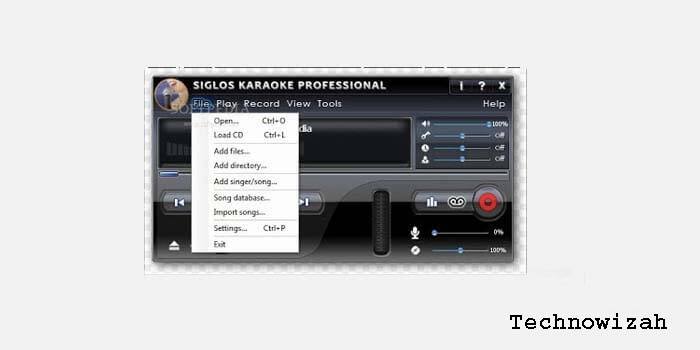
    This application is indeed quite sophisticated with the features and services in it. This application is indeed professional and has several features that make it easier for karaoke owners to karaoke.

    With these advantages, this PC karaoke application will of course make users comfortable when singing.

    #10. Walaoke (Windows)

    Walaoke (Windows)
    Walaoke (Windows)

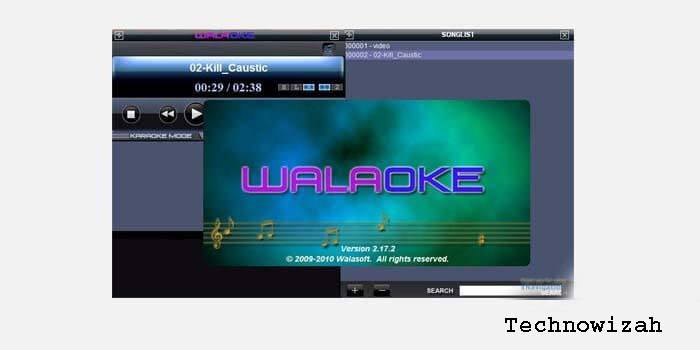
    The other best PC Karaoke application that you can use is Walaoke. This application does have a display that is quite simple and easy to use.

    This application is indeed very suitable for personal use, especially for those of you who want to often karaoke alone at home.

    Even so, this application has exciting features. One of the interesting features is that it uses its video for the songs it plays. In addition, you can also print out the list of songs available in this karaoke software.

    With the various advantages of the PC Karaoke Application, of course, you will get comfort when karaoke wherever you are.

    Conclusion:

    In addition, the existence of this karaoke application will also make you more comfortable and enjoy filling your free time without having to go to a karaoke place to karaoke more easily.

  • 13 Best Digital Marketing Tools to Increase Productivity 2025

    13 Best Digital Marketing Tools to Increase Productivity 2025

    13 Digital Marketing Tools to Increase Productivity – These 13 tools can help your productivity and save you time, so you can complete projects that have been set deadlines. Various tools that can improve work productivity also help you to get a balance of life between work and personal life.

    13 Best Digital Marketing Tools to Increase Productivity
    13 Best Digital Marketing Tools to Increase Productivity

    Best Digital Marketing Tools to Increase Productivity

    So you remain a professional!

    Not only that, but these tools can also help you to create an interesting presentation, allowing you to get a promotion!

    Read more:

    And do not need to widen again in the opening, let’s peel the trap in the following paragraph!

    Soon we start the discussion! Digital Marketing tools.

    Here are Some Best Tools That Can Increase Work Productivity

    There are a lot of online tools that are “scattered” everywhere if you take the time to search on Google, but not all the tools you find can be effective if it does not match the field of your work in the digital marketing world.

    To help you, this article will screen 13 tools that can improve your work productivity.

    Read more:

    #1. PDF to PPT Converter

    Tools That Can Increase Work Productivity
    Tools That Can Increase Work Productivity

    Creating PowerPoint from scratch is pretty complicated, especially when you want to insert a PDF into a slide.

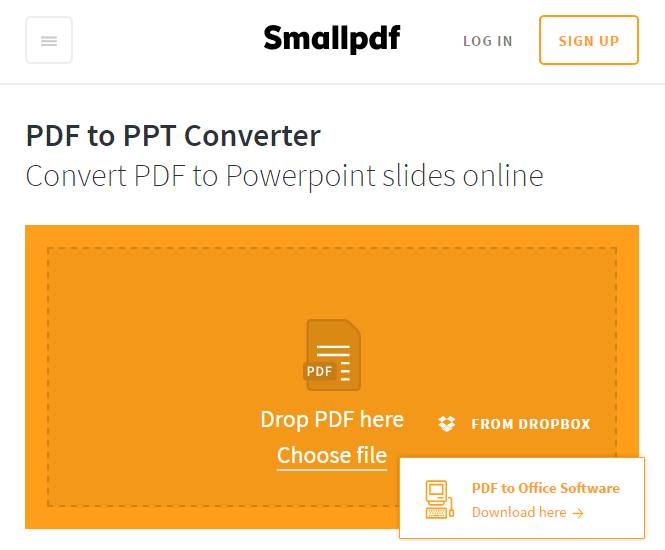
    With this converter, you can turn PDFs into PowerPoint slides. Just upload the PDF and the file will be converted online.

    If you are concerned about privacy, all the files you upload will be removed from the tool 1 hour after being converted.

    Visit:- Website

    #2. RFP Monkey

    RFP Monkey
    RFP Monkey

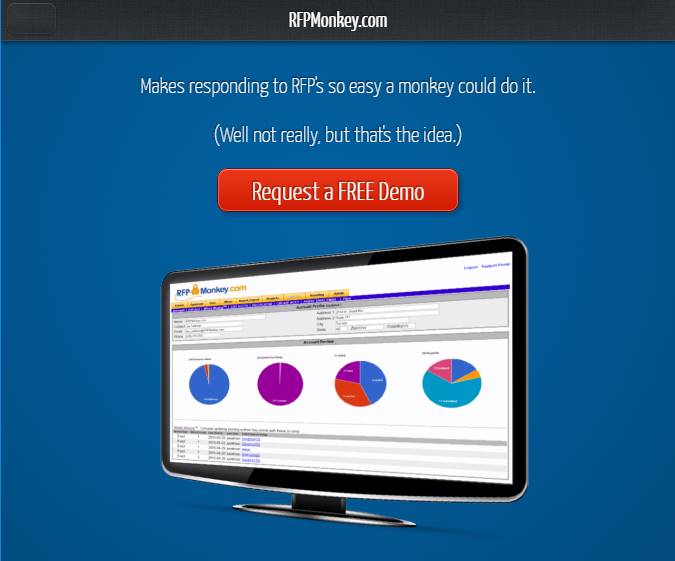
    This tool is a good automation solution and helps you respond faster and better to RFP (request for proposal) or RFI (request for information).

    This wilassist you in reusing, merging, categorizing, and even searching for data sources of knowledge which will then be processed into information for you.

    You can track project tasks from team members and see the progress of RFP or RFI.

    Visit:- Website

    #3. Awesome Screenshots

    Awesome Screenshots
    Awesome Screenshots

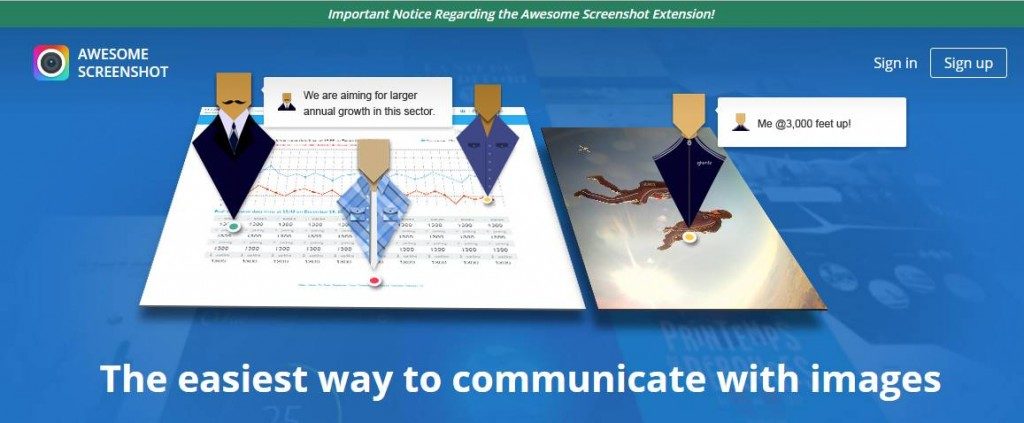
    One of the tools that can improve your work productivity will help you to capture screenshots for all or part of the web page.

    You can add annotations, put in comments, so sensitive information, save and organize images, and get design feedback from your coworkers on screenshots.

    You can also add this tool as an extension on your Chrome web browser.

    Visit:- Website

    #4. SnagIt

    SnagIt

    This website is similar to Awesome Screenshot, Snagit will help you to capture the image on the computer with a few clicks.

    You can customize the screen you capture with markup tools. You can also create fast videos by recording your screen and then giving narration and tidying up.

    Snagit is also accessible from Android and iOS with the Fuse app, so you can send photos and videos from mobile to your Snagit editor.

    Visit:- Website

    #5. Pixlr Express

    Pixlr Express
    Pixlr Express

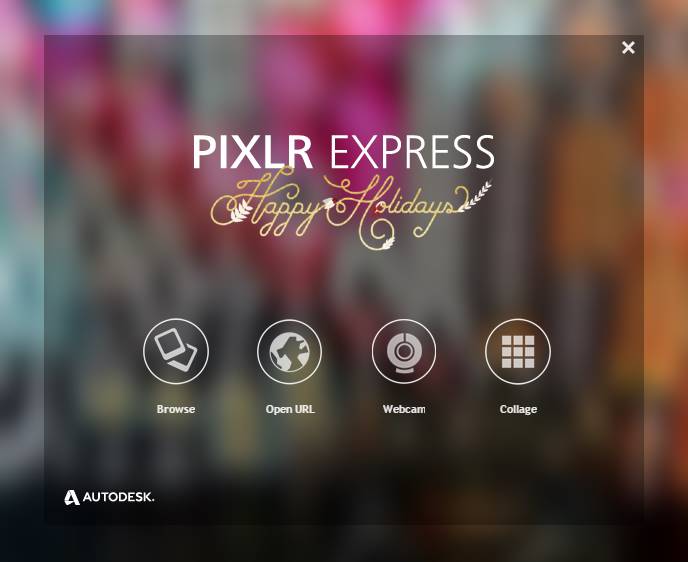
    This online photo editor can help you to resize the size and cut the image through your web browser.

    You can also apply quick fixes to images, and add effects, and borders.

    Visit:- Website

    #6. Tomato Timer

    Tomato Timer
    Tomato Timer

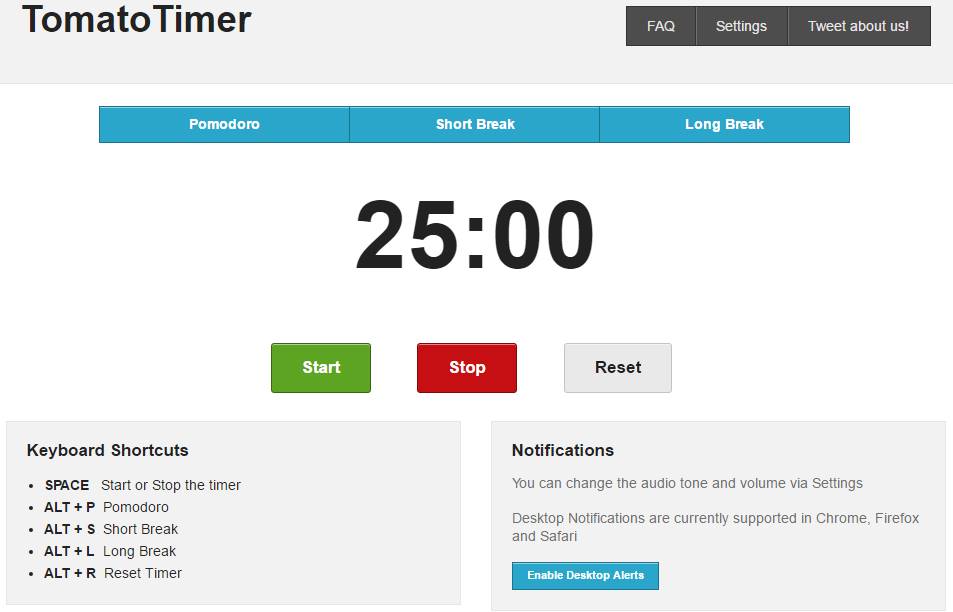
    This mobile-friendly tool helps you take the time to take a break when you use the flexible Pomodoro technique, the time management method to break the work into intervals (usually 25 minutes to focus on work and 5 minutes for a short break). Digital Marketing tools.

    With this timer, you can stop and reset the time, get notified on the desktop with audio notifications, and change the volume and sound alert.

    If you want to organize and add more rest time to your workday, this is one of the tools that can increase your work productivity.

    Visit:- Website

    #7. Toggl

    Toggl
    Toggl

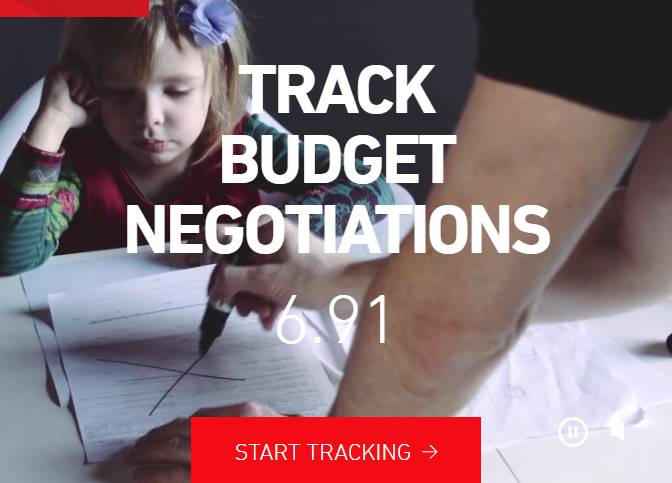
    This tool is an application for time management. When you click the Toggle button, the time will start running and you can track the time it takes to complete various tasks.

    You can do all this through your web browser or you can install it on the desktop.

    Visit:- Website

    #8. Rescue Time

    Rescue Time
    Rescue Time

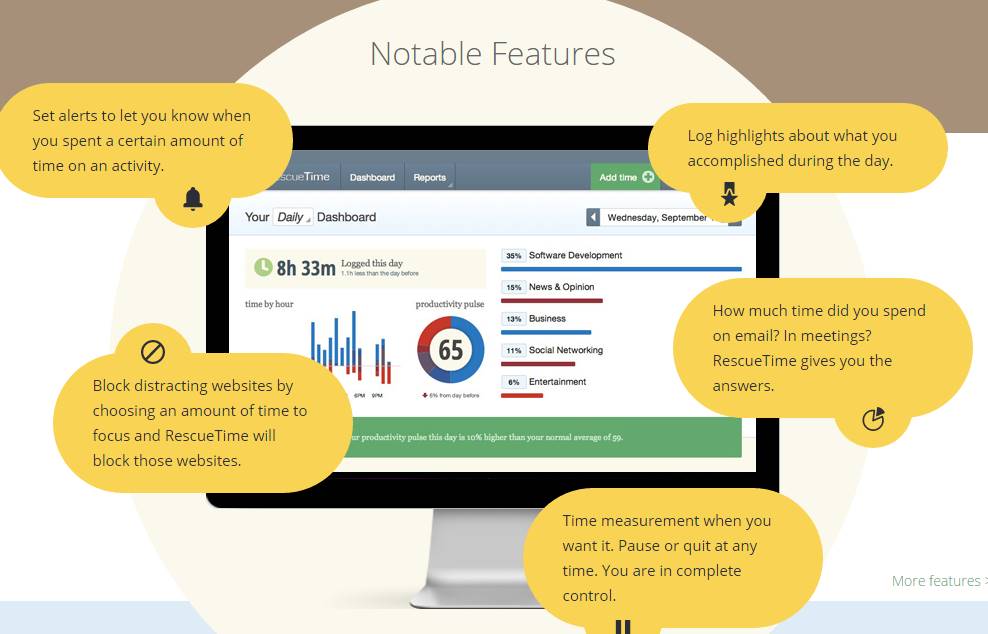
    Similar to Toggl, this tool is more bell and its notifications. One of the tools that can increase the productivity of this work will show you how long your productive time is in a day.

    Not just daily, you will see when your best and worst times are weekly/monthly / yearly.

    Live install on the desktop and then you can start men tracking your productive time.

    Visit:- Website

    #9. Email Future

    Email Future
    Email Future

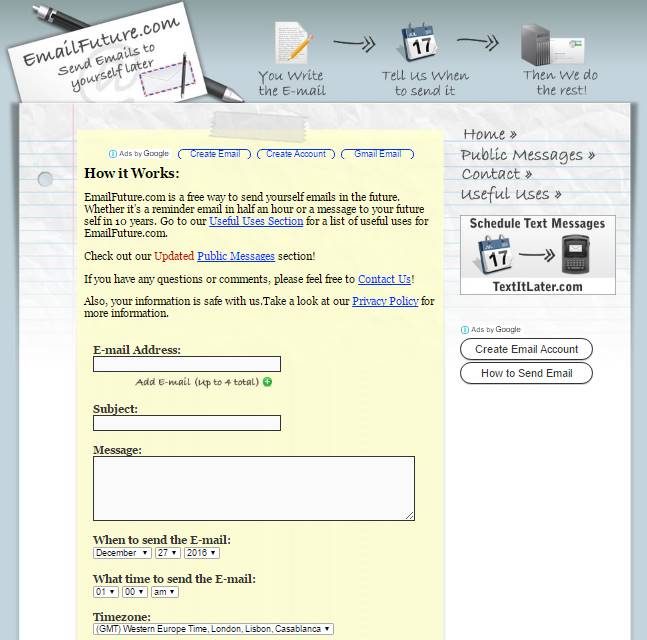
    This tool will send you an email to yourself in the future. Whether it’s a half-hour reminder email or a message to yourself in 5 or 10 years.

    It’s a great way to remind yourself of important days (like birthdays, anniversaries, sporting events, when concerts will go on sale, or decline projects) or remind you to buy something at the grocery store.

    You can send us useful links that you find on the internet or send emails about a list of goals you want to achieve in 5, 10, or 15 years from now.

    Visit:- Website

    #10. List.ly

    List.ly
    List.ly

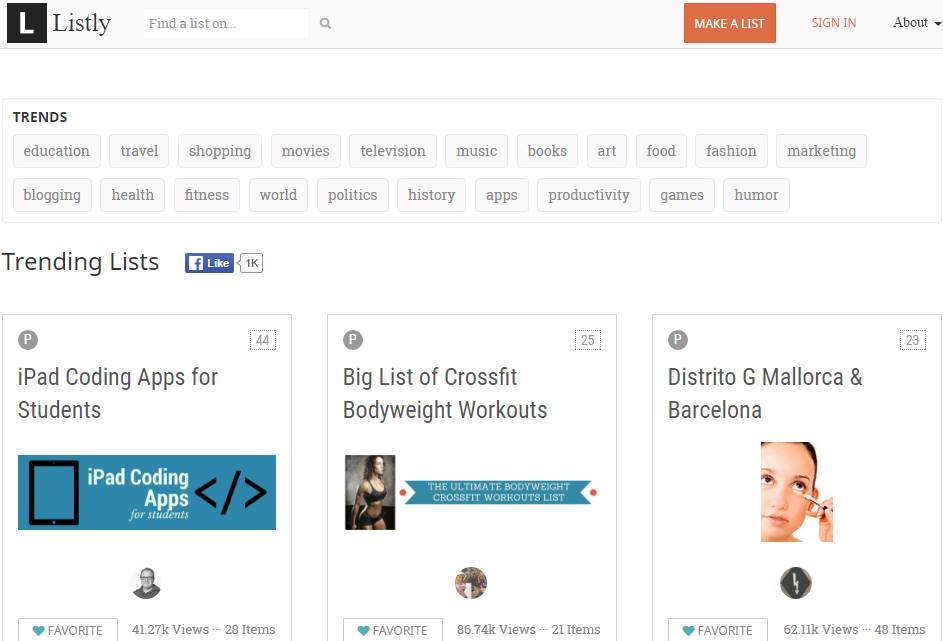
    We all love the list. Some people like to create a list of things they favor. If you are a blogger and you want to keep the list you create, this is one tool that can increase your work productivity.

    This provides you with an interactive and compelling list format for your readers.

    Visit:- Website

    #11. Readability Score

    Readability Score
    Readability Score

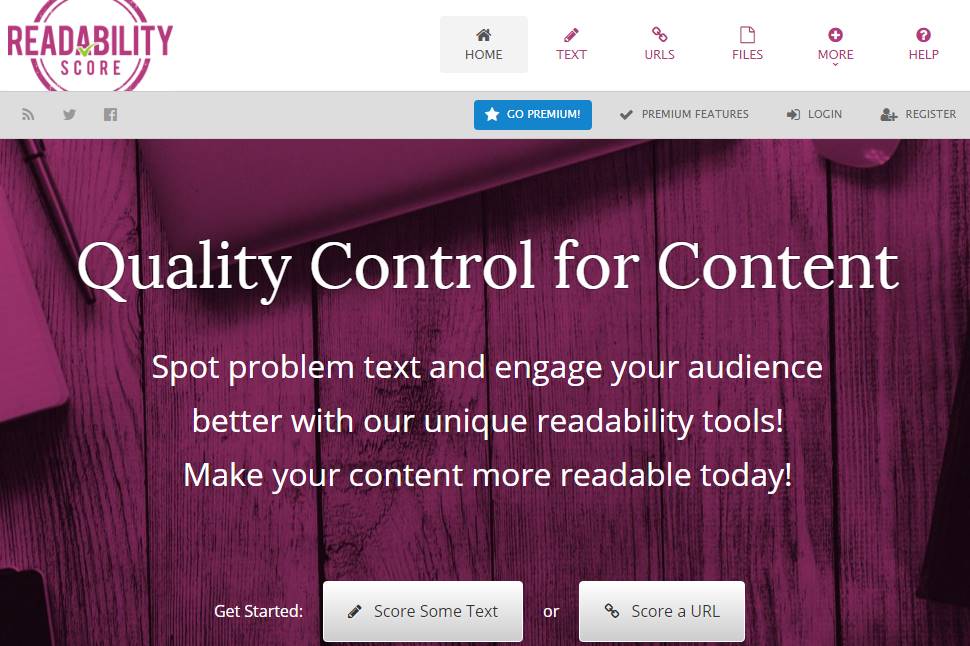
    Want to know how well the legibility of your content is? This online calculator will help you to determine the level of ease of content in readability, with a scale of 0-100.

    This tool will tell how many characters, syllables, number of words, number of sentences, characters per word, syllables per word, and words per sentence.

    Visit:- Website

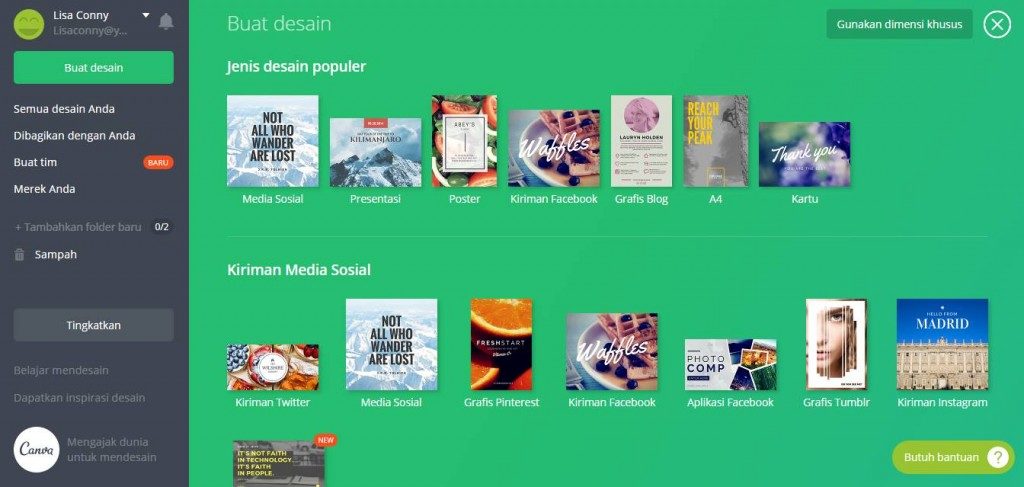
    #12. Graph of Social Media by Canva

    Graph of Social Media by Canva
    Graph of Social Media by Canva

    Do you want to create cool graphics for social media platforms like Facebook, Pinterest, Twitter, Google+, and Instagram? If so, this tool is suitable for use!

    In Canvas, you can access 100 layouts! Open Canvas, select a layout for a particular social media channel, upload your image stock or from the stock image in the app, fix the image, edit the text, and then save.

    Visit:- Website

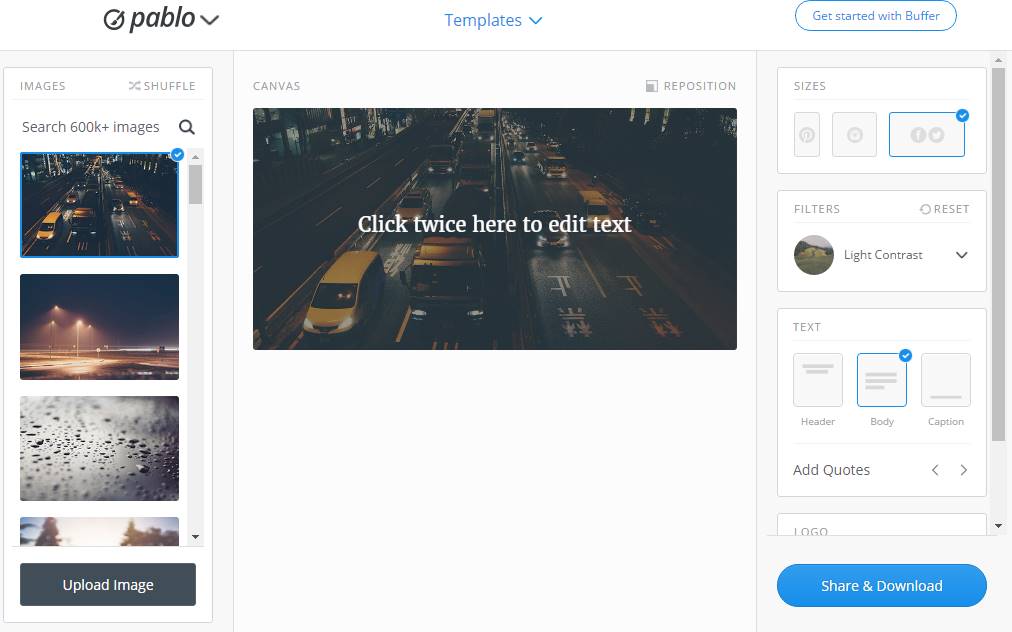
    #13. Pablo by Buffer

    Pablo by Buffer
    Pablo by Buffer

    Similar to Canvas, Pablo is a tool that can increase your work productivity by creating images that engage in social media networks.

    Then, you can share images via Twitter, and Facebook, or add them to your Buffer queue.

    Visit:- Website

    #14. RecordCast Online Screen Recorder

    RecordCast Online Screen Recorder
    RecordCast Online Screen Recorder

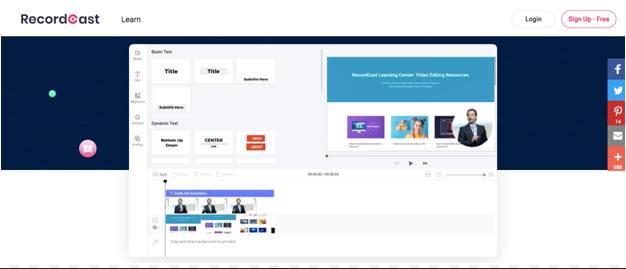
    If there is no tool to support screen recording, it will be extremely flawed to perform tutorials. RecordCast is an effective and quality computer screen recording tool for you. Because it can record the screen online, and allow users to capture webcam footage and schedule editing efficiently.

     
    Not to mention, it also supports simultaneous recording of audio and video, so users can easily create and edit content quickly.

    Read more:

    Conclusion:

    Okay, now we’ve reached the end of the article. Of the many tools that can increase your work productivity, approximately which do you use first?

    Whatever you choose, at least you immediately practice it to test whether the tools fit your work style.

  • What is Digital Marketing and How to Use for Your Business 2025

    What is Digital Marketing and How to Use for Your Business 2025

    What is Digital Marketing and How to Use for Your Business – Before knowing how to use digital marketing, you must first know what is digital marketing. Digital Marketing or digital marketing can be defined as all marketing efforts using electronic devices/internet with various marketing and digital media tactics where you can communicate with potential customers who spend time online.

    What is Digital Marketing and How to Use for Your Business
    What is Digital Marketing and How to Use for Your Business

    What is Digital Marketing and How to Use for Your Business

    There are various accesses for potential customers to be able to see your offers, such as websites, blogs, and social media (Instagram, Whatsapp, Line, etc.). From some access, they will communicate with you.

    Read more:

    In the world of digital marketing, you can make prospective customers interested in your offer. You can make advertisements, email marketing, brochures online, and more.

    What is Digital Marketing? Tactics and Examples

    The best digital marketers are those who have a clear picture of how each digital marketing campaign he has supports the purpose of their offer. Depending on the purpose of their marketing strategy, digital marketers can make larger campaigns through the free or paid media that they have. if you are looking for the best Linux hosting services

    then you can try your website.

    What does a Digital Marketer do?

    According to one of the world’s best digital marketing companies, Brew Interactive SEO Agency, SEO is more of an art, rather than a science. This is because they feel that the right SEO Manager understands the importance of content as the driving force behind SEO success. Gaining organic traffic is not an easy task under any circumstances.

    For example, a content marketer can usually make a series of blog posts that function to invite. Social media marketers function to help promote blog posts through paid and organic posts (not paid) on social media accounts.

    The task of email marketers is to create email campaigns to be sent to prospective customers to be interested in the offers offered.

    The following is a brief review of some fairly common digital marketing tactics and the media involved in each marketing.

    #1. Search Engine Optimization (SEO)

    This is the process of optimizing your Digital Marketing Agency to get a higher “ranking” on search engine results pages, increasing the amount of organic (or unpaid) traffic your website receives. The useful FF media from SEO include:

    • Website
    • Blogs
    • Infographics

    #2. Marketing Content

    This term shows the creation and promotion of content assets for the purpose of generating brand awareness, traffic growth, acquisition of prospects, and customers. The media that can be used for your marketing content strategy include:

    • Blog Posts
    • Ebooks and Articles
    • Infographics
    • Online Brochure

    #3. Social Media Marketing

    In practice, it is promoting your brand and content on social media to increase brand awareness, control traffic, and generate prospects for your business. The media that you can use in social media marketing include:

    • Facebook
    • Twitter
    • LinkedIn
    • Instagram
    • Snapchat
    • Pinterest
    • Google+

    #4. Pay-Per-Click (PPC)

    PPC is a method for driving traffic to your website by paying for every click. The commonly used PPC is Google AdWords, which allows you to pay, and get the top slots on Google searches at the price of “per click”. Other media that you can use to run PPC are:

    • Facebook Ads
    • Twitter promotion Tweet
    • LinkedIn Sponsored Message

    #5. Affiliate Marketing

    A type of advertisement where you can promote other people’s offers or services on your website. There are several Affiliate Marketing applications, namely:

    • Video ads hosting with Youtube.
    • Uploading affiliate links.

    #6. Native Ads

    Native Ads refer to the main advertisement containing content displayed on a media platform along with other non-paid content.

    One of BuzzFeed’s sponsored posts is an example that you can follow, but there are also many people who consider advertising on social media doubtful “authenticity” – Facebook ads and Instagram ads, for example.

    #7. Marketing Automation

    Marketing automation refers to software that functions to automate your basic marketing operations. Many marketing departments can automate repetitive tasks that they should do manually, such as:

    • The composition of social media posts
    • Update contact list
    • Leading workflow
    • Campaign report

    #8. Email Marketing

    Some companies use email marketing as a bridge to communicate with customers. Email is often used to promote content, price cuts, and events. And direct potential customers to visit your website. There are several types of emails that you can use to do email marketing campaigns, namely:

    • Followers of the blog bulletin
    •  Follow up on e-mail visitors who download something
    •  Email greetings for customers
    •  Holiday promotion for member income programs
    •  Similar tips or emails for consumer care

    What Does A Digital Marketer Do?

    Digital marketers are responsible for lifting the brand ( brand awareness) and collecting customer data (lead generation) through all the free and paid media used. This media includes social media, your website, Google, email, and advertisements.

    Read more:

    Digital marketers usually focus on making work methods or work systems marketing with digital systems / online. Digital marketers who are responsible for SEO, for example, measure “organic traffic (visitors who come to your website without paying)” your website from the number of website visitors who visit your website through search.

    Digital marketing is divided into several marketing roles, in small or large companies requiring the role of each digital marketing. So there are several roles that exist in Digital marketing, namely:

    • SEO Manager

    KPI Standards (Performance Indicators): Traffic Organic = people who come to your website without paying

    In short, SEO managers have the Goal to increase the ranking of your website on Google. Using a variety of approaches to optimize ranking on search engines, this person might work directly with content creators to ensure the content they produce performs well on Google – even if the company also uploads this content on social media.

    • Marketing Content Specialist

    KPI Standards: Set the time schedule, overall blog traffic, and subscribers to Youtube media accounts.

    Content marketing specialists are creators of digital content. Where to create interesting content so that your offer can be desired by prospective customers. The content can be in the form of writing, images, or videos.

    Content marketing specialists also list what content matches your offer, and ensure that content can be launched for campaigns.

    • Social Media Manager

    KPI Standards: Number of Shares, Followers, Likes, Views

    The task of a Social Media Manager is to develop strategies to upload content on social media to communicate directly to prospective customers. Starting from distributing articles, and videos to whatever is needed by prospective customers.

    Social media managers usually work with content marketing specialists. The way it works is that what makes content is a team of specialist content marketing while to spread the content in charge is a social media manager.

    • Marketing Automation Coordinator

    The marketing automation coordinator helps to select and manage the software that allows all marketing teams to understand your prospective customer behavior and measure the growth of your business.

    Because many marketing operations can be run separately from one another, it is important for you to be someone who can group these digital activities into individual campaigns and track each campaign’s performance.

    Does Digital Marketing Work for All Businesses?

    Digital marketing can be used for any business in any industry. Regardless of what your company sells, digital marketing still requires a customer persona (an overview of your customer’s bidding target) to identify your prospective customer needs, and create interesting and helpful online content.

    However, every business has a way of implementing digital marketing strategies in different ways. For example, such as the application of digital marketing in the following business types:

    #1. B2B Digital Marketing

    If your company does a business-to-business (B2B) system, a digital marketing system will be centered on collecting lead generation data. Therefore you need an attractive marketing strategy to produce quality customers for your salespeople.

    Outside your website, you can focus your efforts on media focused on businesses such as LinkedIn, where the majority of your customer demographics spend their time online.

    #2. B2C Digital Marketing

    If your company is business-to-consumer (B2C), depending on the price point of your product, the possibility of your digital marketing efforts is to attract people to your website and make them become customers without needing to be through salespeople.

    Therefore, you might not fully focus on customer data collection (leads), but rather focus on building a customer journey from when someone enters your website until they make a purchase. This means that your product features are more significant than B2B businesses, and you may need to use a stronger Call to Action.

    For B2C companies, platforms like Instagram and Pinterest are often more effective than business-focused platforms like LinkedIn.

    What benefits do you get in digital marketing?

    Unlike most offline marketing (Shop), digital marketing allows marketers (marketers) to see accurate results as you enter data.

    If you’ve ever advertised in a newspaper, you will know how difficult it is to estimate how many people actually buy an offer and pay attention to your ad. And certainly, there is no sure way to find out whether the ad has opened up opportunities for all sales.

    With digital marketing, you can measure ROI (Return on Investment) from almost all aspects of your marketing efforts. What is meant by ROI itself is a measure/quantity used to evaluate the efficiency of an investment compared to the costs and initial capital issued.

    Here are a few examples:

    #1. Measuring Website Traffic

    With digital marketing, you can see the number of people who have seen your website pages a number of times using digital software. You can also see how many pages they visit, what tools they use, where they come from, and so on.

    This knowledge helps you prioritize which types of marketing media spend a lot of time and are more efficient, based on the number of people using the media to page your site. For example, if only 10% of the audience comes to your website (traffic) that comes from organic search (without pay), you know that the problem requires free time in SEO to increase the percentage.

    With offline marketing (shop), it’s hard to know how many people are interested in your brand/brand before they interact with a seller or make a purchase.

    With digital marketing, you can identify trends and behavior patterns of your customers before they reach the final stage of their purchase journey, Checkout. This means you can make the right funnel about how to attract them to your site’s pages and buy your offer

    #2. Measuring Content Performance and Collecting Leads

    Has it ever occurred to you when you distributed flyers, that after sharing you don’t know how many people opened your brochure or how many people were not interested?

    Now imagine that you have the brochure on the pages of your site instead. You can measure exactly how many people see the page where you uploaded the brochure, and you can collect the contact details of those who downloaded it.

    As a result, you can not only measure how many people are involved in your content, but you can also collect quality customer prospect data.

    What type of digital content should you make?

    The type of content you make depends on the needs of the audience at different stages of the buyer’s journey. You have to start by creating a customer persona, or in another sense your target audience profile.

    (use this free template, or try (  makemypersona.com ) to find out what are Goals / Challenges and Challenges facing your target audience. The purpose of your online content should be to help fulfill their goals/desires and overcome their challenges.

    Then, you also need to think about when your target audience is ready to receive the content you make related to the stages in their customer journey. This is usually referred to as content mapping.

    With content mapping, the goal is to target content in accordance with:

    • Characteristics of someone who will consume it (that’s where the customer person comes from)
    • How close is the person to making a purchase (their position in the customer journey)?

    The following are 3 types of Markets and Assets that can be used at each stage of their buyer’s journey:

    #1. Awareness Stage (Cold Market)

    In short, Cold markets are people who have not known the offer you offer. You can collect cold markets through assets:

    1. Blog post. Good for increasing organic traffic when paired with strong SEO and key strategies.
    2. Infographics.

    Because it’s very easy to share, infographics work to increase your chances through social media when other people share your content. (Insert sample infographic image).

    1. Short video. Again, this is very easy to share and can help your brand/brand be found by new audiences by uploading them on platforms like YouTube.

    Warmer Market

    Audiences who don’t know you yet, but know the people who are related to you.

    You can attract this warmer market through an endorsement of you from the people they know.

    Stage of Consideration (Warm Market)

    Warm Market is an audience that already knows you (has already entered your e-mail list, subscriber) but hasn’t purchased your offer/offer.

    You can collect warm markets through assets:

    1. Ebooks It is good to generate prospects because it is generally more comprehensive than blog posts or infographics, which means someone is more likely to exchange their contact information to receive it.
    2. Research report. This is a piece of data that has high value and good content to generate prospects. New research reports and data for your industry can also work for the Awareness stage because they are often taken up by the media or the industry press.
    3. Webinar. Because they are a more detailed and interactive form of video content, webinars are an effective format for content consideration because they offer more comprehensive content than short blog posts or videos.

    Hot Decision Stage

    Hot Market is an audience that already knows you and has bought your offer/offer.

    You can collect hot markets through assets:

    1. Case study. Having detailed case studies on your website can be a form of content that is effective for audiences in the warm-up phase who are ready to make purchasing decisions because this helps influence their decisions positively.
    2. Testimonials. If case studies are not suitable for your business, having a brief testimonial around your website is a good alternative. For B2C brands, think about testimonials a little more loosely. For example, if you sell fashion clothing, testimonials can be photos of how other people arrange clothes or dresses they buy from you with your branded hashtag (hashtag).

    Do You Need a Big Budget for Digital Marketing?

    The answer depends on what elements of digital marketing you want to add to your strategy.

    If you focus on techniques such as SEO, social media, and creating content for pre-existing websites, the good news is that you don’t need a lot of budgets. The main focus is to create high-quality content that your audience wants to consume, except if you plan to save time, the only investment you need is your time.

    Conversely, like online advertising and e-mail list lists, there must be some costs. What it cost depends on the type of visibility you want to receive as a result of the ad.

    Read more:

    Conclusion:

    It is important to remember that the digital world is very broad so to get a lot of customers, you have to start with lots of ideas on content marketing.

    Make sure the content of marketing goes well, and also pay attention to your competitors and what they display on the idea of the content.

    And don’t forget to get in touch with your potential customers through social media marketing because they are interconnected. You can be sure you will succeed in making a successful business with digital marketing.

  • Anti-Piracy! 5 Best Websites To Download Game for Free 2024

    Anti-Piracy! 5 Best Websites To Download Game for Free 2024

    Anti-Piracy! 5 Best Websites To Download Games for Free – For spiders who have a super fast and stable internet connection, getting games by downloading is the right choice. No need to bother walking to the game seller’s shop.

    Anti-Piracy! 5 Best Websites To Download Game for Free
    Anti-Piracy! 5 Best Websites To Download Game for Free

    Anti-Piracy! 5 Best Websites To Download Game For Free 2024

    Especially now that there are many, you know, sites that provide hundreds of games that are ready for you to download for free and legally. Yep, not pirated! Gamulator is another place where you can download free games for your PC or phone for free.

    Read more:

    Gamulator specializes in retro console games and there you will be able to find a variety of games for NES, SNES, NDS, N64, PS1, PS2, Sega, Dreamcast, GB, GBA, and more.

    If you want to get back in time and play some of the titles that were popular in the ’90s and early 2000 then Gamulator is the place to visit.

    The websites also offer emulators that can load these games for you on your mobile device or computer.
    You don’t need the actual console, but you can just install any of the emulators available and load the ROM into them.

    If you are looking for free offline multiplayer games, then you can try, the Top 55 Best Offline Multiplayer Games For Android

    Downloading games from legal sites is really necessary. First, true gamers must appreciate the game makers, right? By avoiding piracy, game developers can be more enthusiastic about making new games.

    Second, you will not be hit by a virus or malware that usually accompanies the download of free but pirated games.

    Of course, spiders avoid that doesn’t happen, right? So, Acer has five recommendations for sites to download free games that are legal and far from being called pirated, let alone viruses. Here are 5 places to download free and legal games.

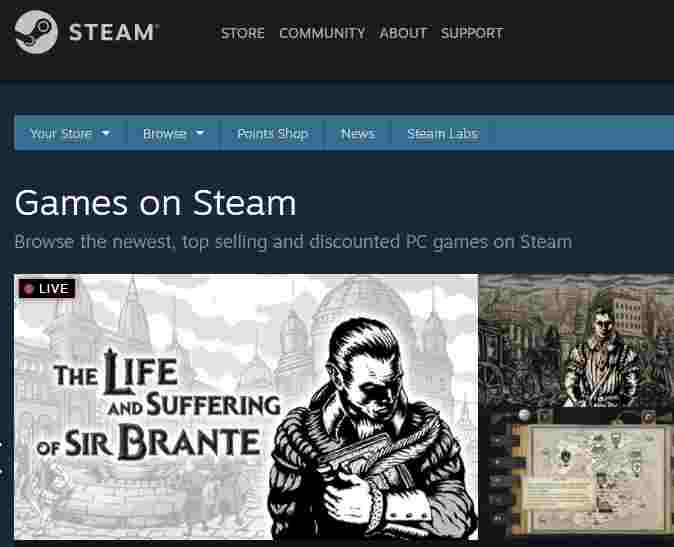
    #1. Steam

    Steam
    Steam

    Steam may be the most famous site and application and also close to the lives of true gamers.

    Besides that, Steam is a place for the “gathering” of gamers who like to play games that are contested in the realm of e-sports. That certainly makes you able to exchange experiences and increase your skills!

    On the Steam app and site, there are many games that you can download, both free and paid. It’s cool, Steam has collaborated with many game development companies that make them able to provide a “container” for you to download games legally.

    How to access it is quite easy. You just have to open the site, register for free, and you will get the application. Games like Dead by Daylight, Hunt Showdown, Monster Hunter World to other famous games are waiting for you to play!

    The most famous game that you can download here is DOTA 2. So, you can download DOTA 2 from Steam.

    Visit:- Website

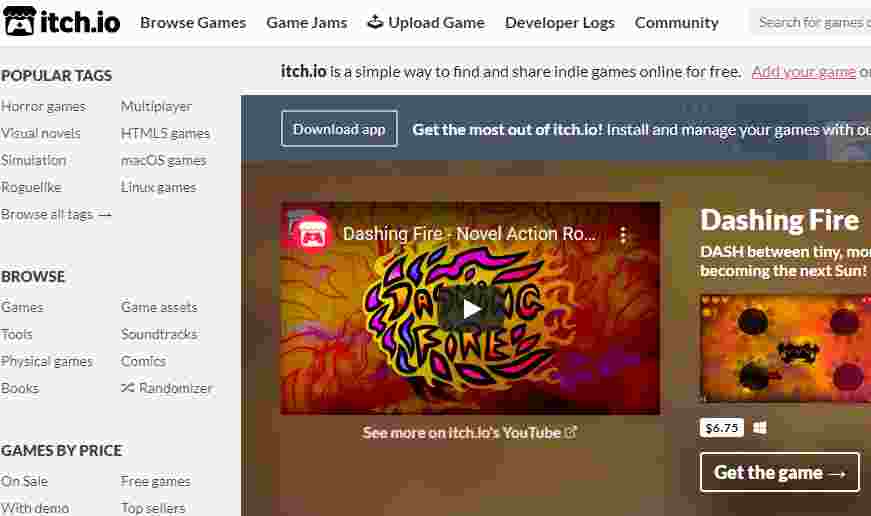
    #2. Itch.io

    Itch.io
    Itch.io

    Itch.io is a site for those of you who like to play famous indie games from all over the world. If you might feel bored with games that are already on the market and have too many players, you can try the itch.io site to download indie games whose reputation is very good in the world of the gaming industry.

    In addition, this site is of course equipped with games that you can download legally, without having to fear the game you are downloading contains a virus that can damage your PC of course.

    In addition, itch.io also collaborates with a blog called Free & Legal PC Games, where the blog reviews the best indie games that you can download legally on itch.io. site.

    Just imagine, itch.io has as many as 47 thousand games that you can download legally, and of course, that way, you also support the developers of indie games so they can improve the quality and of course the performance of the games they make.

    One of the games that you can download is Pamali, a horror game by Indonesian youth who is now viral and played by a world YouTuber.

    Visit:- Website

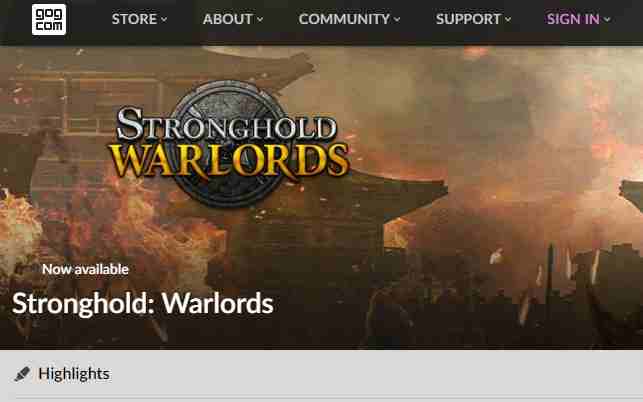
    #3. GOG

    GOG
    GOG

    Just like Steam, Acer wants to give you one recommendation that is similar to the Steam site, namely GOG, which used to be called Good Old Games.

    So, the way GOG works is like Steam. However, once you buy or download a game from GOG, the game will be yours entirely, from the data to whatever is in the game, even if GOG is closed, the game will still be yours along with the data legally. This site contains the latest games like Darksiders III, Hero-U, Divinity: Original Sin 2, and many more.

    If you register at the GOG, they will give you a selection of games for free, so you don’t have to pay or spend a penny to download free games legally!

    Visit:- Website

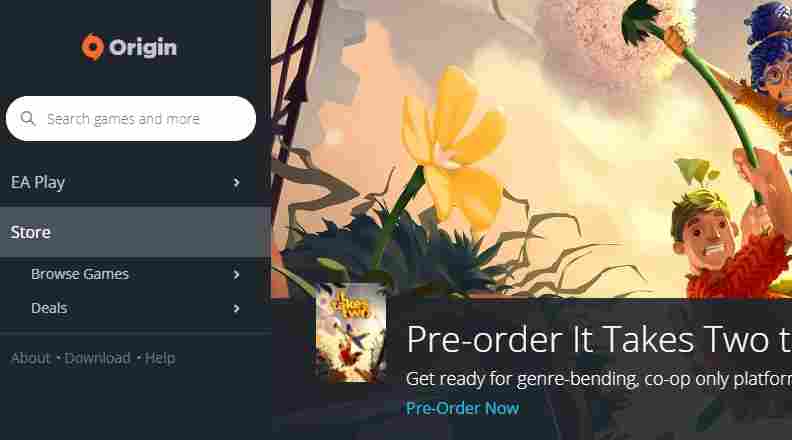
    #4. Origin

    Origin
    Origin

    Besides Steam, there is one site and also an application that has a big name in the world of the gaming industry. Origin, a forum run by Electronic Arts (EA), is a site commonly used by gamers to download various cool and far-from pirated games, let alone viruses.

    Just like GOG, once you buy or download games on Origin, those games will be on your computer forever.

    Origin often offers many big and famous games but it’s free! Of course, this is the main attraction for gamers out there who are looking for good games but have a very cool quality to play.

    This site is equipped with various games, from adventure, and FPS to strategy. Call it The Sims 4, Battlefield V, Ghost Recon, or Far Cry 5 and even you can pre-order FIFA 19!

    Visit:- Website

    #5. Softpedia

    Softpedia
    Softpedia

    This may be your place to download indie games whose names are not as famous as PUBG, DOTA 2, or maybe Rules of Survival, however, Softpedia is predicted to be the place where the “birth” of indie games are over which over time become big and popular among true gamers.

    Around 47 thousand games can be found here. Moreover, Softpedia has a database that contains lots of games complete and interesting to play. You can get games like World of Warships, Lights of Dreams IV, and Unvanquished to FreeOrion.

    Playing the game is fun, but it must be remembered, that games can illegally harm the game developer, so they become lost and even go bankrupt.

    As a true gamer, be a person who respects and respects the hard work of game makers, so they can develop more and even create games that are even more exciting!

    Visit:- Website

    Read more:

    Conclusion:

    So, friends, These 5 Best Websites To Download Game For Free, we recommend for you low-budget gamers, Spacer, the most important thing you have to remember is that downloading free games legally can keep your computer away from viruses, you know! Let’s do it! if you have another or better Download for free Games place, you can write in the comment.