8 Best Fake Numbers Providers Sites For Online Verification – When going to register on social media such as WhatsApp, Instagram, Facebook, line, and other social media, sometimes cellphone numbers become obstacles.
5 Best Fake Numbers Providers Sites For Online Verification
Here are the Best Fake Numbers Providers Sites For Online Verification
It could be that your cellphone number is missing or other conditions. Surely this is an obstacle for you when asked to enter a cellphone number.
Likewise when you want to shop online. No need to be confused because now you can make fake numbers for free.
Fake numbers are no longer a strange thing in this day and age.
Fake numbers themselves are now available paid as well as free fake numbers. If you also want to use this fake number, it can be done from an Android or iPhone computer.
Even more interesting, this fake number turns out to be from a variety of countries ranging from Britain, America, Belgium, and even Indonesia.
For work systems that are in fake numbers, this is more or less using virtual numbers provided by the website for certain applications.
Do you also need a free fake number? If so.
8 Best List of Fake Numbers Providers Sites For Online Verifications
#1. TemporaryNumber
What is it and how it work?
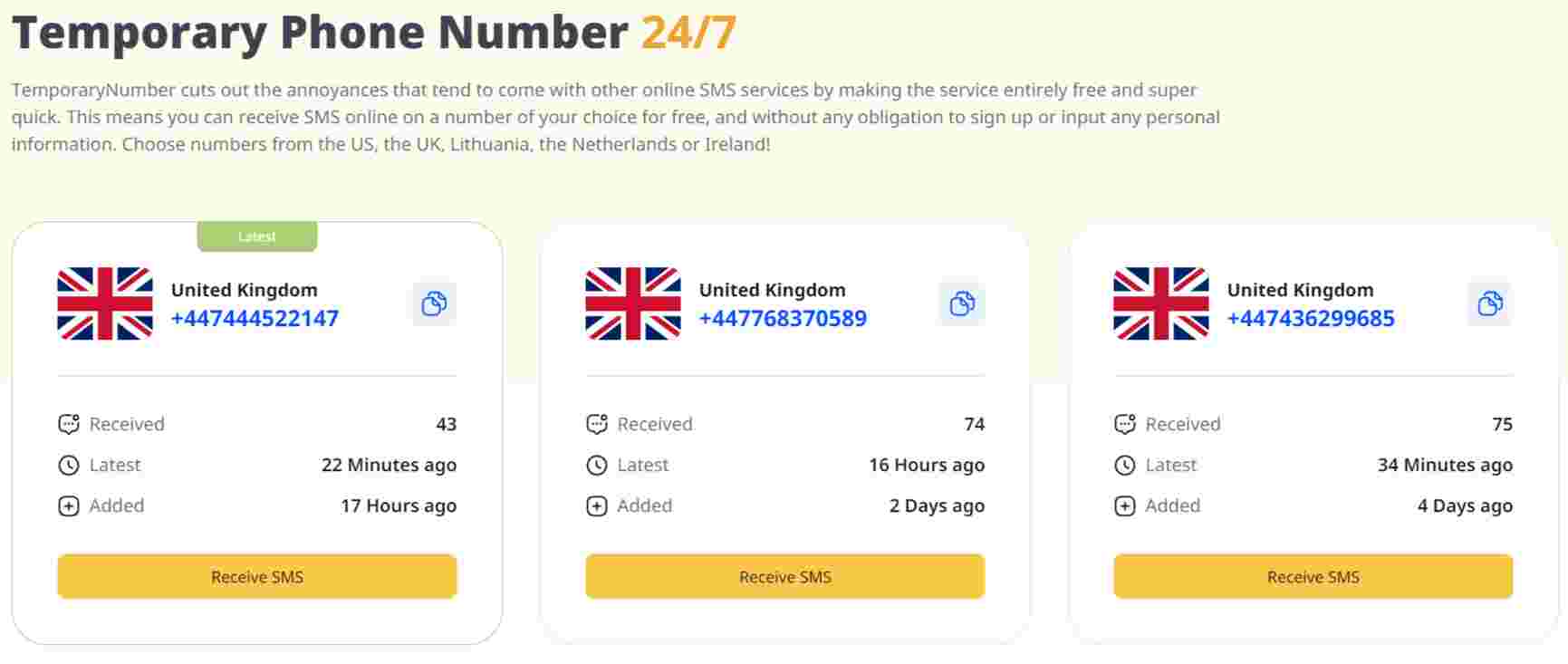
TemporaryNumber, is a free, super easy, and user-friendly service. If you’re looking to get a free temporary phone number for a specific website, service, or app verification, you can receive your verification code within mere minutes with them.
Simply choose the country code you’d like to receive it on – choose from the US, the UK, Lithuania, the Netherlands, or Ireland – double-click on a specific number from that light, and hey, presto! You’re ready to input this number into whichever service you’re trying to register with. Seconds later, you’ll receive your verification code right there on their website. You can use those numbers however often you wish!
Regardless of the country code, every single one of the numbers is entirely free to use, with no catches! You won’t even need to register or enter a credit card to use this service, meaning it is 100% free to use.
What is it used for?
When it comes to what you can verify with TemporaryNumber, there aren’t any limitations. So think of things like:
Social Media
Careers / Business Apps
Messaging Services
Dating Apps
#2. sms.ndtan.net
sms.ndtan.net
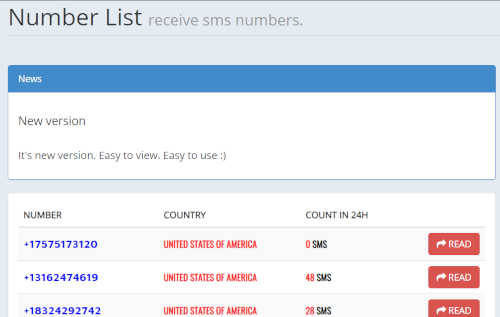
The sms.ndtan.net site provides virtual fake numbers from various countries in the world, including Indonesian numbers.
The number on sms.ndtan.net you can use to verify social media such as Instagram, WhatsApp Facebook, and others.
Visit Sitesms.ndtan.net
#3. www.receivesms.co/indonesia-phone-number/161/
www.receivesms.co/indonesia-phone-number/161/
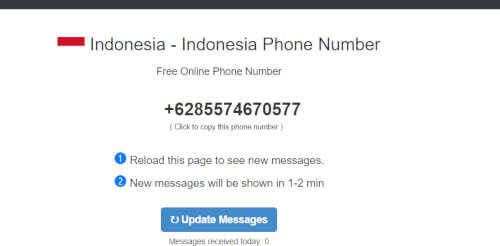
Another site that also provides free fake numbers is www.receivesms.co/Indonesia-phone-number/161/.
This site provides Indonesian numbers and other country numbers. However, Indonesian numbers from this site tend to be limited.
At present, there is only one number that can be used to receive SMS and telephone calls. If you want to get an Indonesian number, then just copy and paste the address of the site.
https://www.receivesms.co/
#4. TextPlus application
TextPlus application
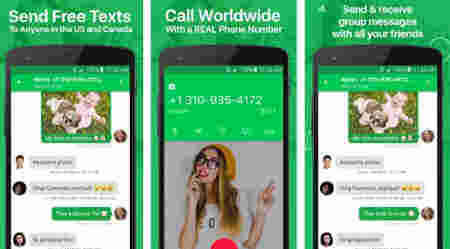
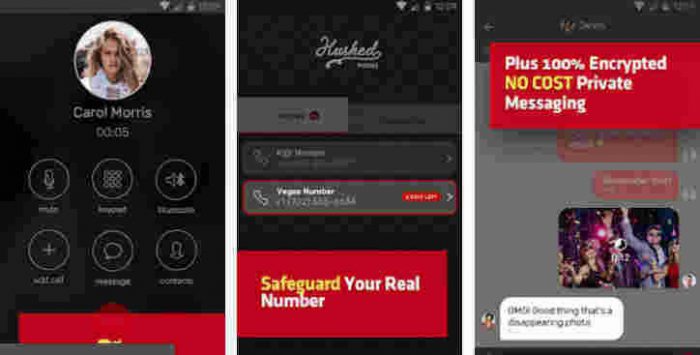
It’s not just websites that provide fake numbers. There is also a textplus application that provides fake numbers that can be used completely ranging from telephone, and SMS to receiving OTP codes.
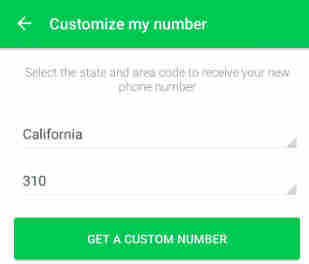
If you want to get a virtual number, first register your email and also your original mobile number.
If you don’t have a cellphone number, then later you will get a separate virtual number. However, numbers in this application are only international numbers available.
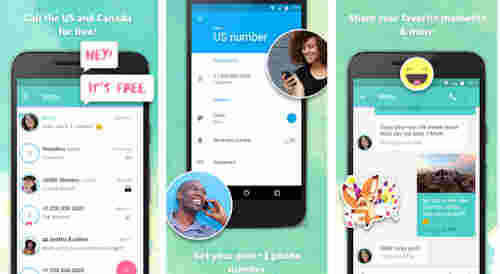
Like nextplus, this application also provides fake numbers. You also have to register yourself first. Nextplus applications tend to focus more on American numbers and no Indonesian numbers.
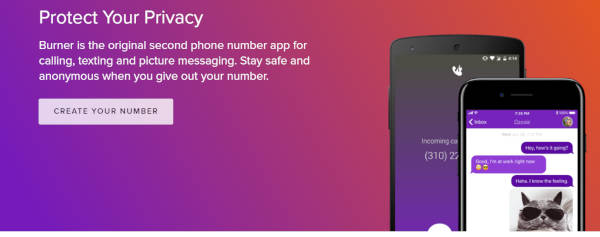
Burner: Smartphone Phone Number is a paid virtual mobile number application. So you cannot use the service of receiving telephone and SMS verification codes for free.
However, this application has the advantage of providing at least 40 telephone numbers from various countries.
So you can choose the numbers alternately for a social media account or chat that is created.
So, friends, These were the best fake numbers provider sites For Online Verification, recommendations, and fake number applications that could be an option. Thus, the matter of verification now will not be a problem anymore.
3 Ways to Screenshot Samsung Galaxy A12 + Images – We are going to share how to screenshot the Samsung Galaxy A12, which is one of the most important functions of a Samsung Galaxy phone.
3 Ways to Screenshot Samsung Galaxy A12 + Images
How to Screenshot Samsung Galaxy A12 + Images
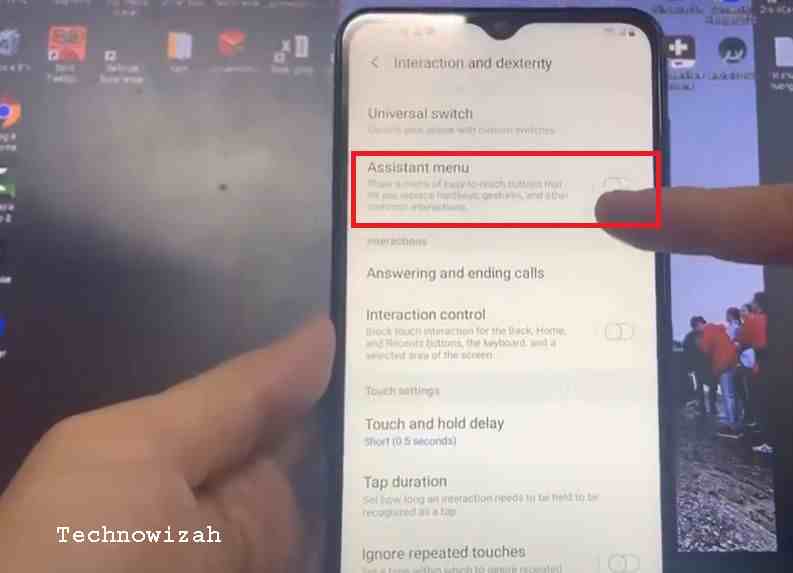
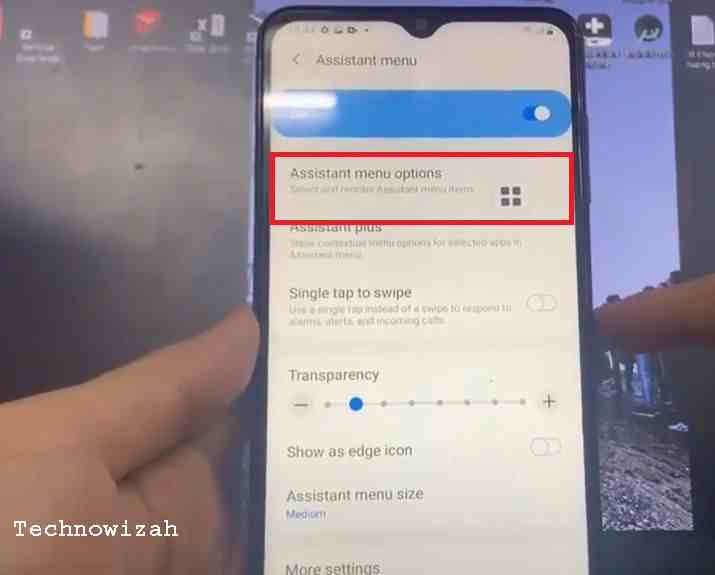
There are many applications that can perform this function, but fortunately, you do not need to install any additional applications, as they are included with the Android 10 operating system.
This is an explanation of 3 ways to Screenshot Samsung Galaxy A12 + Images, you can directly share this image with your friends on social media accounts like Facebook, Instagram, and Twitter. To do this, just click on the Share icon after opening the screenshot.
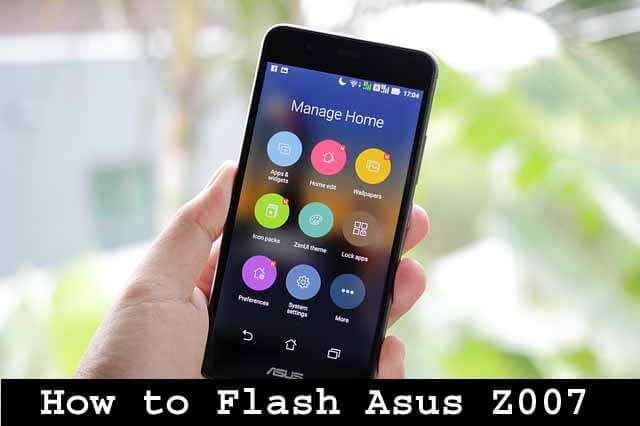
6 Ways To Flash Asus Z007 and Zenfone C 100% Success – Your Favorite Asus Handphone is Having a Problem? need an article on how to flash Asus? If so, you are in the right place, I will discuss in this post, how to flash the Asus Z007.
How to Flash Asus Z007 and Zenfone C 100% Success
How to Flash Asus Z007 and Zenfone C 100% Success
As we already know, basically there are 2 possibilities for damage to the Smartphone, namely damage to hardware and software.
Hardware damage itself is quite difficult to overcome alone, my friend needs to bring it to the place of service to be supported by qualified repair equipment.
While the damage to the software generally occurs symptoms such as cellphone slow, app force closed, and app system error, until the most severe can bootloop.
Well, the only way to overcome bootloop or dead cellphones, especially on this Asus Z007 phone is by flashing.
Flash Asus Z007 and Zenfone C 100% Success
Flashing on the Asus Z007 cellphone alone is 3 ways you can do it. These three ways you can choose one of the easiest.
#1. Flash the Asus Zenfone C via the Flash Tool
To be able to flash the Asus Zenfone C via flashtool, Please Buddy prepare and download the required tool file first:
If the above requirements have been fulfilled, then please Buddy follow the method below from step to step.
Flash the Asus Zenfone C via the Flash Tool
Ensure the Smartphone battery capacity is more than 50% charged for flashing.
Enter Droidboot Mode. By pressing the power button + volume UP together.
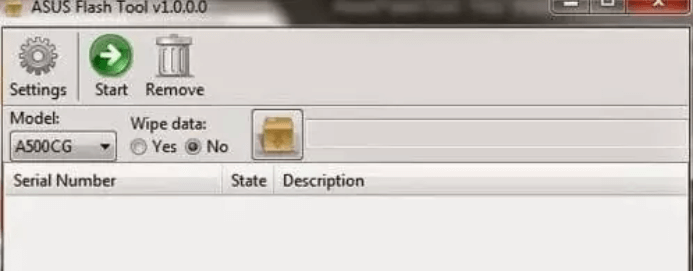
Then please open the Asus Flash Tool software, then run it as administrator.
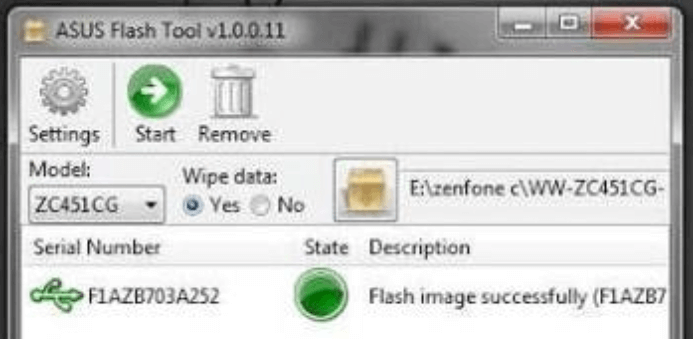
Then please connect the Asus Zenfone C Z007 to your computer using a USB cable. If a USB icon appears, the device has been detected by the computer.
Next, please select the type ZC451CG in the Data Wipe followed by selecting the Yes option. Then, click browse to enter the firmware that you downloaded earlier.
The next step is to click on the USB icon and click the start button to start the Asus Zenfone C. flashing process. Wait until the flashing process is complete.
If the state has changed to green and the notification ” Flash image successfully ” appears, then the flashing process of your handphone is complete.
Flash image successfully
After that, please close the Asus Flash Tools application and disconnect the USB cable from the computer. Then select the reboot menu in Droidboot to restart your cellphone.
Wait for the boot process to run (usually, the first boot will take a little longer), the android standard startup will also appear to set the Language, Google Account, network, etc.
After completing the setup, the admin congratulates because your Asus Zenfone Phone has been successfully flashed.
#2. How to Flash Asus Z007 via SD Card
The next way to flash is to use the SC Card or HP memory card. The advantage of using an SD Card or MMC flash is that you can do it without a PC. So it’s certainly more practical, easy, and fast.
How to Flash Asus Z007 via SD Card
For flashing Asus C using SD Card, the steps are as follows:
First, prepare the SD Card that has been formatted to Fat 32 Default.
If so, copy the firmware file to the SD Card in the .zip format.
Attach the SD Card to your Asus Zenfone C handphone.
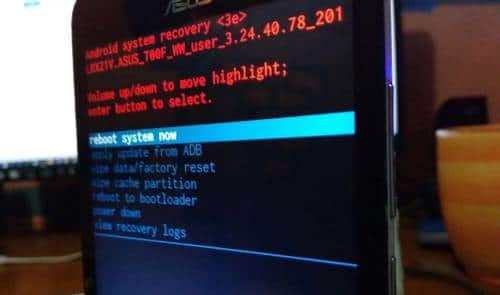
Then continue to enter Asus Recovery Mode by pressing the Volume Down + Power buttons together.
Then select the bottom option menu ” apply update from sd card“
Now, buddy, look for the firmware file that was copied to the SC card.
The flash process will take place and usually takes about 5-8 minutes.
After the flash is finished, the cellphone screen will return to the Recovery menu, please tap ” reboot system “
Then your cellphone will restart automatically and load to the home screen (where you have to be patient because loading is usually quite long)
Done, the Asus Zenfone C is already like the factory default.
#3. Flash Asus Zenfone C Via QFIL
Actually, there are many types of mobile phones that can be flashed using QFIL software. Admin himself has also summarized articles on How to Flash Using QFIL which can help with flashing problems, especially the Asus Zenfone C Z007 itself.
Prevent Bootloop on Asus Mobile Phones
Well, just for lunch when your Asus Mobile is back to normal, or for those of you who don’t want to have HP Bootloop problems, you can try some of the following tips:
#1. Patience Waiting for Battery Charging
First, try to buddy to wait until the battery is 100% charged first. So if it’s not full, don’t make it a habit to unplug the battery.
#2. Avoid Originally Removing the Battery
Removing the battery in a cell phone state is the same as forcing the operating system on the cell phone to be disconnected unexpectedly. This kind of thing later if often done can cause damage to the operating system, even HP components.
#3. Selective in Downloading and Installing Applications
You must also be selective and not careless in downloading and installing an application. So if you want to download an application, examine in advance whether the application is safe for your phone or not.
Best 20 Applications Find the Best Indonesian Match – Looking for a serious relationship in the age of coronavirus? Flirting with potential new lovers through the best Indonesian dating application 2024 may be the next best choice.
Image: voi.id
Best 20 Applications Find the Best Indonesian Match
As per a report by eHarmony, more than 40% of Americans use online dating sites. The dominance of dating apps is seen even more prominently in online matchmaking among adults under 25 and has increased severalfold since 2013.
With the convenience of a free Indonesian matchmaking application on the best Android & iPhone 2022, you don’t have to worry about your love life anymore. Below is the list below.
With more than 100 million active users on this matchmaking app, chances are high that you might find your dream partner. Let’s take a peek into the diverse world of the best dating apps for relationships.
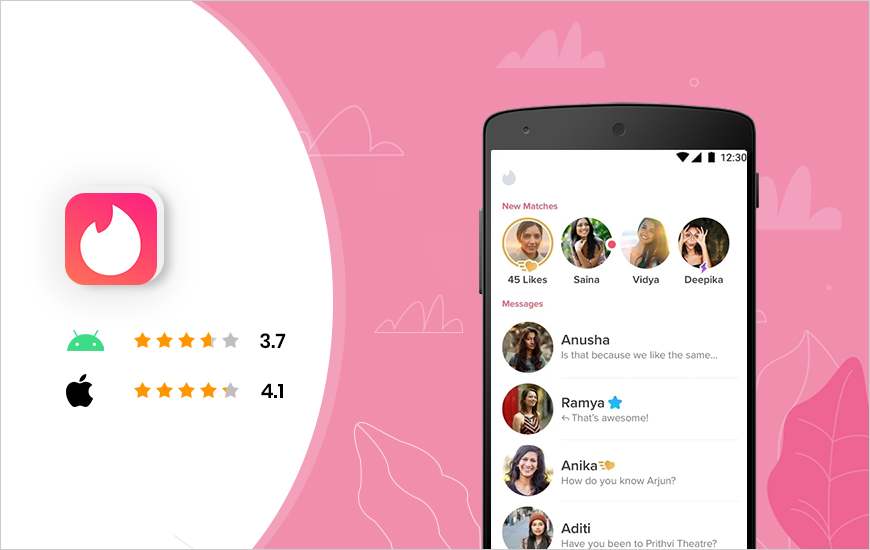
#1. Tinder
Tinder offers an endless supply of profiles to suit your needs. The key to the success of this best Indonesian matchmaking application on Android & iPhone is the easy registration process. You start sliding yay or nay to a listed profile. It also allows you to login using your Facebook account making it easier to create your profile.
The dating chat app claims to have 30 billion matches to date, making it the best app for flirting and one of the most reliable wingmate apps. After all, Tinder is the “world dating app” for a reason: the best flirting apps conclude more than 26 million matches per day.
For more fun, users can upgrade to Tinder Plus for additional features like unlimited likes, freedom to chat with singles around the world, backtracking to give second chances, chance to be featured on one of the best free dating apps as a top profile in your area for 30 minutes, additional Super Likes, and more.
The main features of the free Indonesian matchmaking application Tinder:
User-friendly interface;
Can connect to other apps like Spotify and Snapchat;
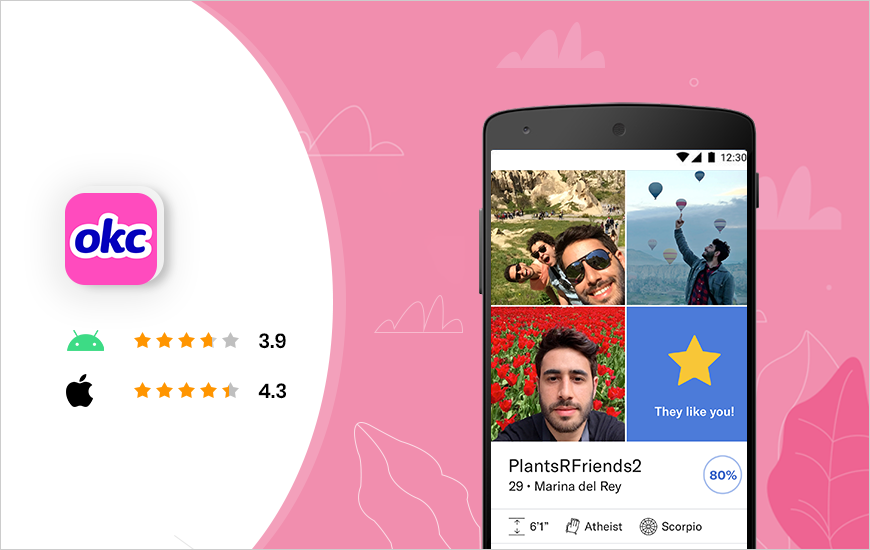
In a recent experiment, OkCupid suggested false matches to users; however, the mobile dating app claims that users are not afraid to go even for the wrong match. This clearly shows the craze of the best free Indonesian dating apps in 2022 among users.
The dating chat app has 30 million existing users, and there are nearly 1 million logins every day. When users register for the first time, they are offered to answer several questions based on the matches played.
Users can chat through a one-of-a-kind messaging app system that connects them to matches of their interests.
Key features of OkCupid’s free online matchmaking app:
Can set personal preferences;
Advanced filters and additional options for security;
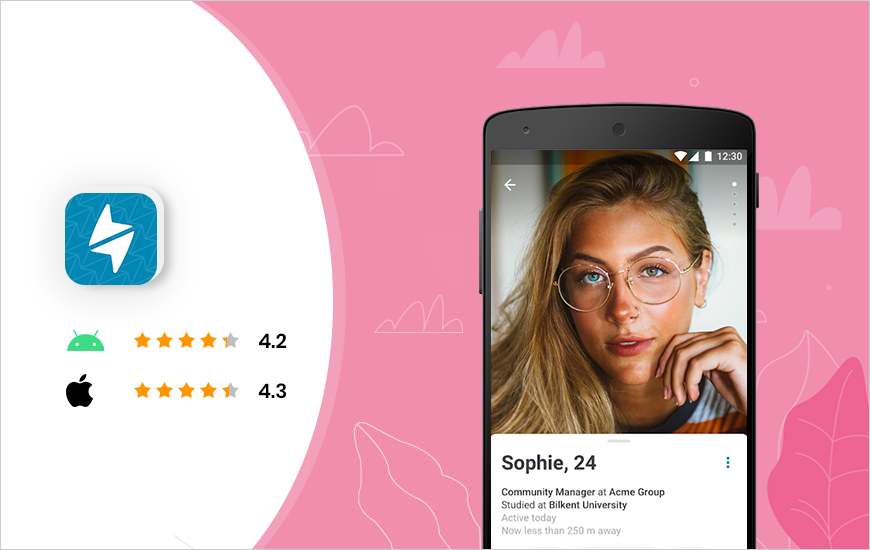
Being one of the best free Indonesian dating apps on Android & iPhone 2021, Happn functions like Tinder and relies on Facebook to get user information. However, users have to wait to like each other to connect.
This free online dating app allows potential users to send “charms” even before they are registered as a couple. The best flirting apps get instant popularity with 100,000 users signing up in the first week.
The main features of the best Indonesian matchmaking application Happn:
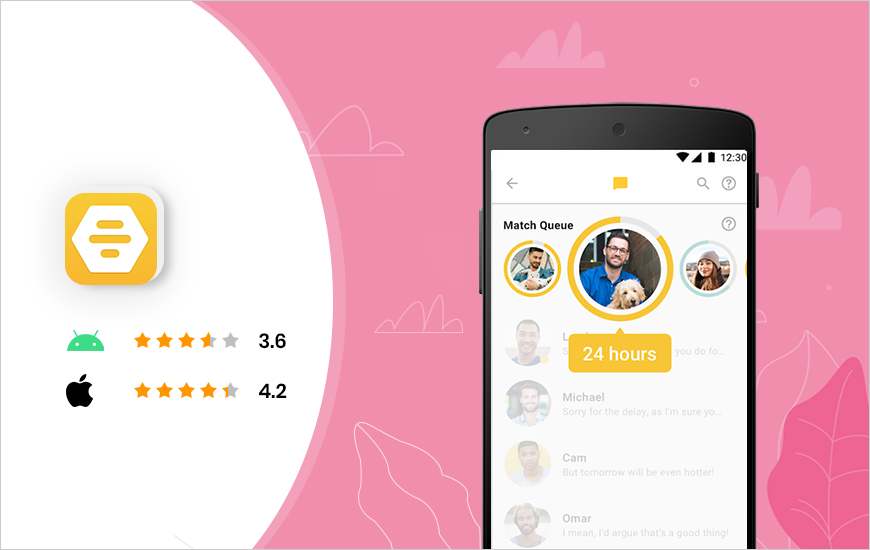
Bumble is gaining popularity as an Indonesian Match Search app that gives women the opportunity to make the first move, unlike other apps like Tinder. According to the app, it leads to a much more meaningful relationship.
The easy-to-use interface makes this dating chat app perfect for dating lovers. With Bumble, it’s easy to place an image add a biography, and swipe left or right. There are unlimited swipes, which makes this local dating app a better choice than the Tinder app itself. The latest dating apps include the added feature of sending photos in chat.
One additional feature of the Bumble dating app that sets it apart from other similar apps is the ‘Bizz’ option which allows users to search for better career opportunities.
Key features of Bumble’s best Find Indonesian Match dating app:
The POF Free Dating app is one of the best Find Match Indonesia Android & iPhone 2024 apps for relationships available in the market today as this app offers free messaging. With advanced matching algorithms, this local dating app sorts matches based on the last online, most recent users, and similar parameters. Users of this live dating app can send and receive an unlimited number of messages, that too for free.
Leading features of the best online dating app POF:
Competition based on mutual interest;
Can find profiles similar to people you like;
Custom filters;
Can quote part of someone’s profile to get started.
Price: Free / $12.90 per 3 months / $81.60 per year
eHramong falls under the category of apps that ask for a personality test when a user signs up for the service. Users are given choices according to matches and interests depending on the options they want. Dating chat apps most often cater to users between the 18-35 age group.
One of the best free dating apps offers the option of signing up via Facebook. After that, users have to fill out a compatibility questionnaire and upload photos. To take advantage of quality matches, this local dating app suggests only a few matches a day.
Notable features of the best online dating app eHarmony:
Compatibility questionnaire;
Pre-written quick questions;
Custom messages for greater convenience;
There is no limit to the number of photos that can be viewed.
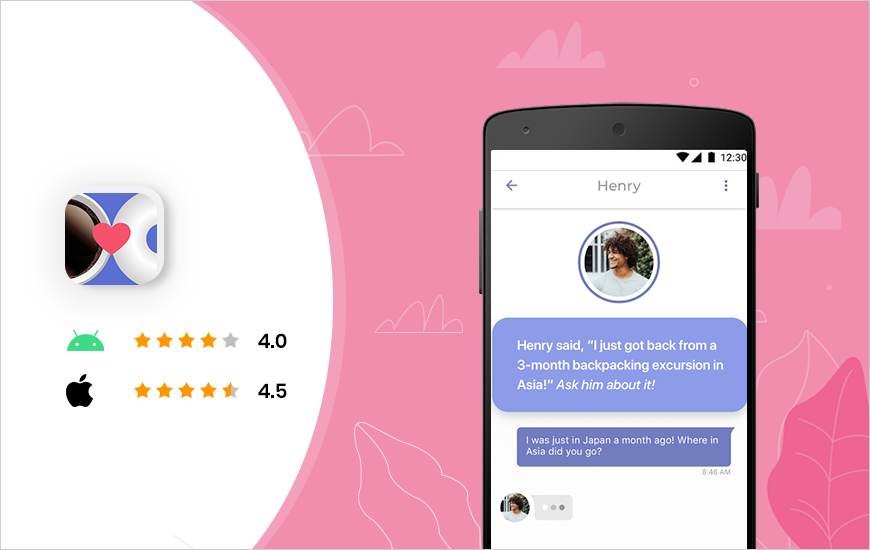
CMB or Coffee Meets Bagel is another excellent free mobile dating app that requires users to log in with Facebook. After that, the user can set his profile preferences accordingly. This local dating app for relationships suggests to users one potential match a day in the form of a bagel.
Then within the next 24 hours, the user has the right to accept or reject it. Once connected, users can chat in private chat, and it will expire after eight days.
CMB, one of the best dating apps for relationships allows nine photos to upload and is quite user-friendly. Users can narrow the search based on religious beliefs and ethics.
For unlimited access to all profiles and bagels, users need to shell out 385 beans or buy them from the nearest dating app itself.
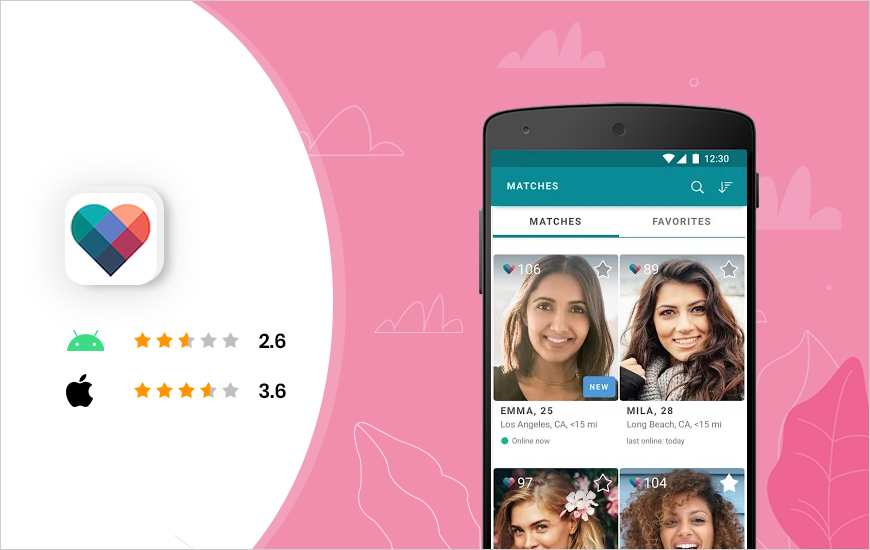
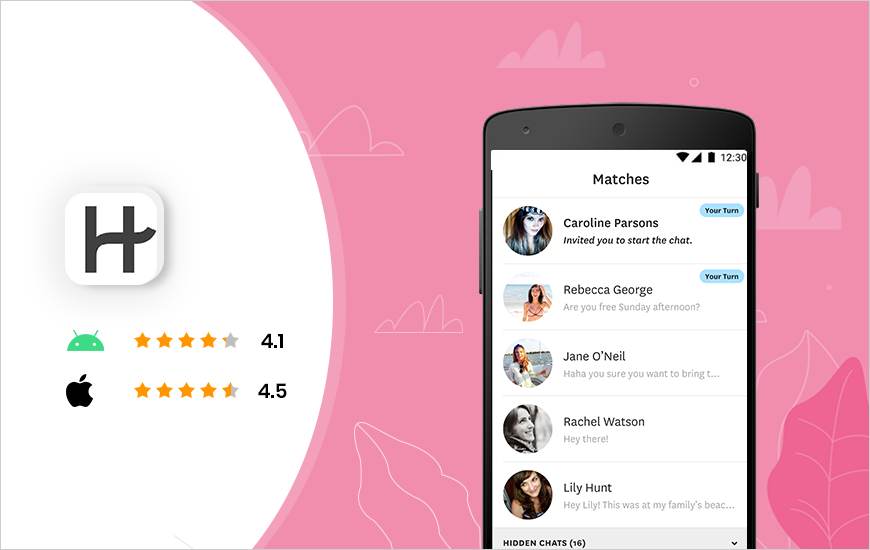
Many people who love online dating apps find Tinder and Hinge similar in many ways like the interface, but in reality, there are indeed a lot of differences. As per the Hinge function, it follows Facebook friends to attack matches. Dating chat apps suggest friends from friends after considering general things.
The top dating app Match shines after getting users to answer questions that are once again similar to Tinder. To make it more realistic, users can always contact the same friends to find out more about a potential partner.
For photos, this local dating app allows users to upload photos from either their Facebook or Instagram accounts.
Key features of Hinge online dating app:
Users can show interest by liking or commenting on stories or photos;
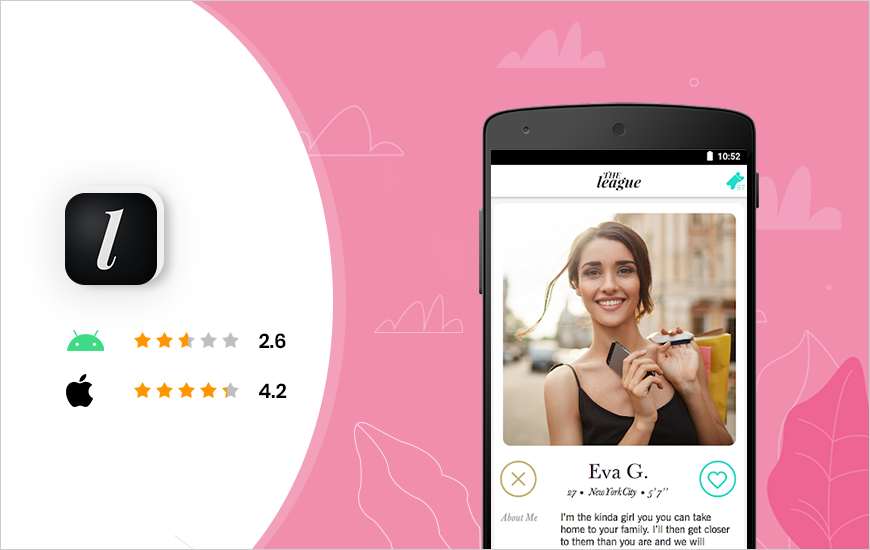
This live dating app is for ambitious lovers. Initially, the app requires access to the user’s Facebook and LinkedIn profiles to verify the added information.
This may sound cool, but the rejection rate is relatively high. Users may also have to wait hours or even months to get their profile approved. After becoming a member of one of the best dating apps, the user has to choose a $ 99-a-month or $ 250-a-year membership option.
During happy hour, users are lauded with seven possible matches, and the reaction time remains at 21 days. So, it becomes very important to keep track of your activities in The League.
Notable features of The League’s top dating app:
Advanced screening algorithm for healthy matches;
Close background check of all members;
Network events hosted by the app;
Facebook and LinkedIn connections are automatically filtered.
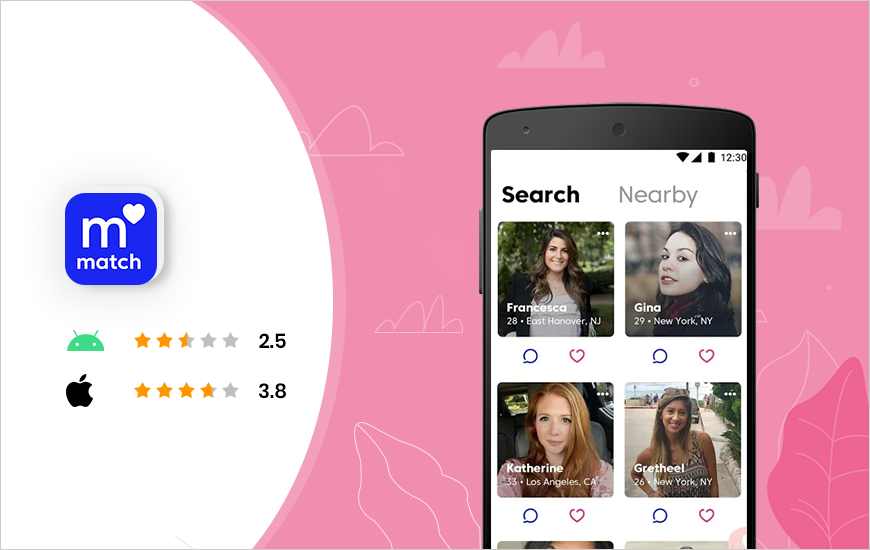
Interestingly, the Match Dating app existed long before the Tinder app got involved. Live dating apps offer the option to browse profiles based on an individual’s interests, appearance, and job type. After that, matches are suggested to the user depending on the added personality and interests.
The main features of the Top Match Dating Find Match Indonesia application:
Able to exchange messages with voice commands;
Filtered matches;
Custom search for potential dates;
Smart filter settings for better privacy.
Price: Free with in-app purchases / $ 20.99 / month for 12 months
Match is the second most popular online application for Indonesian dating, according to a PCMag survey of 2,000 people (the most popular is Tinder).
As one of OG’s dating services (moved from website to website and app only), Match has a special appeal to those between 45 and 65 years of age looking for a serious relationship; Additional research by SurveyMonkey found that 58 percent of adults ages 45-54 use Match, more than double the percent who use Tinder.
You can download it for free, although it will limit your browsing; If you want to message potential partners, subscriptions start at $21.99 per month.
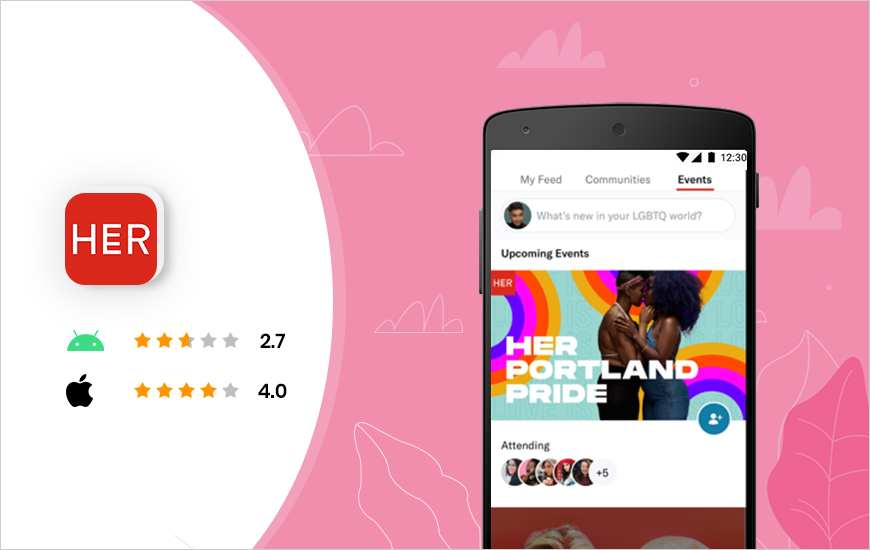
#12. Her
The last app in our countdown of the Best Indonesian Match Find app Android & iPhone 2021 is Her. As the name suggests, this app caters to lesbian, bisexual, and queer people. By theme, this app is the favorite free Indonesian Match Find app for LGBTQ women.
This app is not just limited to dating purposes; it also includes LGBTQ+ news and odd events that keep members updated. Its live dating app also hosts parties and events in 15 cities around the world. Over time, the application has been able to build a community, which is more secure.
Key features of His top dating app:
Dedicated to serving LGBTQ women;
Can take advantage of special discounts for events organized through this app;
Filtered search;
Unlimited matches.
Price: Free
Download the most popular Indonesian Match Find application for iOS and Android
After filling out questionnaires and app questions (think standard conversation starters like: “My biggest pet pee is…” and “My karaoke song is…”), Hinge will start matching you with users who share your interests.
The algorithm also serves you with “Most Compatible” matches—with whom you are eight times more likely to hang out, they say. Not only does this app show you how much people like you, but it also tells you what they like about you, making it easy to start a conversation.
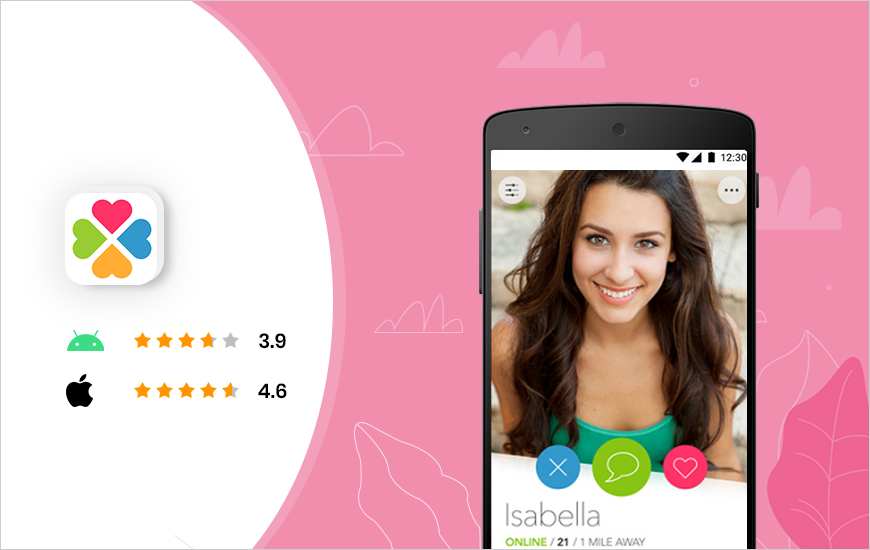
#14. Clover Dating
The Clover Dating app is more like a traditional dating app, where users can set their relationship options. The app offers users many options such as setting a date, joining a mixer, finding events, and much more.
Online dating apps are not very popular, and because of that, it is a bit difficult to find friends, but yes, if the user has the patience, chances are high that the matches will be genuine.
Key features of Clover Dating couple dating app:
Search filters;
Instagram and Twitter sync;
Photo sharing options;
Can compile a list of favorites.
Price: Free with in-app purchases / $ 9.99 per month
Download the most popular dating app for iOS and Android
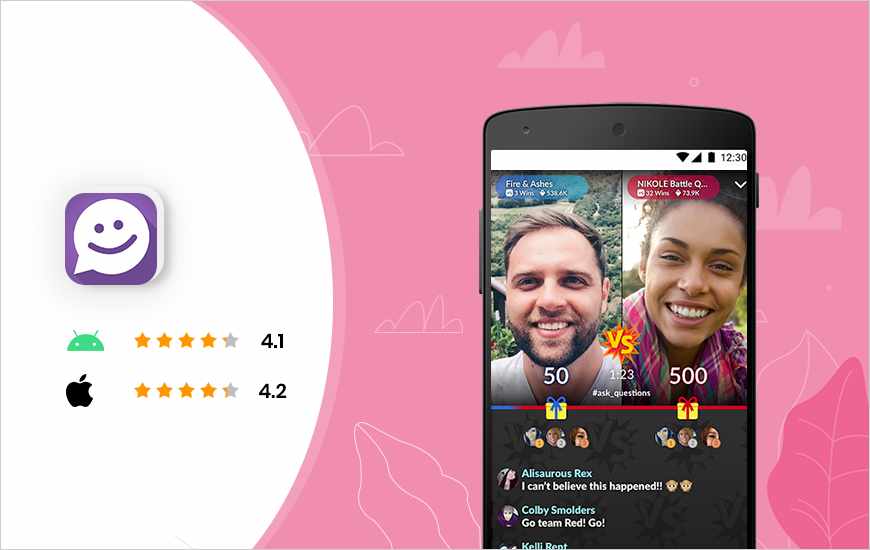
#15. MeetMe
The last Indonesian Match Find app on our list is MeetMe, and the reason behind its ranking is fake profiles. The app was launched as a dedicated dating app, but later on, there were reports of tons of fake profiles and bots.
However, there are millions of downloads of this online dating app and it makes it clear that there are opportunities to find a worthy partner. You can at least try to find your soulmate on this dating platform, and even after weeks; if it doesn’t work, you are free to kick out the app.
On the brighter side, MeetMe is one of the best video dating apps that allow users to go live.
The main features of the MeetMe couple dating app:
Video chat with local people;
Live streaming option;
Match with people who share the same interests;
Find matches by location.
Price: Free / $ 9.99 per month with in-app purchases
Download the most popular dating app for iOS and Android
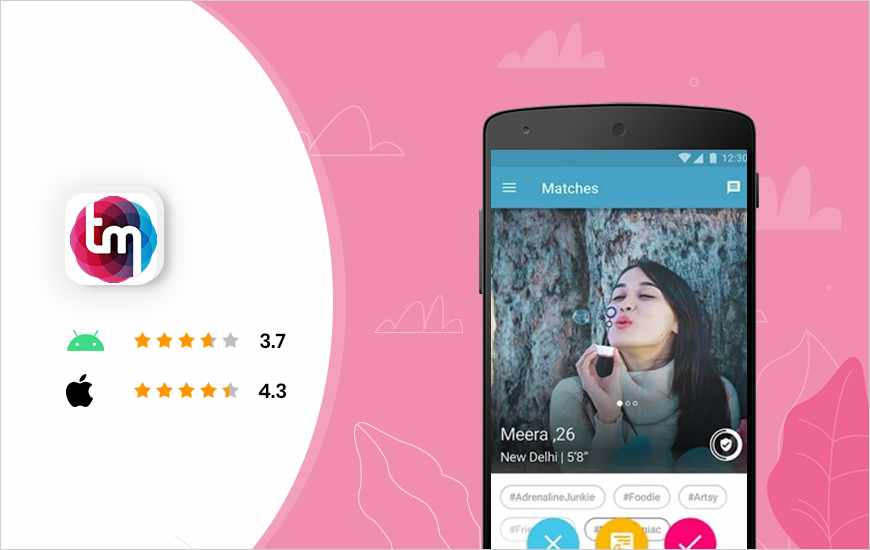
#16. TrulyMadly
TrulyMadly is one of the leading matchmaking apps currently available in the dating sector. With more than 50 million active users to choose from, this App can be your perfect wingman to help you expand your social network and connect with like-minded people.
Key features of the best dating app:
Users have the option to customize their video profile
Option to upgrade to TrulyMadly Choose to get more profile views
Filter your search to find your perfect match
Report spam users easily and securely
Price: Free with in-app purchases
Download the most popular Indonesian Match Find application for iOS and Android
#17. Ship
The ship is the first mobile app to let your friends help you find the perfect match. So go ahead and invite your friends and allow them to sift through hundreds of matches just for you. The concept of this online dating app is different from the majority of online dating apps that are already on the market. After all, your friend knows what’s best for you.
Key features of the couple dating app:
It comes with a ‘group chat’ feature, where users can offer a profile for discussion among all members of a particular Crew.
Whenever someone in your Crew likes your profile, a match will be made if that user expresses an interest in your single friend.
When a user swipes on someone else’s behalf then they have to join their ‘Crew’.
Price: Free
Download the most popular Indonesian Match Find application for iOS and Android
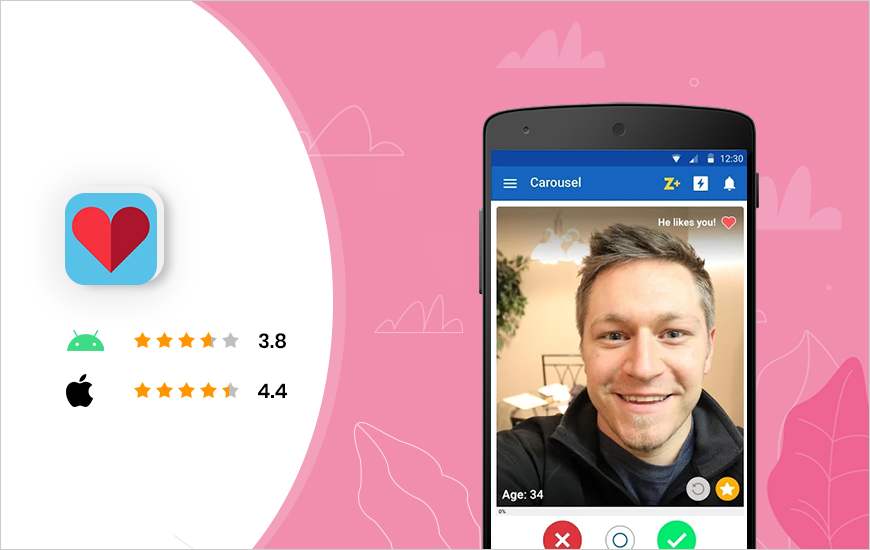
#18. Zoosk
Zoosk is an online relationship app that serves one purpose: to help people connect, talk, and find romance. This top dating app also helps people find love in different ways. Here, you have the option to use the Carousel which defines the online dating experience so that users can quickly browse through profiles.
Key features of the couple dating app:
Option to chat with other customers.
You can immediately say yes to your SmartPicks.
Users can see profiles that have seen you.
Subscription Plans offered by Zoosk:
1-month subscription: $29.99
3-month subscription: $59.99
6-month subscription: $74.99
12-month subscription: $99.99
Price: Free with in-app purchases
Download the most popular Indonesian Match Find application for iOS and Android
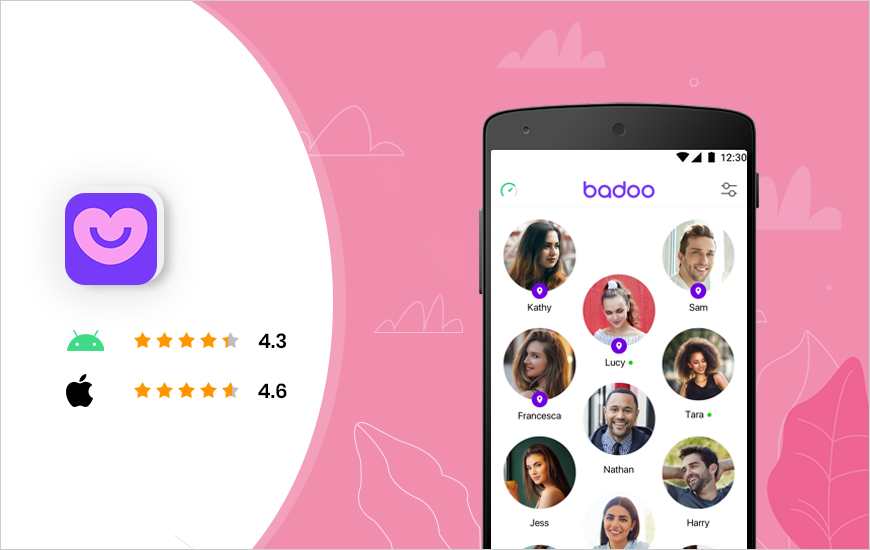
#19. Badoo
In a society that thrives on our self-doubt, Badoo is a dating platform where it pays to be the real, unapologetic version of yourself. One that fights the ambiguity of modern dating with authentic, unfiltered conversations is welcomed on the Badoo app.
The online Search Match Indonesia application consistently ensures that safety and respect are maintained within the community.
Key features of the couple dating app:
Option to see people nearby, or people you meet
Regularly updated with new features
It has the strongest verification system
Find and date celebrity celebrities
Price: Free / Premium subscription starts at £2.29/week
Download the most popular Indonesian Match Find application for iOS and Android
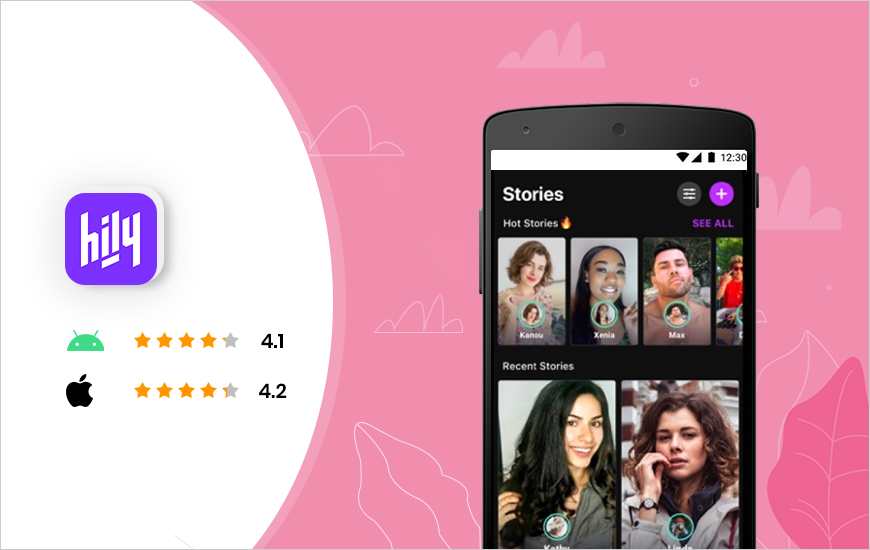
#20. Hily
With thousands of new users joining the platform daily, this app is bound to change the rules of the Online Dating world.
As the new Find Match Indonesia app for young and active users, it has now become easy to meet new people, find dates, and build meaningful connections with people.
With the Hily app, it only takes you a few seconds to find the match and date you want.
Key features of the couple dating app:
There is no limit to likes.
With Hily Stories you can share your brightest moments.
Option to customize search criteria according to your preferences.
Users only get relevant notifications from the app.
Price: Free with in-app purchases
Download the most popular Indonesian Match Find application for iOS and Android
Conclusion:
Some of the above-mentioned best free Indonesian dating apps android & iPhone 2025 are good enough for users to get an absolute dating app experience and to further increase users’ trust in such apps, I regularly put out app reviews of popular Android and iOS.
How To Lock Google Chrome Browser With Password – Locking the browser with a password is the best way to increase your online security. Here’s how to lock the Google Chrome desktop browser with a password.
How To Lock Google Chrome Browser With Password
How To Lock Google Chrome Browser With Password
If you share your device with other people, we recommend locking your browser. Entering a password won’t take much time, but it will protect your privacy. This time the admin will share how to lock the Google Chrome browser with a password.
To find out how to lock your Google Chrome browser using a password, follow the steps below:
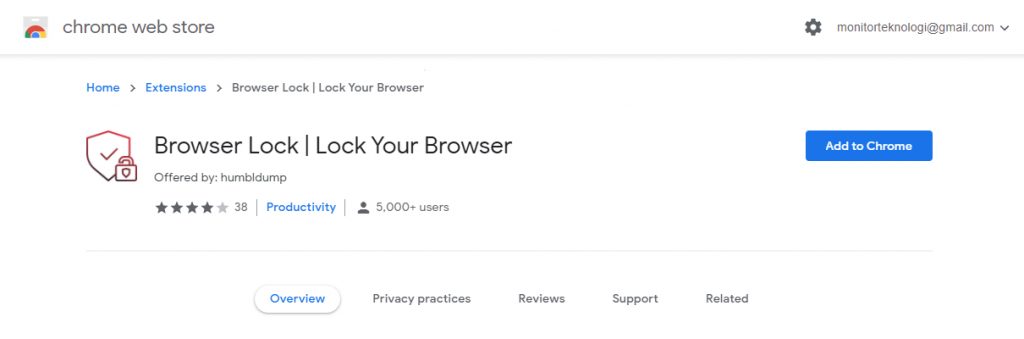
#1. Download Browser Lock Extension
Download Browser Lock Extension
Since there is no built-in method to protect most browsers with a password, we have to use an extension. For this article, I will be using the Browser Lock extension, available for Chrome, Edge, and Opera.
Download: Browser Lock Extension
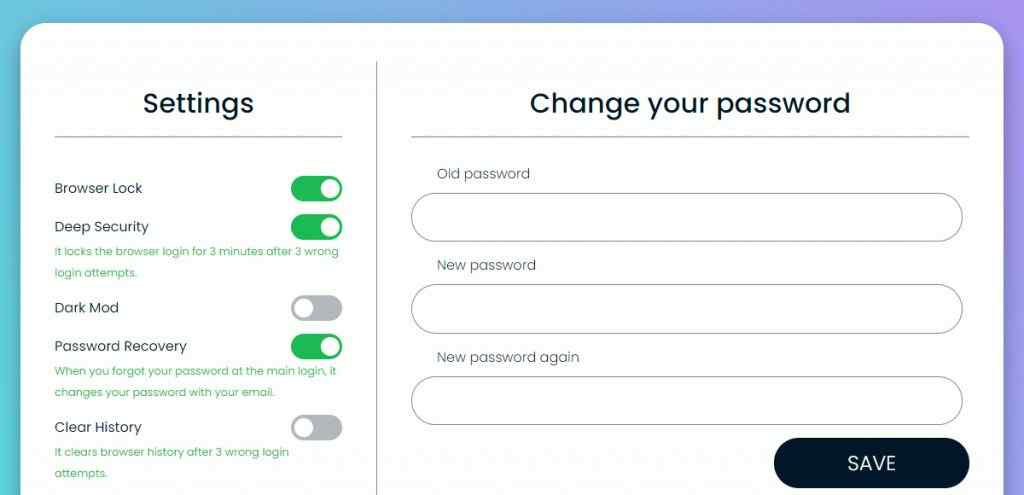
#2. Configure Extensions
Configure Extensions
After you install the extension, you have to configure the settings. The first thing to do, is to register with an account. Click on the extension icon and select Change Settings. Enter your password and email address. Once the registration process is complete, Chrome will redirect you to a new page to configure the settings.
By default, you will enable Browser Lock. To prevent someone from guessing your password, you can enable Deep Security. This is a feature that locks the login option for three minutes after three failed login attempts.
Not only that this extension has the option to delete the history after three wrong guesses. Even if someone gains access to your browser, your browsing data will not be there.
The admin suggests keeping the password recovery option open so you won’t be locked out of your browser if you forget your password.
#3. Lock the Browser
After you have added the password and configured the settings, you can lock the browser in the following way:
Pin the extension to the Chrome Toolbar.
Click on the extension icon.
Select Lock Browser.
Alternatively, you can right-click anywhere on the screen, hover over Browser Lock, and select Lock Browser.
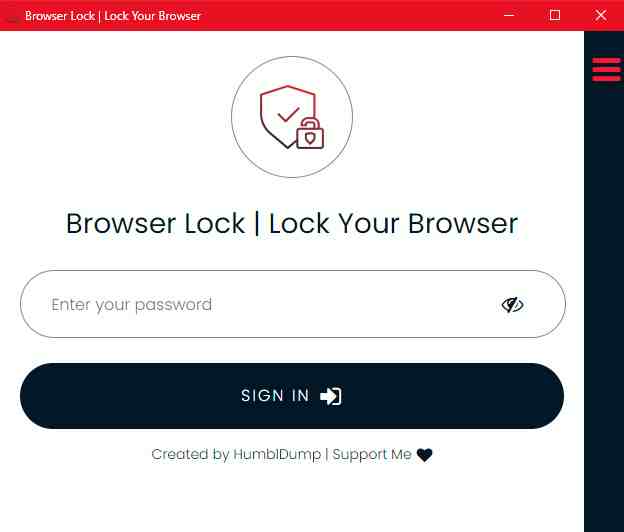
#4. Log In
Lock Browser
When you lock the browser, Browser Lock will display a window to login. To unlock it, enter your password and log in. If you forget your password, you can click on the Menu icon in the top right corner to recover the password.
The best part about this extension is that you won’t lose tabs by locking the browser. Every time you log in again, the previously opened tabs will appear automatically.
So that’s how to lock the Google Chrome browser with a password. Many browsers know too much about us. So while browsing, it is important to make sure we have the highest level of privacy. Although browsers have built-in security features, we can further enhance our privacy such as using third-party browser extensions.

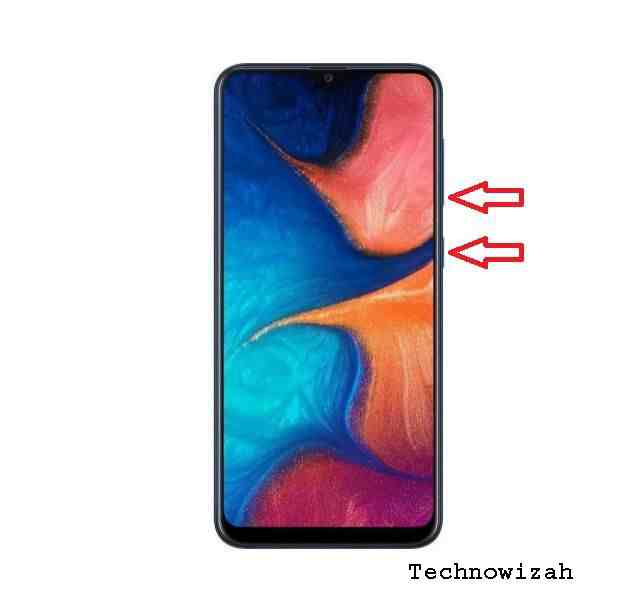 This method is one of the most common methods to take the Samsung Galaxy A12 Screenshot With Button, for this purpose, follow the steps below: