5 Ways To Open Password Protected Excel File – Are you currently having problems with your Excel files? Your Excel file cannot be opened because it is locked by a password. In this article, I will provide a tutorial on how to easily open a locked Excel.
5 Ways To Open Password Protected Excel File
How To Open Password Protected Excel File
Microsoft Excel is an application that is used to create financial reports and so on. However, sometimes Excel is locked, this is caused by the sender forgetting to send the password or deliberately not being notified.
Even though Excel files are very important for a job or task. There are also secret Excel files that only certain people can open and know.
Therefore, if you are experiencing problems like this, we will provide a solution for how to easily open an Excel password. Read on for the review in the article below.
Open Password Protected Excel File
There are several ways that you can use to open a forgotten Excel password that makes it locked. Some of the methods below have previously been tried and worked successfully.
#1. Opening Excel Password Without Application
Opening Excel Password Without Application
How to open a forgotten Excel password:
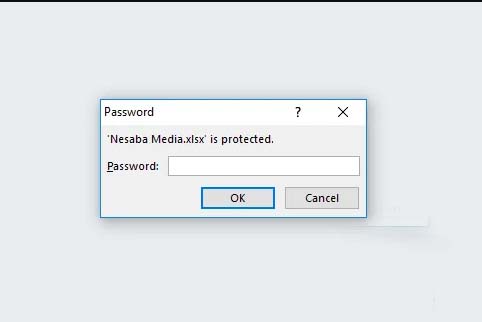
The first step is for you to open an Excel file that is locked or protected by a password.
if you have, then you press the Alt + F11 key combination on the keyboard and wait a while Microsoft Visual Basic will automatically appear.
If it appears, please select the Insert menu and select Module to be able to open the module menu.
Later on your computer screen, the module menu will appear.
Next, please input and copy the following code into the module menu.
Here’s the source code that you have to copy
Sub InternalPasswords()
Dim I As Integer, j As Integer, k As Integer
Dim l As Integer, m As Integer, n As Integer
Dim i1 As Integer, i2 As Integer, i3 As Integer
Dim i4 As Integer, i5 As Integer, i6 As Integer
On Error Resume NextFor i = 65 To 66: For j = 65 To 66: For k = 65 To 66
For l = 65 To 66: For m = 65 To 66: For i1 = 65 To 66
For i2 = 65 To 66: For i3 = 65 To 66: For i4 = 65 To 66
For i5 = 65 To 66: For i6 = 65 To 66: For n = 32 To 126
ActiveWorkbook.Unprotect Chr(i) & Chr(j) & Chr(k) & _
Chr(l) & Chr(m) & Chr(i1) & Chr(i2) & Chr(i3) _
& Chr(i4) & Chr(i5) & Chr(i6) & Chr(n)
ActiveSheet.Unprotect Chr(i) & Chr(j) & Chr(k) & _
Chr(l) & Chr(m) & Chr(i1) & Chr(i2) & Chr(i3) _
& Chr(i4) & Chr(i5) & Chr(i6) & Chr(n)
If ActiveWorkbook.ProtectStructure = False Then
If ActiveWorkbook.ProtectWindows = False Then
If ActiveSheet.ProtectContents = False Then
Exit Sub
End If
End If
End If
Next: Next: Next: Next: Next: Next
Next: Next: Next: Next: Next: Next
End Sub
If the text above has been copied, then paste it into the module menu. then follow the steps below.
Next, you select which sheet you want to open in the Excel file and then select ” Run Macro ” which is green
After the “ Macro ” window pops up, click “ Run ” to start cracking the Excel password on your computer.
Now you just have to wait for the process to finish.
The length of time depends on how much data and size the Excel file has
After the process is complete, you can open or change the Excel file data freely because the protection has been lost.
#2. Unlocking Protected Excel File Password
Unlocking Protected Excel File Password
The solution for how to solve an Excel file that cannot be opened is to bring up the password again. After we know the password, we can immediately open it by looking in the ” Unprotect ” menu.
In the following, you can learn how to display the password embedded in an Excel file with a series of scripts and codes.
How to open a locked Excel password:
The first step is to open your Excel file.
Once open, press the ” ALT + F11″ key to bring up ” Microsoft Virtual Basic “
Next, enter the script by clicking ” Insert ” and then after that select ” Module “
After the module form appears, enter the script below into the form
Here’s the source code that you have to copy
Sub PasswordBreaker()
‘Breaks worksheet password protection.
Dim I As Integer, j As Integer, k As Integer
Dim l As Integer, m As Integer, n As Integer
Dim i1 As Integer, i2 As Integer, i3 As Integer
Dim i4 As Integer, i5 As Integer, i6 As Integer
On Error Resume Next
For i = 65 To 66: For j = 65 To 66: For k = 65 To 66
For l = 65 To 66: For m = 65 To 66: For i1 = 65 To 66
For i2 = 65 To 66: For i3 = 65 To 66: For i4 = 65 To 66
For i5 = 65 To 66: For i6 = 65 To 66: For n = 32 To 126
ActiveSheet.Unprotect Chr(i) & Chr(j) & Chr(k) & _
Chr(l) & Chr(m) & Chr(i1) & Chr(i2) & Chr(i3) & _
Chr(i4) & Chr(i5) & Chr(i6) & Chr(n)
If ActiveSheet.ProtectContents = False Then
MsgBox “One usable password is ” & Chr(i) & Chr(j) & _
Chr(k) & Chr(l) & Chr(m) & Chr(i1) & Chr(i2) & _
Chr(i3) & Chr(i4) & Chr(i5) & Chr(i6) & Chr(n)
Exit Sub
End If
Next: Next: Next: Next: Next: Next
Next: Next: Next: Next: Next: Next
End Sub
The next step is to select which sheet you want to open and click ” F5 ” to bring up the ” Run Macro ” dialog box.
After the ” Run Macro ” window appears, click the ” Run ” option to start the process of bringing up the password
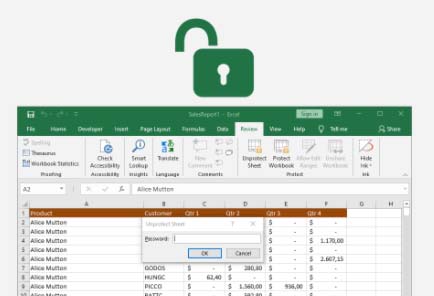
If so, close the ” Microsoft Virtual Basic ” window then select ” Review ” then click ” Unprotect Password”
After that enter the password and click “OK”. Now you can get full access to the data in the file
#3. Opening Excel Online Password
Opening Excel Online Password
When you want to open an Excel password, we will give you another option to open a protected Excel file, namely by using the excel.xartifex.com website. Through this website, you will be able to upload protected Excel files online.
How to open an Excel password online:
First, open the address excel.xartivex.com using a PC or smartphone browser.
Then click ” Selected File ” look for the protected Excel file then click ” Open “
Wait a few moments until the Excel file has been successfully opened by the system. This website has been tested to open Excel files that are protected with a fairly complex password
If Excel is already open, you can re-download the file and then edit it freely as needed
#4. Remove Excel Password With Google Drive
Remove Excel Password With Google Drive
You can follow this tutorial with the help of the Google Drive application, the method is quite easy to do. Here’s how to open an Excel password with the application:
The first step is to open Google Drive through the application/browser. You need login access if you already have an account, if not then you have to create an account first
Then click “ + New ” to add a protected Excel file. Then click ” File Upload”, then click the Excel file then click ” Open “
if it has been uploaded, double-click on the Excel file to be able to open it. Then click the ” Open with ” menu then click ” Google Sheets “
The file will open in the form of Google Sheets and the protection will automatically disappear. To download it again, you just click ” File ” then ” Download As ” then select ” Microsoft Excel (.xlsx)”
Give a new name that is different from the original file then click ” Save ” to download it.
#5. Opening Excel Password With ZIP
Opening Excel Password With ZIP
This method can be used to unlock a forgotten Excel password, but you must have the WinRAR application or a 7-zip application that you can download for free.
How to open an Excel password with ZIP:
First, open an Excel file that forgot the password so that it is locked.
Then click View on the menu then put a checkmark on the File Name Extension section.
In the Excel file format change from .xlsx to .zip then click Enter and select Yes.
After that open the Excel file with the ZIP application and change the format of your filename from .xml to .txt
Open the file with the notepad application and find the <sheetProtection code then delete the code until the /> limit then click Ctrl + S.
If a notification appears, click Yes.
Then return the Excel file format to .xml close the ZIP application and change the format to .xlsx as before.
What is Kodi? Everything You Need to Know About Kodi – Kodi is slowly but surely growing and evolving providing an experience for anyone who wants to share content from home.
What is Kodi Everything You Need to Know About Kodi
What is Kodi? Everything You Need to Know About Kodi
This Kodi service itself has actually been available since 2003, at that time was known as Xbox Media Player.
From 2003 to 2014, it changed to Xbox Media Center (XBMC).
So, Kodi was originally thought to use XBMC, which is an entertainment media center for streaming videos, music, and games using open sources that grew and developed according to an amateur project to play content on the original Xbox.
Kodi gives users access to online streaming media content, including videos & music, as well as shows how to store and watch that content at home.
And what’s even better, Kodi can run on almost every major operating system on thousands of smart devices today.
So, What is Kodi?
Kodi is an open-source software media center, which allows you to access all kinds of content, including videos and music.
And can run that content on any device you choose, including TVs, laptops, phones, tablets, and more.
It can even run on your Raspberry Pi.
Kodi comes with a user-friendly interface and can work with any local or network storage service you are using.
And you need to know, Kodi not only comes in the form of an Android TV Box purchase package bundle, but you can also install and install it with some add-ons from third parties that can enhance your Kodi experience.
Advantages and Capabilities based on Kodi
when it comes to entertainment, Kodi is the answer.
Music?
Kodi can play a variety of music formats, including AAC, MP3, and OGG. It even comes with a smart playlist feature and the ability to mark out-of-sync tracks.
Videos?
Kodi can play files using ISO, 3D, & H.264, among other formats, and can also run online content over the Internet.
After you import a movie, Kodi can even add posters, fan art, trailers, additional videos, and more to each item of content.
Kodi can even run Television (TV) shows, which allows you to save your favorite TV shows to the Kodi service.
The TV show section is also supported using posters and tags, which will give you a complete picture of the program & actors.
Kodi can even stream images (slideshows), as a result of which you can import image archives into the Kodi library list & start a slideshow, among other features.
You can even search, record & save a list of your favorite television exclusives for later viewing.
You can also stream and record private TV from the software.
To do this, you must use one of the many backend services that support this feature, including MediaPortal, MythTV, TVheadend, & NextPVR.
Also, be sure to keep the program updated to add new features as they become available.
How Kodi Works
Kodi is made to run on various popular OS (Operating Systems), for example on Android, iOS, Linux, macOS, Windows, & Raspberry Pi.
This means you can install it on almost any of your devices and can access its content whenever & wherever you are.
Interestingly, you can run on television with a set-top box or Android TV Box & other streaming devices.
This application can install for free, and provides many functions that you will not find in other applications.
And Kodi is constantly adding more and more new features from time to time.
Once Kodi is installed & running on your device then you will see a list of menus for you to choose from, for example, Images, Videos, Music, and so on.
All you do is simply use open what you want & upload the content you choose.
Your content should be stored somewhere locally or on a network drive that will allow you to access it around your home and potentially also be accessed remotely.
Kodi will catalog all your content sources & make them easily accessible on all devices where Kodi is installed.
Kodi settings
Kodi has a Wiki list of simple instructions that can provide you with step-by-step instructions on how to install, run and enjoy the service.
Lay talk has also prepared several posts about this simple guide to installing and setting Kodi.
We made this post separately, and we started using an introduction to socialization about what Kodi is in this article.
We hope that this post will help you understand the installation process and determine the right settings for each device OS you are using.
What you need to remember is that Kodi is designed as a home entertainment medium for your family room.
So you can also set up a remote control that can work with the Kodi system making it easier for you to run this Kodi service event.
In essence, you must have a remote control that can be linked using Kodi to make it easier to use.
If you want to extend the features of the service based on Kodi itself, you can check out the available Add-Ons, which offer more opportunities to make Kodi a better entertainment device.
But you should also be careful, to run Kodi on iOS, you need a jailbroken iPhone, iPad, or iPod Touch, or one of the devices running iOS 6.0 or higher.
Kodi recommends that you run iOS 8.0 or above to get the best service experience from Kodi.
And a Mac running Xcode 7 or higher to install the Kodi software.
In other words, installing Kodi on iOS might not be as simple as you think.
Kodi Supported Devices
Instead of having to list all devices that support Kodi, XBMC itself as a Kodi developer company provides minimal hardware and software requirements that must be owned so that Kodi can function properly and optimally.
As we said above, for iOS users to run Kodi on iPhone or iPad, the device must be jailbroken.
Unlike Android devices, you just need to run Android 5.0 or later & install the app via Google Play Store.
Kodi also works with the fourth-generation Apple TV, as well as the second-and first-generation Apple TVs.
If you want to run Kodi on Linux, you’ll need at least an Intel Pentium 4 or later hardware (processor) and a modern generation graphics card (VGA), and 4GB of hard drive space.
As for Mac devices, Kodi can run on Mac OS X 10.7 (Lion) or later.
For Windows users, it requires Windows Vista OS or later to run Kodi.
If you want Kodi to be able to run on other hardware, such as televisions, Android TV Box, or Set-Top-Box, and other devices, you should check this Kodi Wiki list for which software you might need and how to apply it.
Stream Live TV using Kodi
You can stream live TV (Live TV) with Kodi, but it takes a little effort.
Kodi also comes with video recording functionality, so you can record & save content privately.
However, to get it up and running, you’ll need to connect the PVR to a backend TV server that can stream private television broadcasts and record content over the Internet.
Kodi also works with most PVR backends, and you should be able to choose the right PVR backend for the operating system on your device.
Again, Kodi has a handy Wiki to give you all the options for each operating system.
Kodi has all the features you need to upgrade your Cable TV, satellite dish, or UHF at home.
Have the ability to stream and record live TV, and your own content that you’ve downloaded & loved.
But Kodi doesn’t come with on-demand content like UseeTV, Iflix, Hooq, and so on. So if you prefer on-demand content like UseeTV & others, then Kodi is not the best choice.
Kodi Add-Ons
Kodi comes with a variety of add-ons designed to enhance the experience of using the service holistically.
This add-on executes a holistic set of features, from simple screensavers, and weather apps to the senses that let you enhance your movie, music, and television viewing experience.
In the videos section, you’ll find add-ons for several television channels, such as Fox, NGC, Bravo, ABC Family, and DIY Network, which can be plugged into the Kodi service.
There are also apps for streaming podcasts, such as the Apple iTunes Podcasts option, and shows that will display lyrics using every song you play.
You can even track what’s happening on social media using the Twitter feed add-on.
The add-ons are made by independent developers who have nothing to do with the XBMC Foundation.
So, how to install and run it will also likely vary, and the best thing to do is to check the Kodi forums and other places to make sure the program you are about to download and run is completely legal and works the way you want it to.
Is Kodi Legal?
Yes, Kodi is legit.
Kodi is like a blank canvas, offered as-is, which allows you to do whatever you want with your home entertainment.
So when you download Kodi & run it, it’s fine.
However, technically Kodi can also be used to host illegally copyrighted content, and as mentioned above there are plenty of TVAddons and extensions that you can use to access and distribute pirated content.
Is Kodi Safe?
In general, Kodi is safe.
However, in the installation and setting of add-ons enhancements to add services, sometimes without us knowing it we add add-ons that are discontinued and even endanger your privacy.
Many current party add-ons may be unstable or even create problems in your hardware.
Therefore, it’s a good idea to check the quality of the add-ons that you are going to install.
Is Kodi Worth Using?
As for whether or not Kodi is suitable for use, it all comes down to how you plan to use the service.
If you’re looking for a way to access and stream content like movies, television shows, photos, & music, to all the devices in your home, Kodi is the winner.
But if you’re looking for a standalone streaming service to access content with little or no copyright concerns, then Kodi might not be for you.
Kodi is suitable for those with knowledge of software and how to receive content from services that are out of sync in one place.
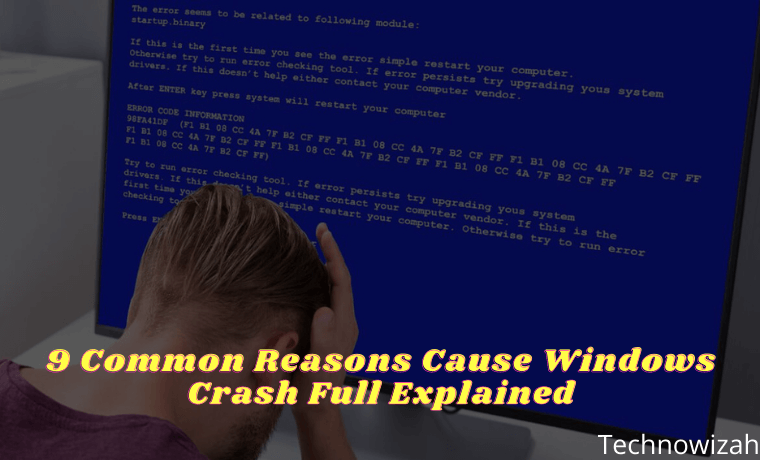
9 Common Reasons Cause Windows Crash Full Explain – Windows crashes often happen whether it’s the blue screen of death or the system is completely locked and it annoys us.
9 Common Reasons Cause Windows Crash Full Explain
Why Do Windows Crash?9 Common Reasons Cause Windows Crash Full Explain
When a crash occurs, you may wonder how to prevent this problem in the future. Let’s take a look at the most common reasons Windows crashes, and what to do when Windows keeps crashing.
Since your computer stores important data in RAM, problems with your memory can cause Windows to crash. Errors like Fatal Exception Error usually appear when Windows tries to retrieve data from memory but is unable to do so properly. If this keeps happening, your RAM may be failing.
You can use a free tool like MemTest86 to see if there is a problem with your RAM. You also need to make sure that your RAM stick is properly placed in its slot. Insufficient RAM can cause your system to crash, usually won’t cause Windows to crash.
But if you believe that RAM is not the cause, sometimes motherboard problems can cause something similar.
#2. Driver Problem
Drivers are special software that allows Windows to interact with various hardware connected to your computer. Drivers often install and update automatically when you connect a new device or run Windows Update.
However, when drivers go bad, they can cause serious problems. Manually installing faulty drivers, or updating to a buggy version provided by the manufacturer, are common ways that cause this to happen.
When troubleshooting blue screen errors, pay attention to checking for specific hardware, as that might be the cause. It’s also a good idea to open the Device Manager (accessible by right-clicking the Start button) and check for warning symbols, which represent hardware conflicts.
#3. Hard Drive Failed
If the storage drive on your computer is damaged, you may experience a Windows crash. This may be seen through a crash that only occurs when you try to open a certain file, indicating that a certain part of the drive is corrupted.
For older HDDs, a clicking sound is another sign of a failing drive. Since Windows needs to access the files on your storage disk to run properly, Windows can crash if the disk can’t read the files.
#4. Overheated Computer
Too much heat causes big problems for sensitive components inside your computer. A system that runs too hot for a long period may become permanently damaged. To overcome this, your computer will often turn itself off when it overheats, usually causing Windows to crash.
Overheating problems can have many sources. If you have a PC, make sure your case has adequate ventilation. You should also check to make sure that all the fans inside are working properly and that the heatsink is not loose. Make sure to clean your computer regularly to remove excess dust as well.
If you are using a laptop, try not to place it on your lap or on a surface such as a blanket, which can block the system’s cooling source.
#5. Malware Infection
Malicious software, including viruses, Trojans, and other unwanted junk, can wreak havoc on your system. When troubleshooting Windows 10 crashes, it’s time for you to run an anti-malware scan.
Scanning with the built-in Windows Defender is a great first option. For a second opinion, I recommend installing the free version of Malwarebytesand running a scan. If you find malware, hopefully, the crash will go away after removing the virus.
#6. Registry Damage
The Windows Registry is a large database of information where Windows and programs store data. Due to regular additions, deletions, and changes to Registry entries, there is the potential for their content to become garbled.
Some Registry configuration errors are minor, but others can completely crash Windows. This is why we recommend avoiding Registry cleaners, as they most often cause more harm than good. And if you’ve ever read a guide that recommends changing Registry values, be careful that you don’t change anything while inside.
If you suspect that a corrupted Registry is the source of Windows crashes, unfortunately, there’s not much you can do other than reset Windows 10.
#7. Software Conflict
Most software errors don’t crash Windows, they only affect the application in question. However, sometimes a very bad software crash can lock down the entire system. If Windows crashes when you open certain applications, you should try reinstalling the software to see if that fixes the problem.
#8. Power Problem
The possibility of Windows crashing may occur because of the power that goes to your PC. Usually, this is caused by a faulty power supply. If your computer’s power supply is faulty, the power supply may fluctuate or become too weak. This of course can cause your computer to crash. Replacing the power supply is the best way to solve this problem.
#9. Running an Unsupported Version of Windows
We assume that you have solved the Windows 10 crash problem above. However, if you are running an older version of Windows, it can be another cause of Windows crashes. Windows 7 and earlier are no longer officially supported by Microsoft, meaning they don’t receive updates for security and stability anymore.
Because of this, you may find that older versions of Windows crash more frequently. You should update to Windows 10 as soon as possible so that you are on a supported platform.
Speaking of this, for best results on Windows 10, you should make sure to install Windows updates, which can often fix the stability issues that are causing the crash. However, sometimes installing the latest major update for Windows 10 right away can cause instability on its own.
If you recently updated Windows 10 and it’s starting to crash, go to Settings > Update & Security > Recovery. There, you can revert to the previous version of Windows 10.
Now we have seen what causes Windows 10 to crash. As you can see, a lot of them are hardware-related, whether it’s incompatible drivers, failed components, or overheating. It is often difficult to diagnose this problem, but by examining the cause, you should hopefully be able to solve your problem.
What Is BIOS In Computer And How Does It Work – Older desktop and laptop computers have a hidden software feature called BIOS. Making changes to the BIOS can improve how your computer works or prevent it from running properly.
What is BIOS In Computer And How Does It Work
What Is BIOS In Computer And How Does It Work
But what is a BIOS? How do you access it, and what changes can you make while doing it? Here’s everything you need to know about your computer’s BIOS.
What is Bios?
BIOS stands for BasicInputOutputSystem is software that is stored on a small memory chip on the motherboard that can be replaced or upgraded. This chip is known as a Complementary Metal Oxide Semiconductor (CMOS). Acts as an interface between the computer hardware and the operating system, allowing the software to control the hardware.
This is low-level software that starts when you boot your computer. It performs a POST (power-on self-test), initializes your hardware, and passes control to the boot loader on the connected device. It then boots your operating system like Windows, Linux, or whatever you are using.
All of this is automatic, but the BIOS also has a settings screen, which you can access. Used to configure various low-level system settings, you can use it to manage things like:
Boot orders
Video memory
Overclocking
Virtualization
power management
Wake-on-LAN
Fan management
And much more…
Note that you shouldn’t change any settings in the BIOS unless you know what you’re doing. When you make a mistake while configuring it you can change the low-level CPU and memory which can make your computer unstable.
So, make sure you are familiar with your computer’s BIOS before saving any changes. Keep reading for tips for changing some of the most frequently used settings.
BIOS Functions
The BIOS has 4 main functions, namely:
POST – Used to test the computer hardware and ensure that there are no errors before loading the operating system.
Bootstrap Loader – Finds the operating system. If a capable operating system is found, the BIOS will give control to it.
BIOS Drivers – Low-level drivers are systems that give your computer basic operational control over your computer hardware.
BIOS setup or CMOS setup – A configuration program that allows you to configure hardware settings including system settings, such as computer passwords, time, and date.
How BIOS Works
When the computer boots, the CPU activates the BIOS ROM chip. The ROM BIOS then initiates a series of system checks, called the power-on self-test (POST). POST tells the CPU to check the bus (a series of connections that connect all PC components), memory (RAM), peripherals (keyboard, mouse, etc.), and disk drives.
This system check is quick and not very thorough. POST determines if everything is connected properly, but doesn’t check if everything is working perfectly. After the POST check is complete, the computer is ready to load the computer operating system.
At this point, users may notice that the light in drive A comes on again as the CPU checks to see if a bootable disk has been placed in the drive. Otherwise, find the operating system software there.
BIOS History
BIOS was invented in 1975 by a computer scientist named Gary Arlen Kildall. Before the BIOS came into existence, the operating system was the first software that was run when the computer was turned on. That means the computer can only run the default operating system.
In addition, the failure of the operating system makes the computer it is running on not work, because there is no other software that can fix it. After all, it cannot run before the operating system.
Kildall coined the term “BIOS” to describe the part of the machine that loads at boot and communicates with other hardware on the machine. BIOS provides added value flexibility, allowing users to install the operating system they want or to repair the current operating system if something goes wrong.
Popular BIOS Manufacturers
The following are some of the most popular BIOS vendors:
To access the BIOS, restart your computer first. Press the appropriate key at the start of the boot-up process to access the BIOS setup screen. The key you need to press will appear on the screen at the start of the boot process. Note that if there is no keyboard attached to your PC, you cannot access the BIOS.
Usually, this is the Delete key, although some computers may use other keys such as F2, Esc(ape), F1, or F10. If you don’t know which key you need to press and it doesn’t appear on the screen, consult your computer manual. Alternatively, do a Google search for your computer model name and “BIOS key”.
Navigating BIOS
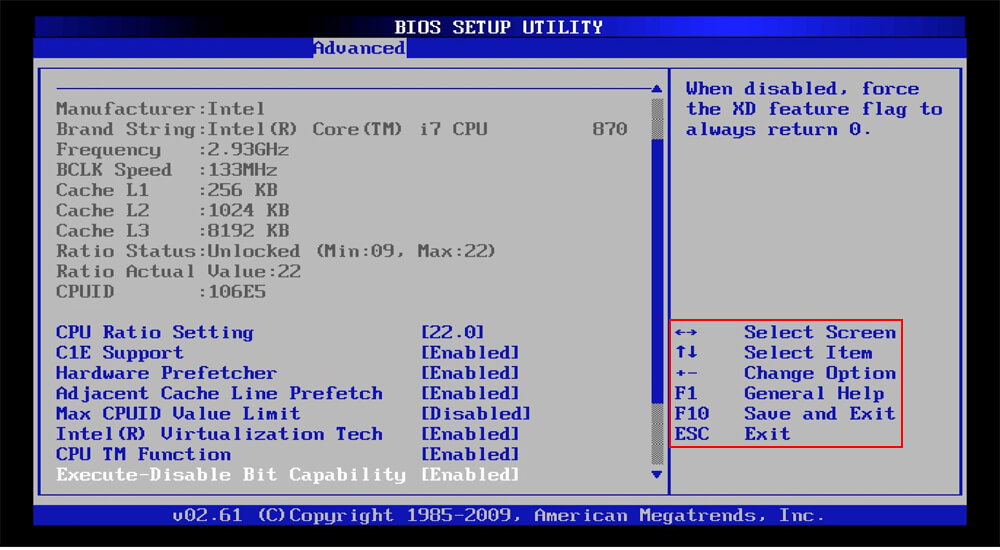
Note that each computer’s BIOS is different. Your computer’s BIOS may look very different from the screenshots here, or it may look similar but have different options.
To navigate the BIOS, use the arrow keys on your keyboard. A list of other keys that you need to use usually appears on the screen. Usually, you will use:
Left and right arrow keys to switch between setting screens
Up and down arrow keys to select an option on the current screen
Enter to select an option or enter a sub-menu
+ and — keys to move items up and down in the list
If this sounds a bit complicated, it isn’t, you’ll mostly be using the arrow keys and Enter.
3 Most Common Settings Changed in BIOS
With access to the BIOS, you will find settings that you should ignore as well as some that may need to be changed. The most common BIOS settings for modification are:
Changing the boot order
Adjusting the available video memory
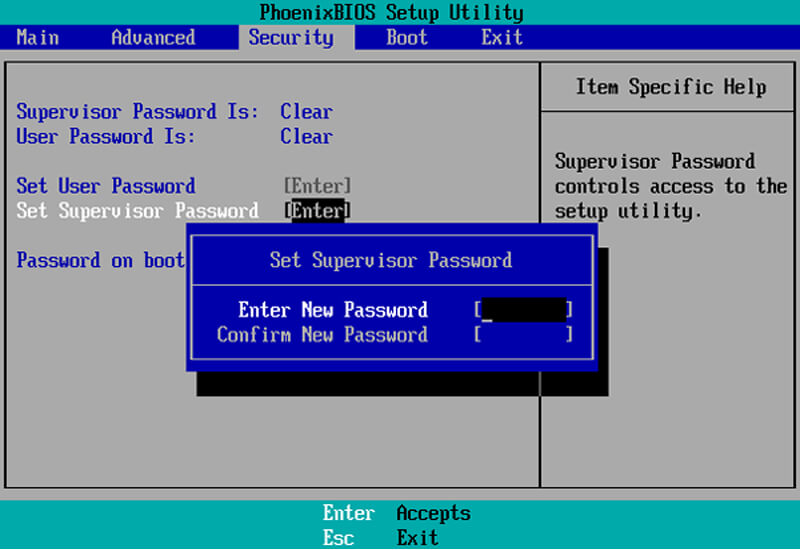
Setting BIOS password
Here’s how to do each of these.
1. Boot Order
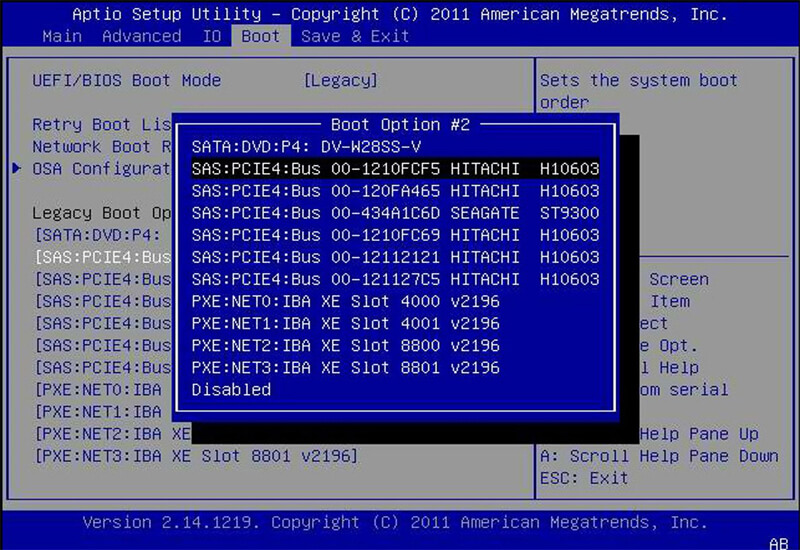
One of the most changed options in a computer’s BIOS is the boot order. After the BIOS starts and initializes your hardware, it passes control over to the boot loader that boots your operating system. The boot order determines which devices are controlled by the BIOS.
For example, you install Windows on your computer and a Linux live CD on your disk drive. (Or, a USB drive is plugged into your computer.) When you boot your computer, which operating system starts? The answer is determined by your boot order.
It is so-called because it controls the order in which the boot device checks for the OS. For example, a typical computer might have a DVD drive higher in the boot order list than an HDD. This means the computer will try to boot the operating system installation disc or live CD that was inserted first.
If there is no bootable disc in the DVD drive, the computer will try the next option on the list. This will most likely be the hard drive. You can boot your PC from:
Optical drives (CD, DVD, Blu-ray, etc)
USB drive (hard disk, thumb drive, or even USB optical drive)
Network drives
If you want to boot another boot device, simply move it up in the boot order list. Usually, you’ll find a boot order on the screen called Boot or something similar. Use the + and — keys to reset the device in the boot order list.
Note: on some computers, USB drives may not appear in the list unless they are connected when you enter BIOS.
2. Video Memory
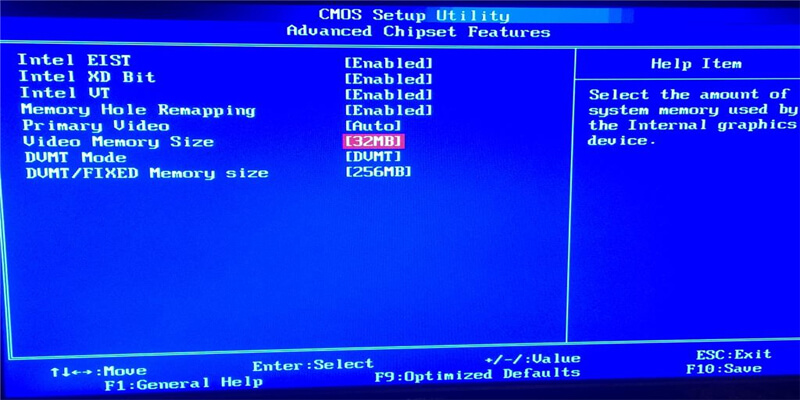
Computers with onboard graphics hardware, such as Intel integrated graphics, may have a Video Memory setting. The onboard graphics hardware does not have its own memory the way a dedicated graphics card does. Instead, it takes over a portion of the computer’s RAM and uses it as its video memory.
On some computers, the Video Memory option allows you to control how this memory is allocated. You can use this to allocate additional video memory or reduce it, reclaiming some of it for system tasks.
3. BIOS Password
Although your operating system must have a login password, you can further secure your computer with a BIOS password. This can be set to control access to the BIOS, but you can also set a boot password.
With this enabled, no one can access the operating system or attached media. Be aware that this is not a perfect security feature. Anyone with physical access to your computer can reset the CMOS to clear this password.
What Do Save Changes And Reset In BIOS Do?
The changes you make to the BIOS settings do not take effect immediately. To save changes, look for the Save Changes and Reset option on the Save & Exit screen. This option saves your changes and then resets your computer.
There is also a Discard Changes and Exit option. This is selected if you make a mistake or decide you don’t want to change your BIOS settings at all. Just use this option to exit the BIOS setup screen without saving your changes. This option may have a slightly different name, but it is available in all BIOSes.
You can also use the appropriate keyboard shortcuts to save and exit quickly. Usually, this is F10 but again, it may be different in your BIOS.
What Happens When Selecting the Default Load Setup?
Your BIOS also contains the option Load Setup Defaults or Load Optimized Defaults. This option resets your BIOS to factory default settings, loading the default settings optimized for your hardware.
This performs a complete BIOS reset, removing any BIOS passwords apart from resetting your hardware settings and boot order. You probably won’t be using this, but it can be useful for quickly changing configurations after adding new hardware.
Other Less Common Settings Changed In BIOS
The BIOS contains several other settings and options. For example, there is a System Information screen that displays information about the hardware on your computer.
Overclockers may be able to use the CPU settings screen to change their CPU voltage and multiplier. This increases CPU performance but it can create additional heat, power usage, and possible instability. (However, some BIOSes lock this setting.)
Meanwhile, if your PC has support for virtualization, you can enable Hyper-V or Intel Virtualization Technology (or however it’s labeled) in the BIOS. For a full selection of settings that you can modify in the BIOS, check your computer or motherboard manual.
So, what is a BIOS? A BIOS is low-level software, more precisely, the first software that runs when you turn on the computer. The BIOS is a key component of any computer, and knowing how to use it can provide more flexibility and performance benefits.
When configuring the BIOS, make sure you make your BIOS choices carefully because errors in BIOS settings can cause problems.
40 Sites Like 123Movies To Watch Movies In Free That Working – People who like movies are probably already familiar with the 123Movies free website, an online site for watching movies. 123movieshub is a website that has become very famous among people. It has a lot of different things to watch, like movies and web shows. Because of government limits, the 123movies official website has stopped working in several countries.
40 Sites Like 123Movies To Watch Movies In Free That Working
People often use online sites like 123movies alternative to watch free movies. But it is often seen that these people spend a lot of their important time trying to find a good website where they can watch movies without being able to do so.
Our team did a lot of study online, looking carefully at more than 200 websites. So, we’ve found 40 sites like 123movies that we’re going to look into now. You can stream free movies quickly and easily on both mobile and PC devices.
This article gives a list of 40 sites like 123movies, where users can watch full-length movies, TV series, and TV shows online without having to sign up or download anything. Users can directly access and watch videos on the streaming app, which gives them a choice of quality levels and the option to turn on subtitles.
But you should know that some of the websites mentioned below have regional restrictions that make it hard for people in some countries to use them.
How do access sites like 123movies alternative?
There are many ways to get the country to ban sites like 123movies, such as using VPN or proxy services. For the best protection and privacy, try a VPN service like NordVPN, ExpressVPN, Surfshark VPN, or AtlasVPN.
Top 40 sites like 123movies
Here you’ll explore that offer different movies and TV shows for you to download and stream online:
#1. moviesfoundonline
MoviesFoundOnline.com is an online video streaming service that is similar to 123movies free website, which lets people watch full-length movies, short films, and TV shows for free.
The website has a lot of movies and is easy to use. The site has search features that are easy to use and a lot of tabs that make it easy to move from one area to another. Online sites let you watch movies of many different types, such as classics, foreign films, dramas, and action movies.
Users can watch any movie on the site without having to sign up or pay anything. Also, users can watch a short taste of movies and TV shows before deciding to watch them for real.
Gomovies is an alternative to 123movies that also offers free online movie streaming. On the site’s homepage, it is simple to locate the most popular movies and television programs. This website is highly regarded because its straightforward interface makes it easy to discover movies.
If you are an avid user of 123movies, you should try out this site because it is comparable. On it, you can watch movies in HD quality. If you want to view the most recent film, you can find a list of the most recent films in the Box office category.
CmoviesHD is a good alternative to 123movies because it lets people watch movies online without having to download anything or sign up. The platform gives people access to a large database with a large number of movies and TV shows. It also has a lot of ways to sort movies, just like 123 movies.
At this site, users can access and watch a handpicked selection of movies from a total of 13 different countries. In addition to its main purpose, the website lets users browse through a huge library of movies that are sorted by themes like crime, comedy, drama, fantasy, history, and documentaries, among others.
People think of Vumoo as a very trustworthy and best alternative site for 123 movies, which is why it’s at the top of our list. This website is great for people who love watching movies and TV shows because it has a lot of information that is regularly updated. The most important thing about the site is that it is free.
Vumoo lets you grab any content you want for free. Users of Netflix will notice that the current website looks a lot like the one that came before it.
Many times, I’ve used LooKMovie to watch full HD movies online. It does have ads, but it is still a good site for watching movies. You don’t have to press the play button a dozen times. With just one click, you can start watching your movie. So, it should be on the list of sites like 123 Movies.
This is a popular website where you can watch movies and TV shows in HD without having to sign up. The style of this site is a lot like the 123movies free website, which is a good thing. The homepage of this site is very flexible and makes it easy to find the newest movies.
It has a huge number of movie and TV show collections. There are more interesting categories, like “New movies,” “HD movies,” “most famous,” and a few others. You can quickly stream movies and TV shows on this site.
Let’s say at that time we talk about a free movie site or sites like 123movies. Yes! movie is the first site pop-up in our minds. You can watch any movie or TV show for free on this site because it has a big collection.
Any movie or TV show can also be downloaded for free. The best thing about this site is how fast it is. This site is much faster than others; you can load a page in less than a second. If you always watch movies with subtitles, this site is for you.
AZMovies is the best alternative to 123movies. AZMovies is an online site that has been around for a long time and has a good reputation in its field.
The website has a large number of movies and gets a lot of visitors every month because of it. The fact that AZMovies has a large number of movies is a big plus. The website doesn’t have any TV shows, and the ads may be annoying.
Also, it’s important to realize that AZMovies does things that are against the law by running its business. Because of the things listed above, you shouldn’t go to this specific webpage.
Movie2k is a site on the internet that lets people watch full-length, high-definition movies online. Many people think that this website is one of the best Sites like 123Movies because it has a wide range of advanced tools and features that make it a great place to watch movies. The website makes it easy and quick to find and watch full-length movies, without any annoying ads getting in the way.
If you’re going to talk about sites like 123Movies, you can’t leave out 123Anime Hub. As the name implies, it’s pretty much the same thing, but for “Anime.” Even the way it looks is a lot like 123Movies. Also, it has a link on its top bar that takes you to 123Movies.
At the very top of the site is a search bar that lets people find the cartoons they want right away. Some people might say that it’s just a simple keyword box, but it’s not. When a search is started, more options for Genre, Year, Season, Type, and Status are shown.
FlixTor is an excellent alternative to 123Movies for people who want to watch movies online without paying anything. Users agree that this streaming site is one of the best places to watch free movies and TV shows. The app has an easy-to-use design and a large number of movies and TV shows to choose from. When you look for a title on FlixTor, there is a good chance that you will be able to watch it in high definition (HD).
Visit:- Website
#13. Bmovies
The next site on our list is Bmovies, which is a good alternative to the 123movies website. This website lets people watch both old and new movies and TV shows in high definition for free. You’ve already been given a lot of options, but it’s worth noticing that this website has fewer ads than others.
Visit:- Website
#14. Stream Likers
Compared to sites like 123movies on this page, Stream Likers comes out as a very professional platform. The site was made for people whose main goal is to stream movies.
For people who like a darker interface, the app has a “night theme” choice. On the home page, there is a search bar that lets people do straight searches for movies based on keywords.
The main part of the user interface is the top bar, which has choices like Movies, Most Viewed, Genres, Series, and TV Shows. The “Genres” button is a dynamic feature that displays Action, Adventure, Thriller, Crime, and other genres when you move your mouse over it.
5Movies is a streaming site like 123movies that has a lot of features. Once you know about 5Movies, you won’t want to go anywhere else to have fun.
It has everything you could want, like anime, cartoons, movies, TV shows, and Asian drama, all in one spot. Also, it can play movies from 21 countries. And you can watch all of them for free at any time without having to sign up.
It has multiple streaming links for every item of media material. The rest of the features are the same as those on the websites listed above.
Yidio is a cutting-edge search engine that gives users a complete way to stream material from multiple websites at the same time. It is thought by many to be one of the best options for people looking for alternatives to sites like 123movies.
Yidio gives users access to a wide variety of features and benefits through a single, centralized website. The portal gives users access to a large number of movies and TV shows that can be streamed on famous platforms like Hulu, Netflix, and many others.
It is not necessary to have more than one tab open at the same time. The result is a large collection of free movies and TV shows, along with several ways to stream material over the internet.
This site has a huge collection of movies and TV shows that you can watch whenever you want. Once you’ve been to this site, you’ll never go to another.
You don’t have to sign up to watch a movie or TV show, but if you want to use more of the site’s features, you have to sign up and follow them on social media. This way, you’ll always know about new movies and TV shows.
Visit:- Website
#18. Fmovies screen
There are a few ads on the Fmovies screen, but they won’t bother you unless you click on them. This site lets you put short films into several categories based on things like their subject, country, and year of release. Within each area, Fmovies has a large number of movies and TV shows to choose from.
PrimeWire is a site like 123movies. To watch movies or TV shows, you have to create a free account and go through the signup process. The process of signing in is easy and similar to that of other websites. To make a free account, all you have to do is tap on the gadget. Users have to give the necessary information to create an account, and once that’s done, the process is done.
Movies can be put into groups based on things like when they came out, how they were rated, whether or not they were on a starred list, and when they were added. The visual quality is about the same as 123Movies, which is a sign of good quality. Before the movie starts, you can watch the trailer.
MoviesJoy is another site that lets you watch free movies online. It lets you look at the movies that other people have watched on the site. The stream of movies is changed often, and the homepage shows all of the newest ones.
The country filter on the site is also a cool tool that lets you look for movies from a certain country. This function sorts the games by the country where they were made.
Movie Ninja got some new computers so that the buffering time would be faster. On the top page, you can see all the new titles and find a movie you might like.
You can sign up for a free account to keep track of your titles and make a list of books you want to read. You can also use this site to track the collection of 123movieshub.
WatchFree is an outstanding alternative to 123 Movies because it has a large selection of cartoons and TV shows.
People will likely use the site again when they want to have fun. Also, it’s important to make sure you get your daily share of newly released movies since the platform’s library is always being updated.
The method does not have a picture collection built in. Each image also has a link to an outside source, giving readers more information about the movie.
Another good choice is Movies4U, which has a similar site 123movies alternative unblocked. The UI is easy to use, and the menu is set up so that you can move around quickly. This site has a huge collection of movies and TV shows. Check out this site for sure.
Movie4k is an excellent alternative to 123 Movies that you should check out. At this site, users can watch a wide range of movies and TV shows. The clean and easy-to-use user interface (UI) of this product is something that stands out. On this site, it’s always easy to find a movie you want to watch. The method also sorts movies into groups based on when they came out.
Bounce TV is a digital streaming service in the United States that is made especially for African-American people. The platform has a wide range of programs and movies that appeal to a wide range of people, including a specific group of people. Users can get free access to the website, which has high-quality multimedia material and not too many annoying ads.
Gostream is an online site 123movies alternative to watch free movies. It’s easy to find what you want because it’s set up simply. Go to the best 123movies alternative website and type the name of the movie into the search bar to find it. If someone still wants to watch a movie, they can look through the albums to find one. When people go to a movie page, they will see a lot of information about the movie, like its grade and a video trailer.
This site is a gold mine if you want to stream old movies. This site has a huge collection where you can find both old and new movies. The site is also free, and you can watch movies online or download them. Streaming sites that offer full HD resolution are also free.
Cineb is a great option for people who want to watch movies for free but can’t use 123movies because its main website is stopped working. People can watch a wide range of movies and TV shows for free on the website, which is a brand-new platform. The group wants to make a good name for itself in the business world. The online site for watching movies has a simple interface, high-quality video playback, and few ads that get in the way. The feature I just talked about makes the website better, which is great.
There are many types of movies, like thrillers, scary movies, comedies, and so on. This site has information about all the new Hollywood and Bollywood movies.
Movies from Afdah can be streamed on smart devices like laptops, mobile phones, tablets, and computers. Unfortunately, their website name keeps changing because they offer illegal, pirated content online.
SFlix is a good alternative to 123movies because it is like other movie websites. On the site, there is a big search bar that makes it easy for users to find their favorite movies and TV shows.
The website has four access buttons: Home, Movies, TV Shows, and Top IMDB. These make it easy for users to move around the site.
Niter’s home page has an easy-to-use search box and online site 123movies alternative to watch free movies. On the platform, users can watch a wide range of free material. The method lets users choose from many different kinds of movies, such as action, comedy, and cartoons, among others. You can also watch things like cartoons and TV shows.
Most Indians use DudeFilms to watch movies for free and download them. You can easily find your favorite movies, web series, and TV shows on this site because it is easy to use and navigate.
They also have Gujarati, south Indian, and Bhojpuri flicks that have been dubbed into Hindi. On their home page, you can find the newest pictures. Keep in mind that they often change their domain name to avoid being sued for copying.
MyBundleTV is a unique site like 123movies that does the same thing. People who use this website don’t have to pay anything to watch a huge number of movies and videos online. The app makes it easier for people to find places where they can watch certain kinds of pictures and videos. People who want to watch free movies online can use a thorough compilation or catalog for this purpose.
Another online site 123movies alternative to watch free movies, TV shows, and cartoons online is Tvduck. The website has a lot of different kinds of information that are put into different categories. The site has stories from fantasy, sci-fi, adventure, action, comedy, and romance, among other themes.
Different streaming sites and TV channels are linked straight to the site. The website is easy for anyone to use. You can easily find your way around the site.
Tinyzone” is another site like 123Movies. If you want to find a website with the best IMDB movies and TV shows, you should add Tinyzone to your bookmarks right away. Tinyzone lets you watch movies online for free.
This website, which is one of the best 123Movies alternatives, lets you watch the newest movies and TV shows for free. Tinyzone is a great alternative to 123Movies if you want to watch old movies and TV shows as well. All of these books can be found there.
Viooz is an online site 123movies alternative to watch free movies where you can watch and download full movies with good picture and sound quality. The site has a huge amount of high-quality material from many different categories, such as Action, Adventure, Comedy, Family, History, Horror, War, etc.
They each have their movies to watch, and new movies are added regularly so that they always have the newest and most fun material.
When looking for good 123movies alternatives, TheMovies25 is another great choice. You can watch free HD movies on this site.
TheMovie25 is a free app that lets you view movies and TV shows in HD quality. You can watch both old and new movies and shows. The site is made for people who want to watch free HD movies of full length every day.
It has a huge number of movies in many different groups, such as Action, Adventure, Horror, Romance, Family, and many more. There are movies and TV shows in each group.
It is a website for online entertainment that lets people watch movies and TV shows for free. The app gives you access to high-quality movies and TV shows that don’t take a long time to load. It has a lot of different kinds of movies and TV shows, like action, comedy, drama, and so on.
Users can click on movies to see what they are about, or they can just move their mouse over the movie to see what genre it is and what rate it has. Users can type movie or TV show names into its search box to find them, or they can request a movie or TV show that isn’t there.
PrimeWire is one of the best free sites like 123movies where you can watch movies. It gives you a list of movies from websites that host videos and lets you watch them online for free.
Like most sites that let you watch movies online, you can search the archives or look through the groups and lists of movies. When you find one you like, you can click on it for more information and a link to watch it online.
By making an account on this site, you can use more tools like voting and comments that make it more fun. With its voting tool, it’s easy to find good videos to watch.
Visit:- Website
#40. Watch Series TV
Watch Series TV is one of the best websites like 123movies for people who want to watch the latest episodes of their favorite TV shows from around the world.
In this web-based app, you can watch full shows that have just been updated. You can also watch events from the past that you missed or want to see again.
It has a huge number of popular TV shows, and each season is there, with both the most recent and the longest episodes. So, you can find what you want to see quickly and easily.
It is not completely legal because most of the material in the Western world is shown without the right licenses. So, that’s why some of their material isn’t legal.
Did 123movies stop working?
In 2018, the original site was shut down, but since then, many sites that look just like it has popped up.
What can I do if I don’t want to use 123 movies?
Many sites, like Vumoo, GoMovies, Fmovies, Solar Movie, Yes Movie, Putlockers, etc., have similar online sites 123movies alternative to watch free movies.
Conclusion:
In the end, movie fans who liked how easy 123movies was to use and how many choices it gave them can choose from a lot of other services with similar features and benefits.
We’ve put together a list of the 40 sites like 123 movies. Each one lets you watch movies and TV shows. These alternatives have different kinds of content, easy-to-use interfaces, and lots of different groups to look through, so it’s easy to find entertainment that fits your tastes.
If you liked our list of sites 123movies alternative to watch free movies that you can use to watch movies, please share it with your movie-watching friends and family.






 MoviesFoundOnline.com is an online video streaming service that is similar to 123movies free website, which lets people watch full-length movies, short films, and TV shows for free.
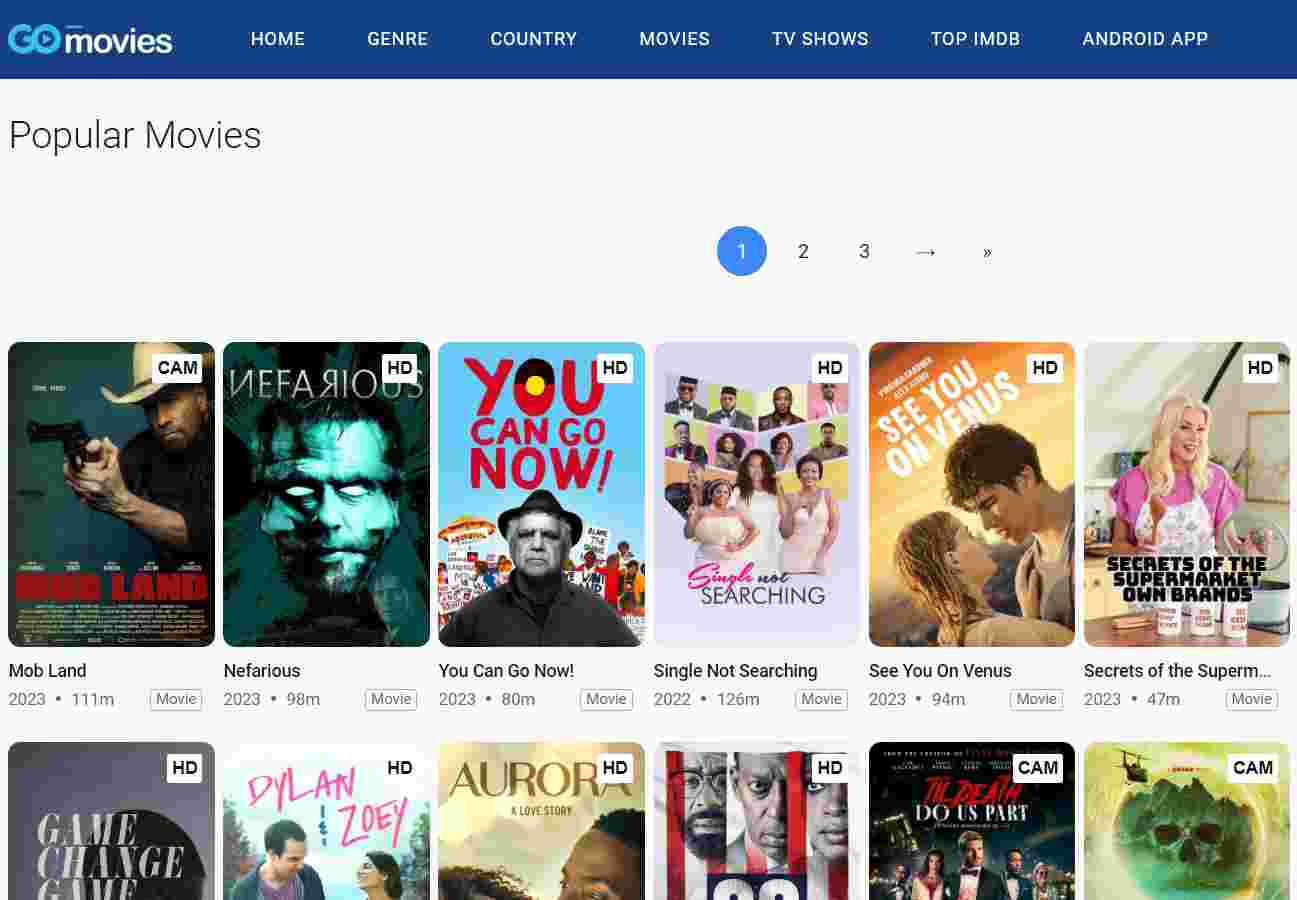 Gomovies is an alternative to 123movies that also offers free online movie streaming. On the site’s homepage, it is simple to locate the most popular movies and television programs. This website is highly regarded because its straightforward interface makes it easy to discover movies.
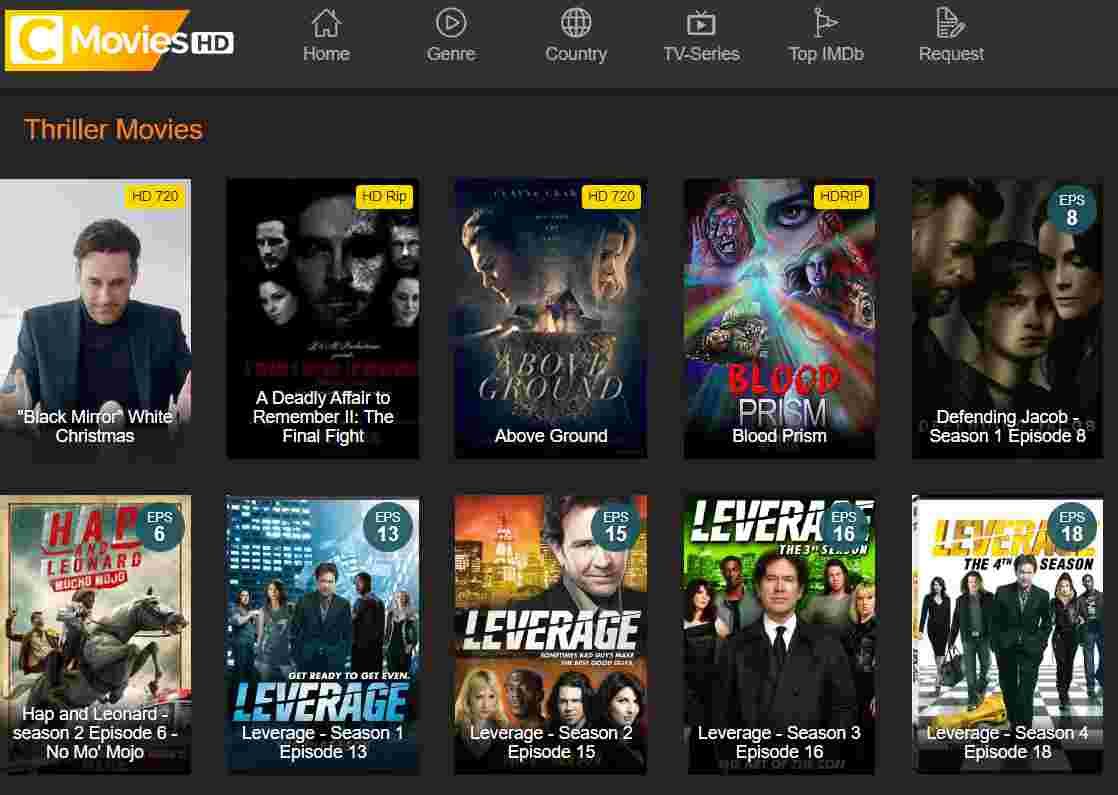 CmoviesHD is a good alternative to 123movies because it lets people watch movies online without having to download anything or sign up. The platform gives people access to a large database with a large number of movies and TV shows. It also has a lot of ways to sort movies, just like 123 movies.
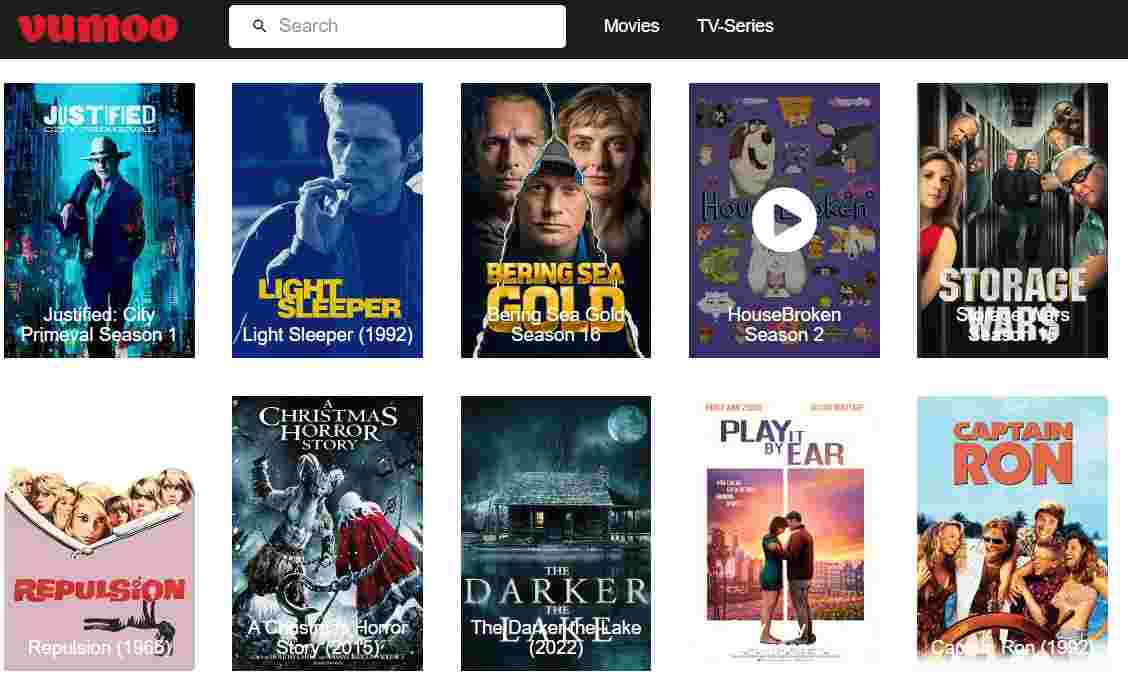 People think of Vumoo as a very trustworthy and best alternative site for 123 movies, which is why it’s at the top of our list. This website is great for people who love watching movies and TV shows because it has a lot of information that is regularly updated. The most important thing about the site is that it is free.
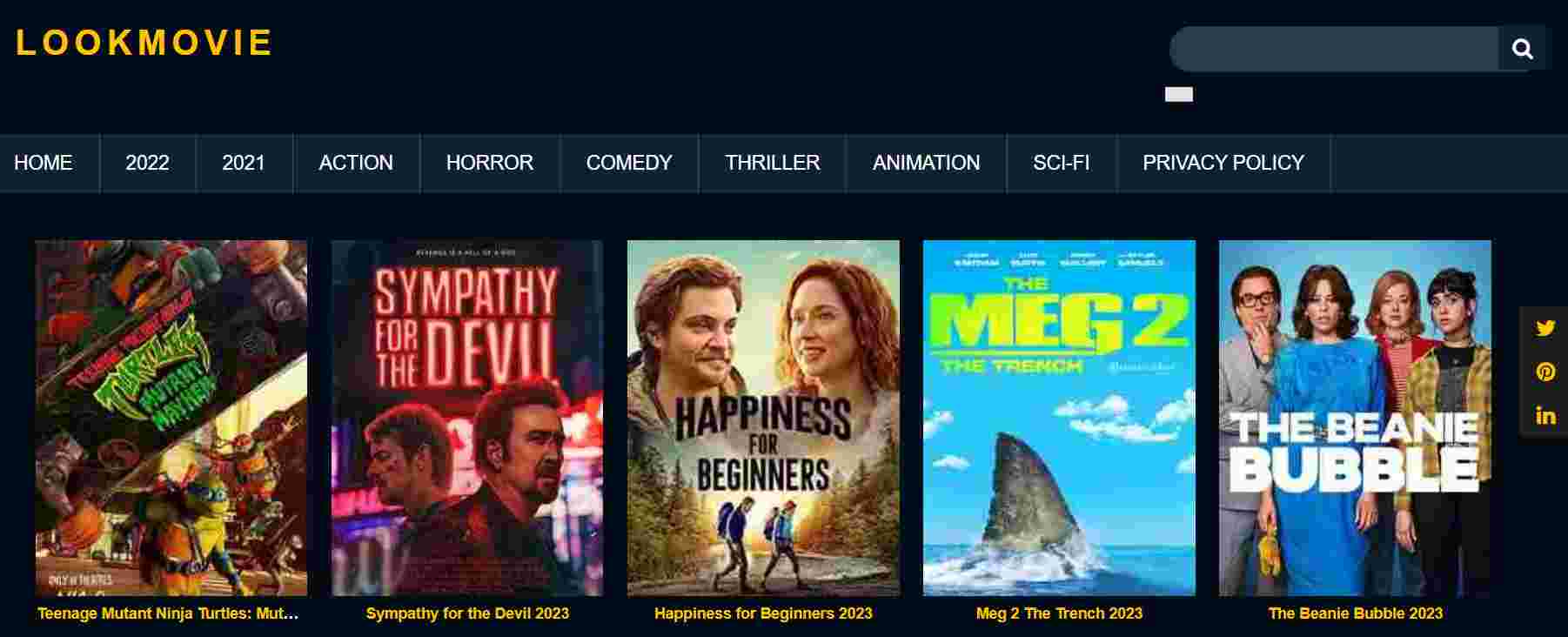 Many times, I’ve used LooKMovie to watch full HD movies online. It does have ads, but it is still a good site for watching movies. You don’t have to press the play button a dozen times. With just one click, you can start watching your movie. So, it should be on the list of sites like 123 Movies.
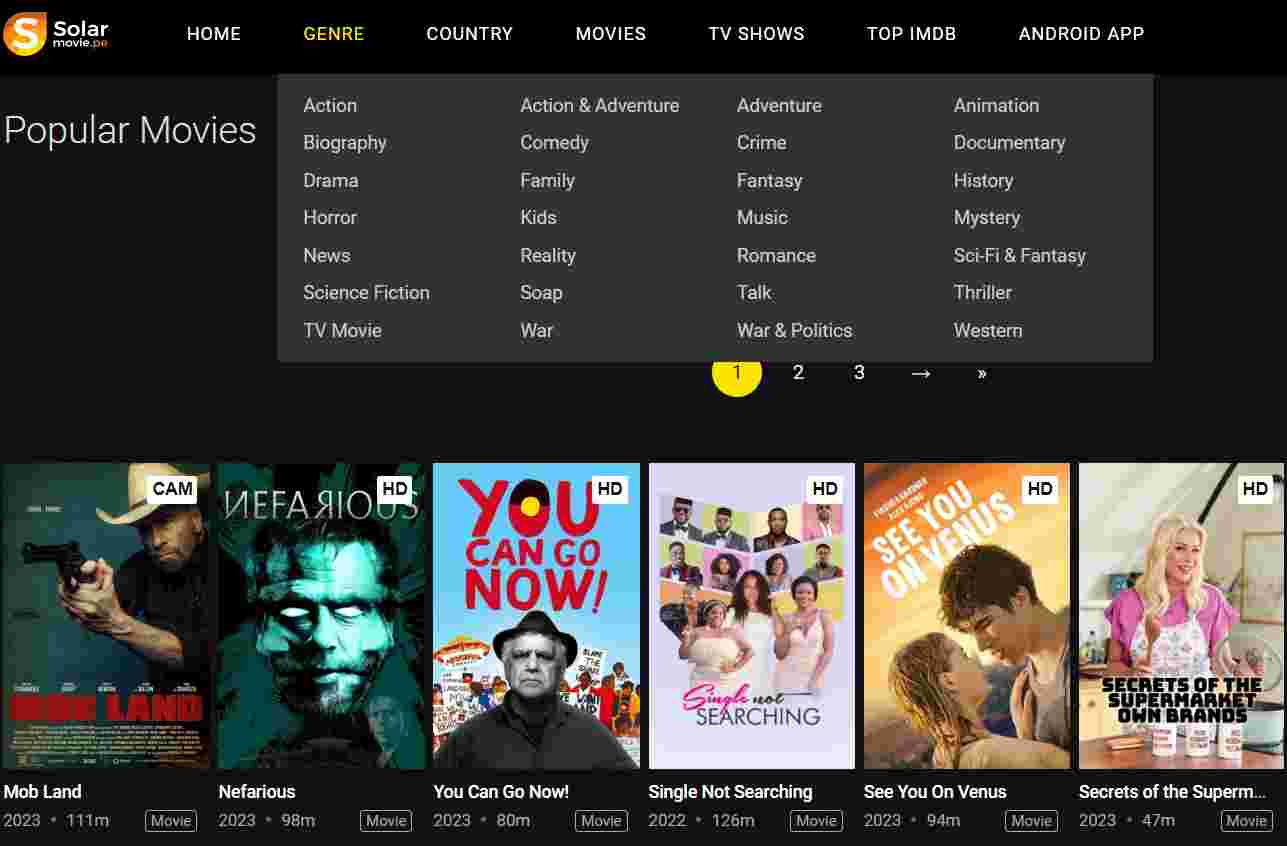 This is a popular website where you can watch movies and TV shows in HD without having to sign up. The style of this site is a lot like the 123movies free website, which is a good thing. The homepage of this site is very flexible and makes it easy to find the newest movies.
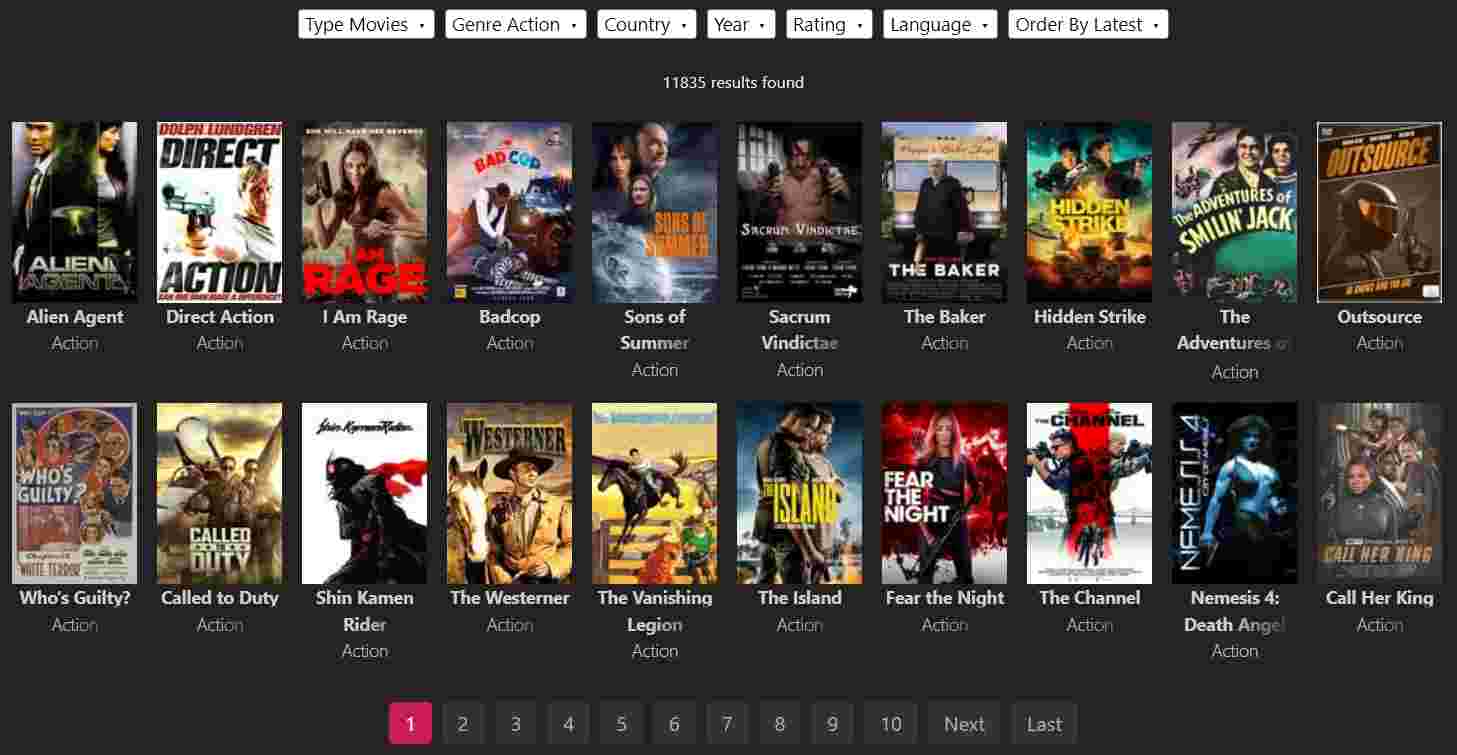 Let’s say at that time we talk about a free movie site or sites like 123movies. Yes! movie is the first site pop-up in our minds. You can watch any movie or TV show for free on this site because it has a big collection.
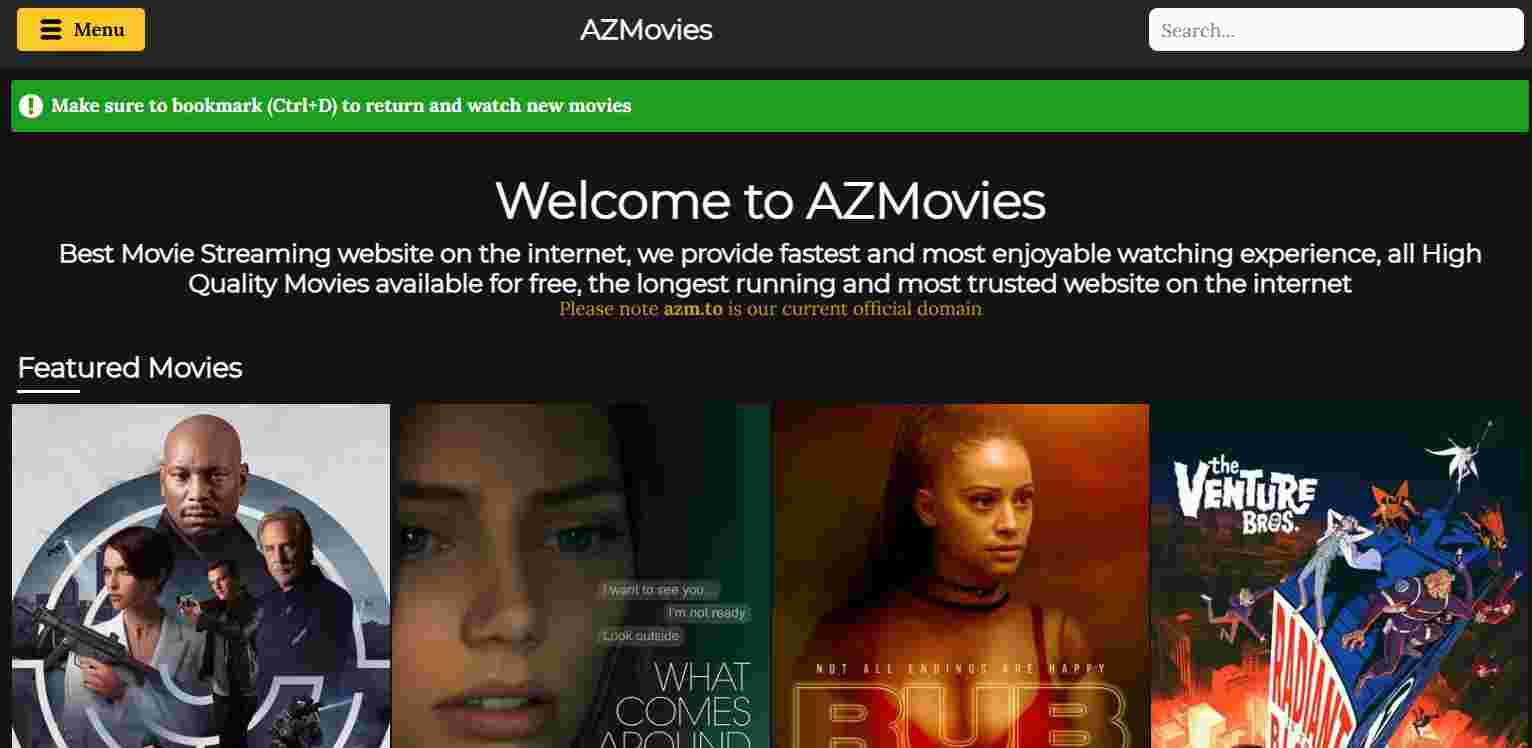 AZMovies is the best alternative to 123movies. AZMovies is an online site that has been around for a long time and has a good reputation in its field.
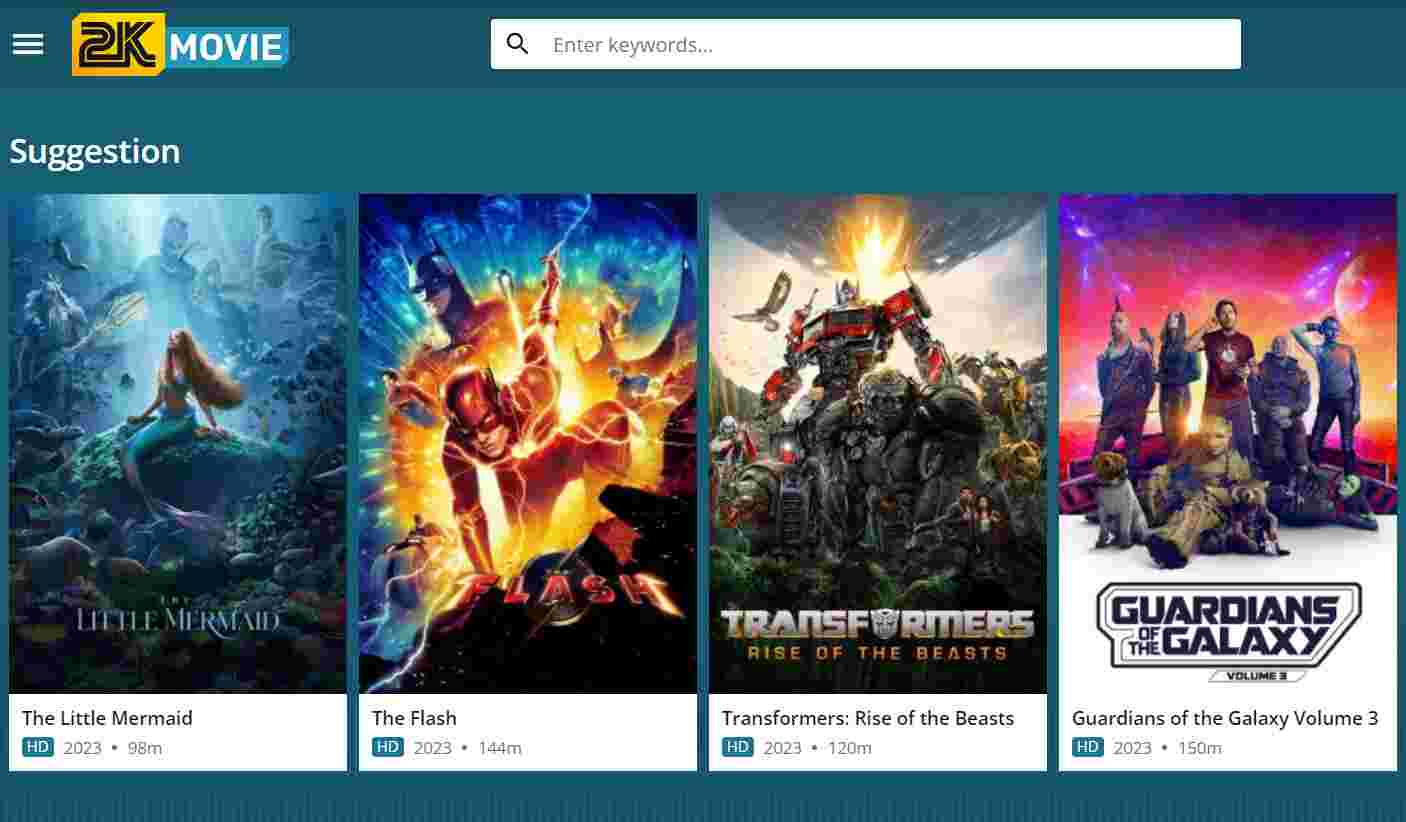 Movie2k is a site on the internet that lets people watch full-length, high-definition movies online. Many people think that this website is one of the best Sites like 123Movies because it has a wide range of advanced tools and features that make it a great place to watch movies. The website makes it easy and quick to find and watch full-length movies, without any annoying ads getting in the way.
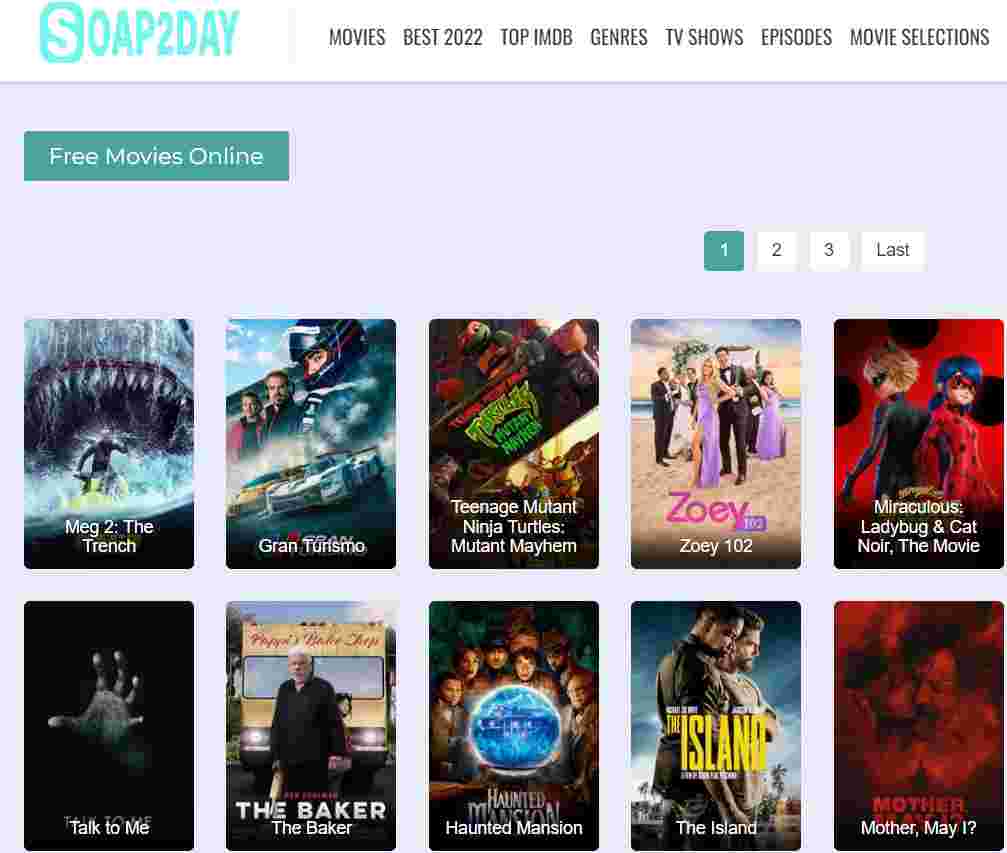 People can watch movies and TV shows online for free on Soap2day. The site works well, and people can watch movies of good quality.
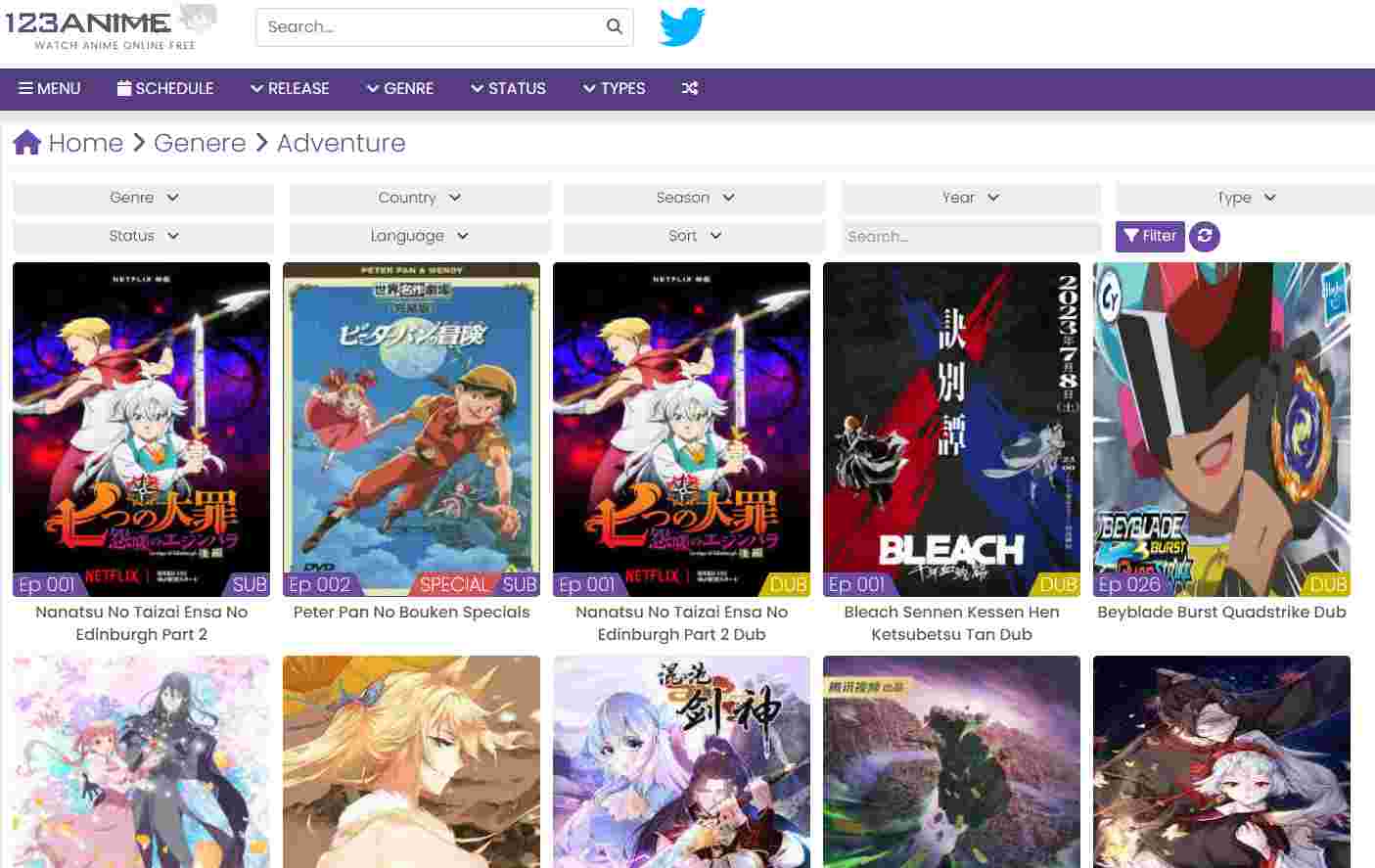 If you’re going to talk about sites like 123Movies, you can’t leave out 123Anime Hub. As the name implies, it’s pretty much the same thing, but for “Anime.” Even the way it looks is a lot like 123Movies. Also, it has a link on its top bar that takes you to 123Movies.
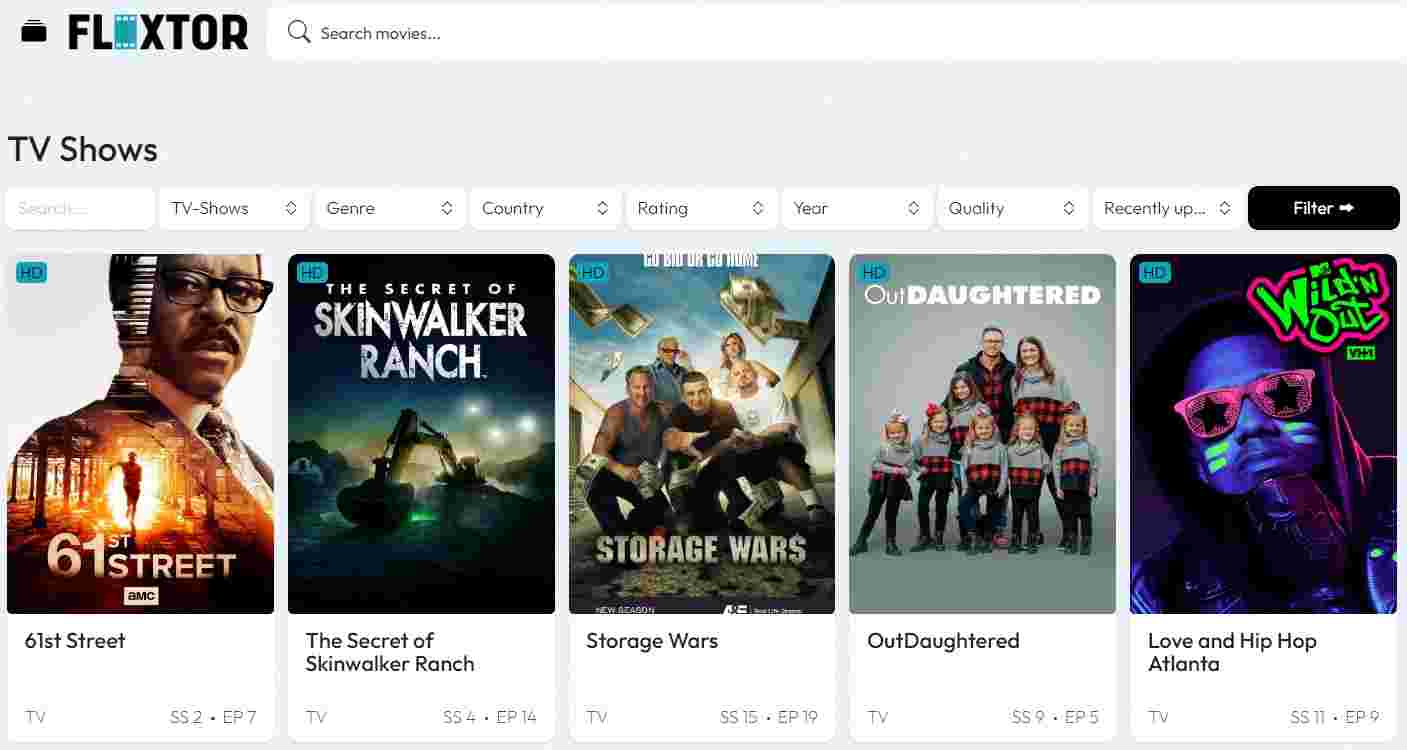 FlixTor is an excellent alternative to 123Movies for people who want to watch movies online without paying anything. Users agree that this streaming site is one of the best places to watch free movies and TV shows. The app has an easy-to-use design and a large number of movies and TV shows to choose from. When you look for a title on FlixTor, there is a good chance that you will be able to watch it in high definition (HD).
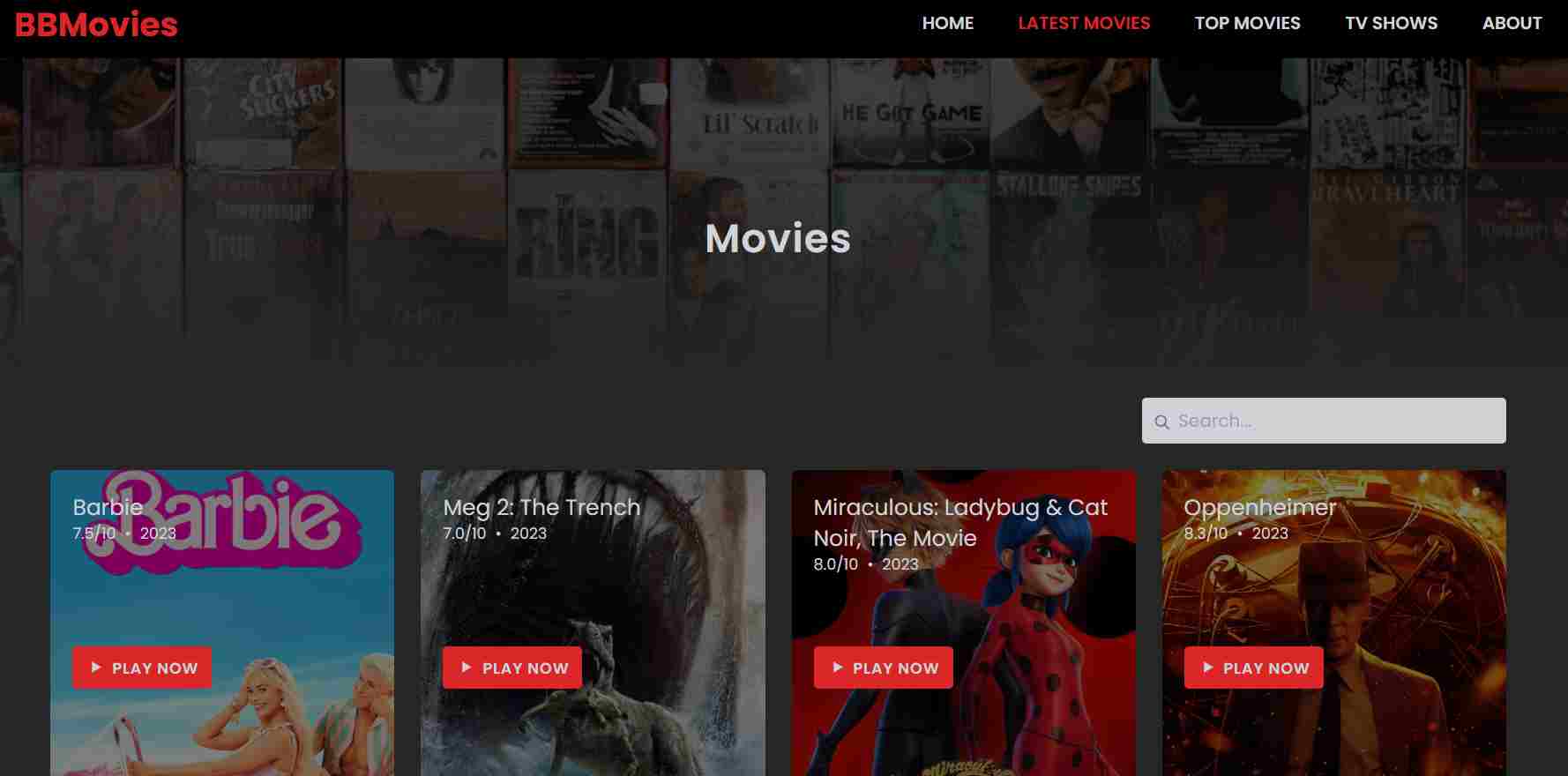 The next site on our list is Bmovies, which is a good alternative to the 123movies website. This website lets people watch both old and new movies and TV shows in high definition for free. You’ve already been given a lot of options, but it’s worth noticing that this website has fewer ads than others.
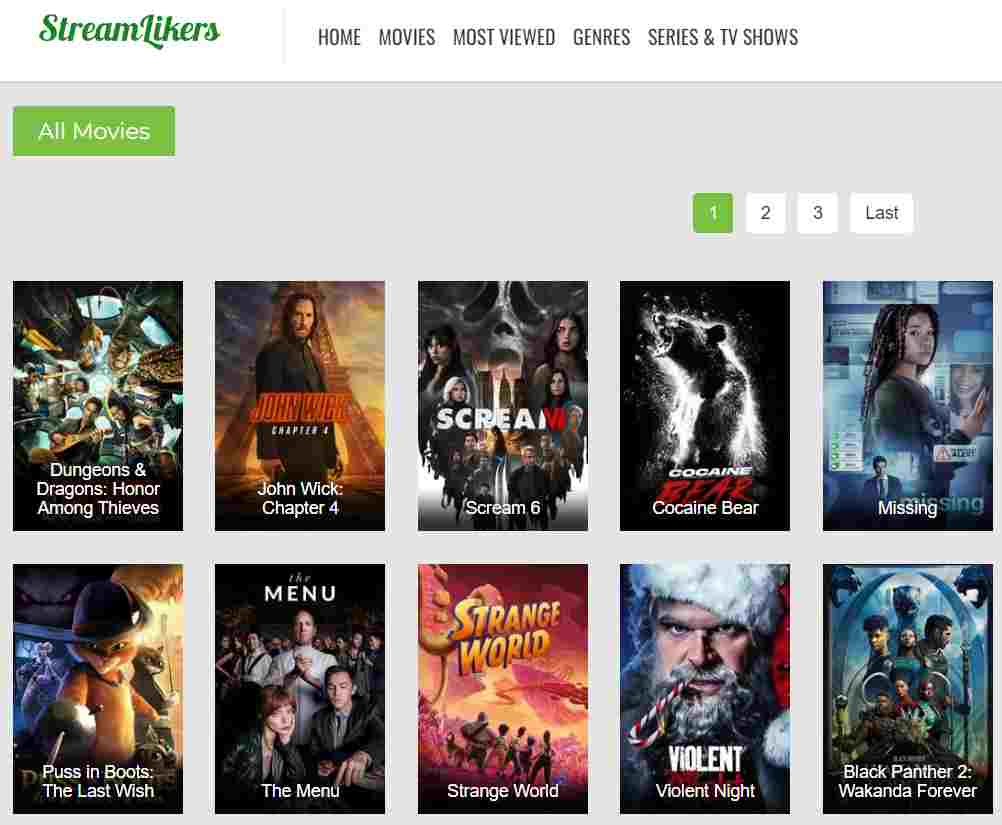 Compared to sites like 123movies on this page, Stream Likers comes out as a very professional platform. The site was made for people whose main goal is to stream movies.
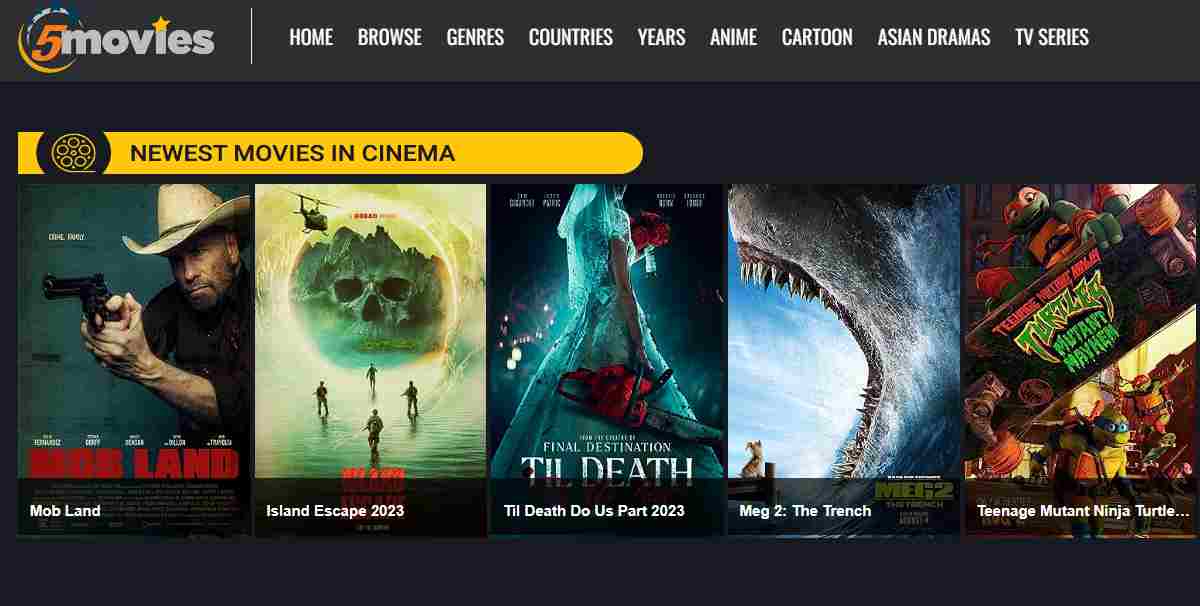 5Movies is a streaming site like 123movies that has a lot of features. Once you know about 5Movies, you won’t want to go anywhere else to have fun.
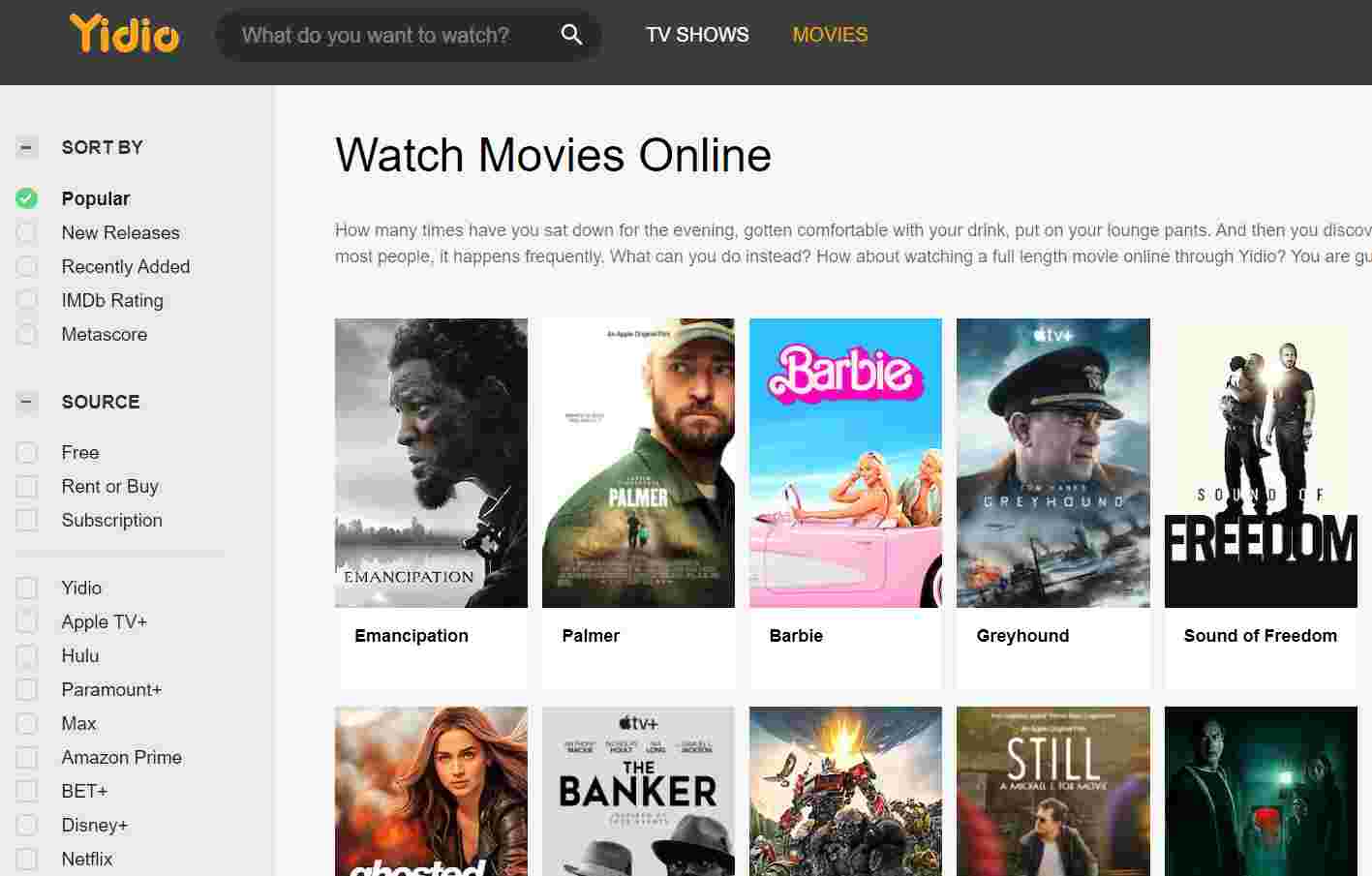 Yidio is a cutting-edge search engine that gives users a complete way to stream material from multiple websites at the same time. It is thought by many to be one of the best options for people looking for alternatives to sites like 123movies.
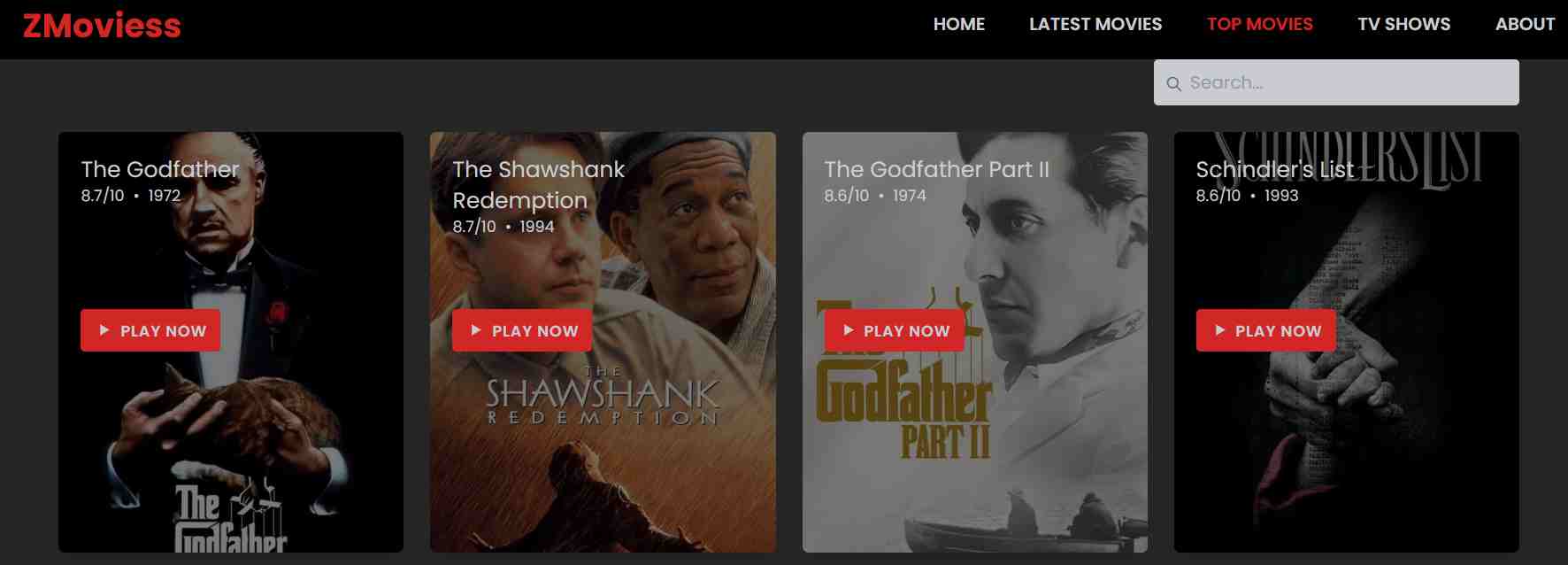 This site has a huge collection of movies and TV shows that you can watch whenever you want. Once you’ve been to this site, you’ll never go to another.
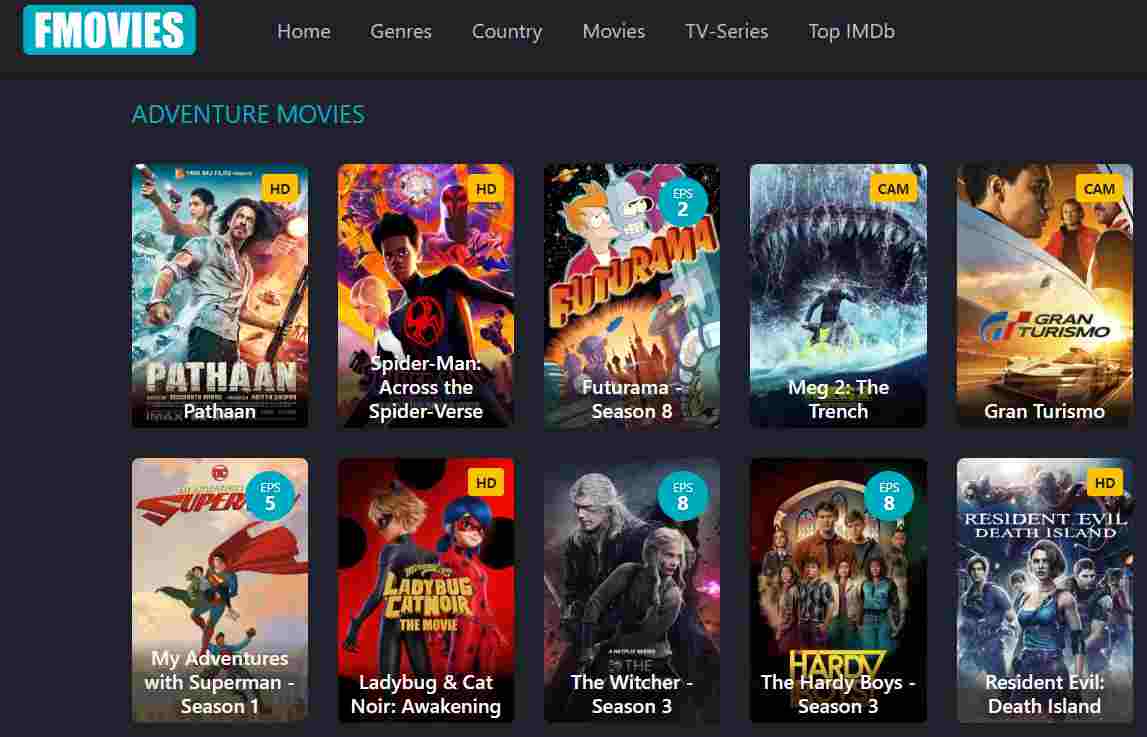 There are a few ads on the Fmovies screen, but they won’t bother you unless you click on them. This site lets you put short films into several categories based on things like their subject, country, and year of release. Within each area, Fmovies has a large number of movies and TV shows to choose from.
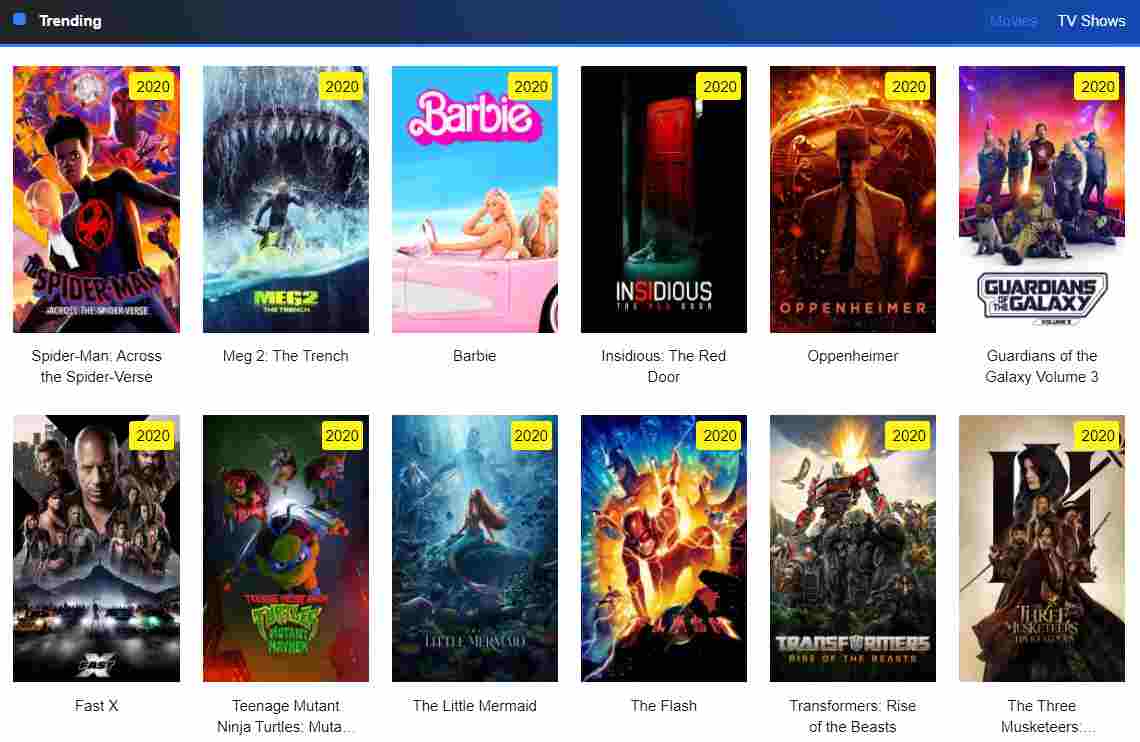 PrimeWire is a site like 123movies. To watch movies or TV shows, you have to create a free account and go through the signup process. The process of signing in is easy and similar to that of other websites. To make a free account, all you have to do is tap on the gadget. Users have to give the necessary information to create an account, and once that’s done, the process is done.
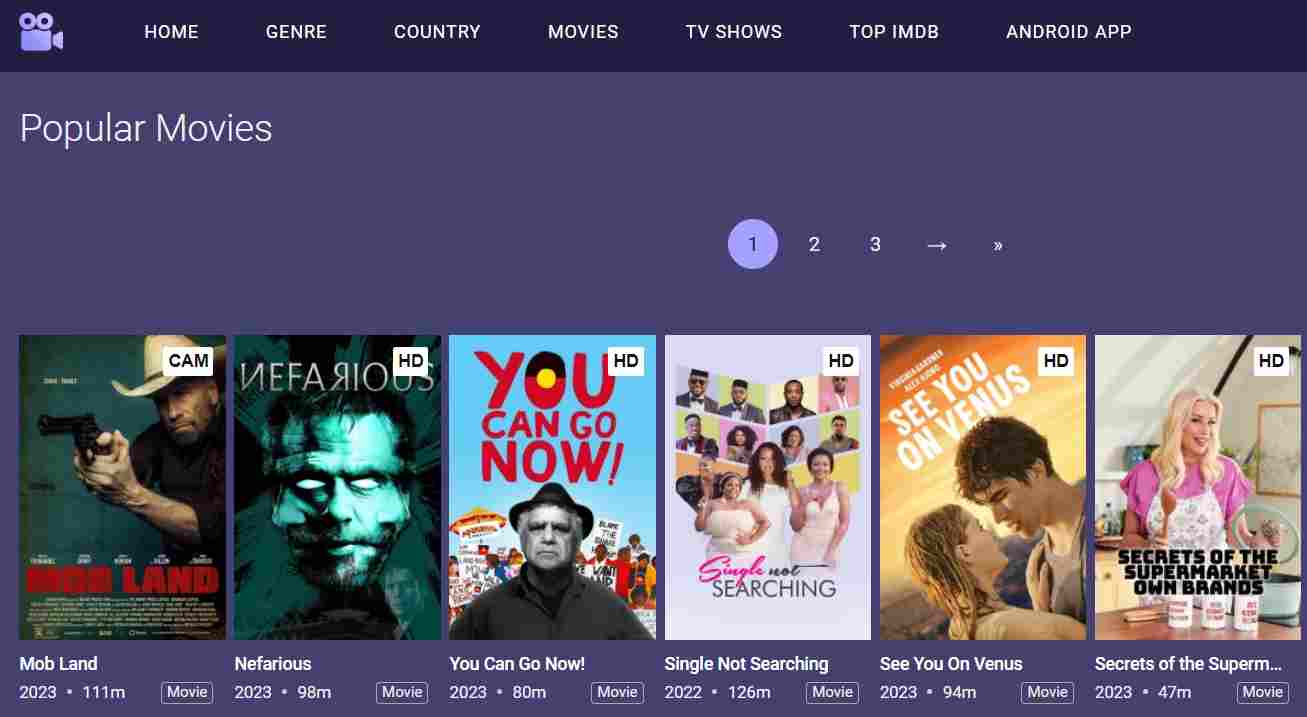 MoviesJoy is another site that lets you watch free movies online. It lets you look at the movies that other people have watched on the site. The stream of movies is changed often, and the homepage shows all of the newest ones.
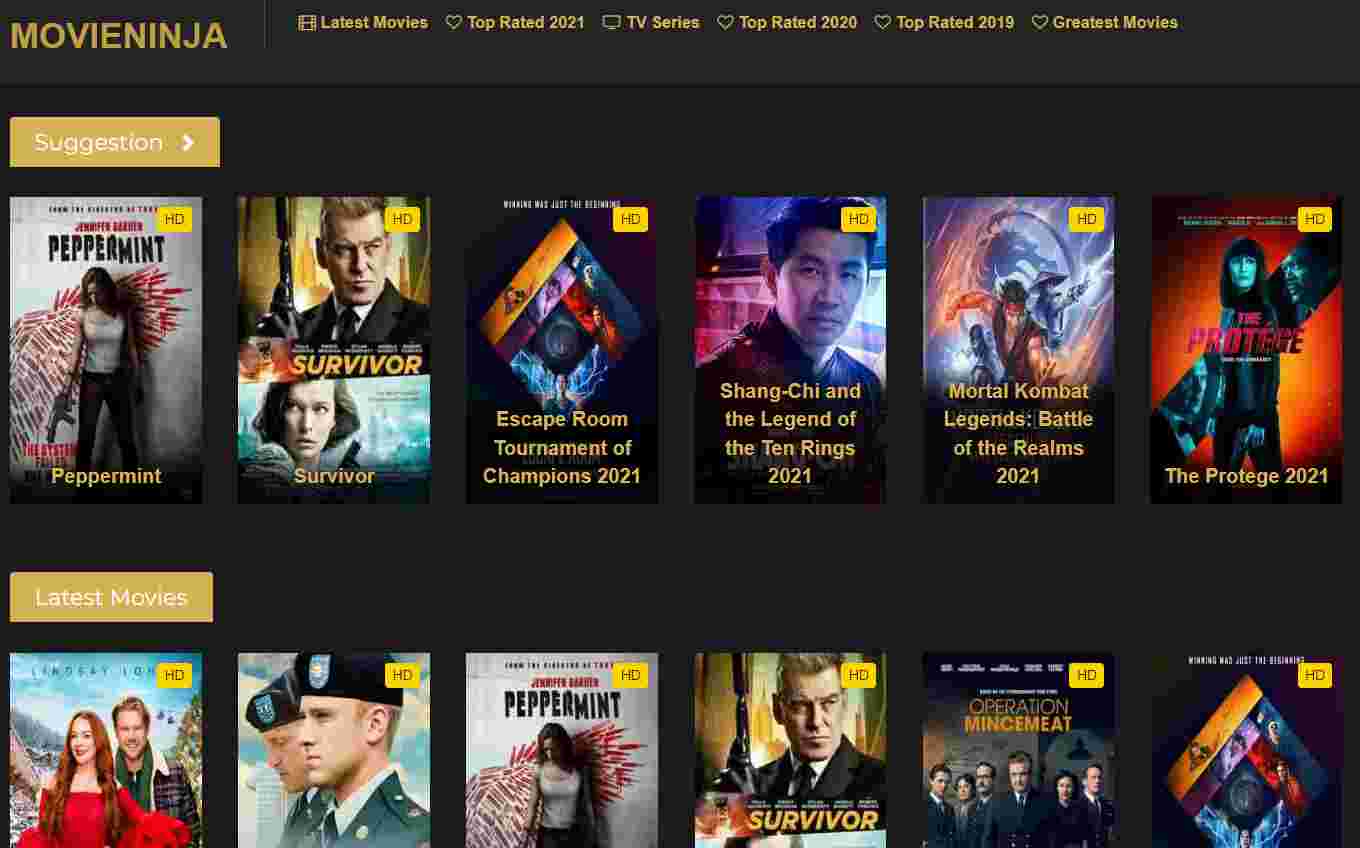 Movie Ninja got some new computers so that the buffering time would be faster. On the top page, you can see all the new titles and find a movie you might like.
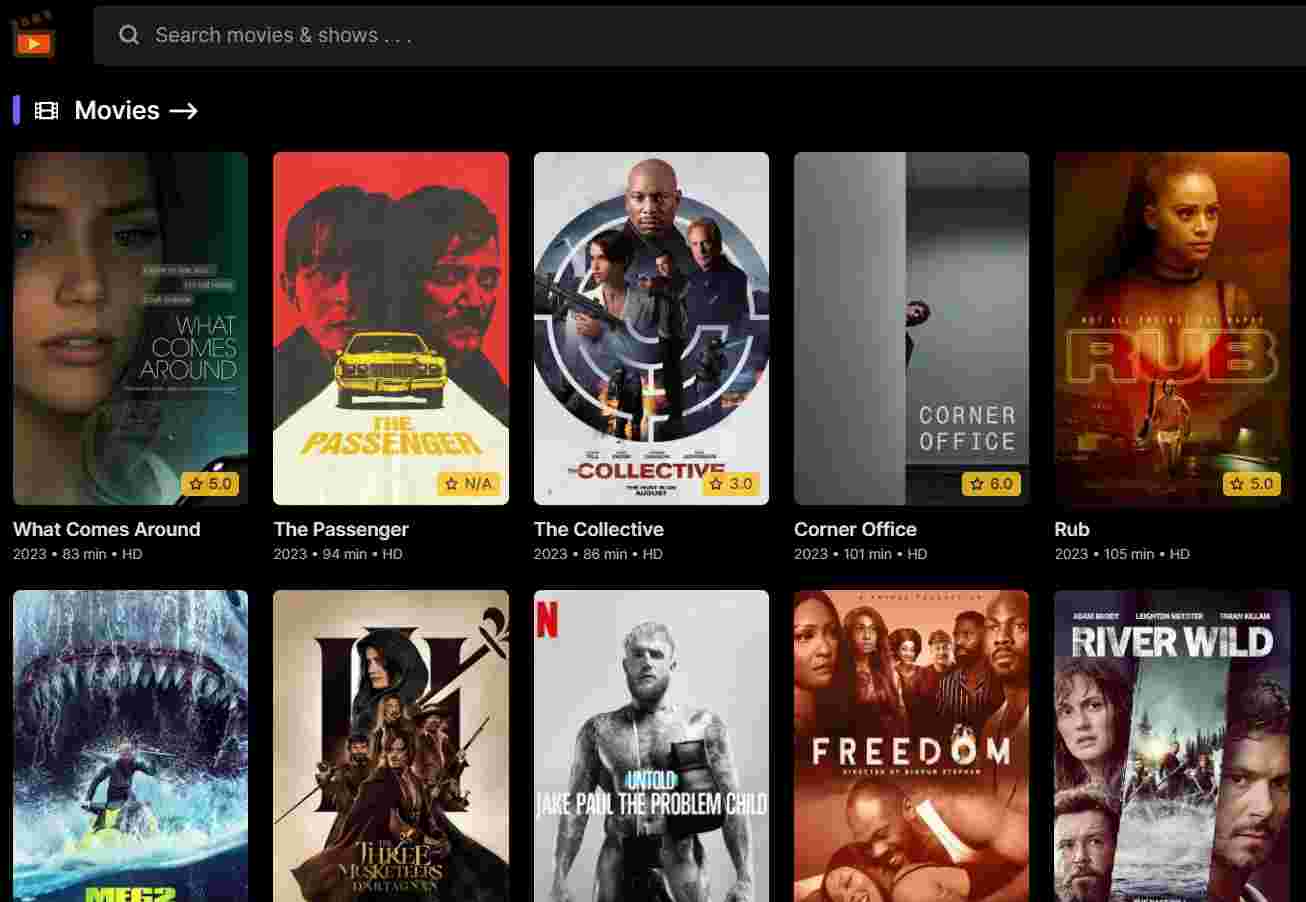 WatchFree is an outstanding alternative to 123 Movies because it has a large selection of cartoons and TV shows.
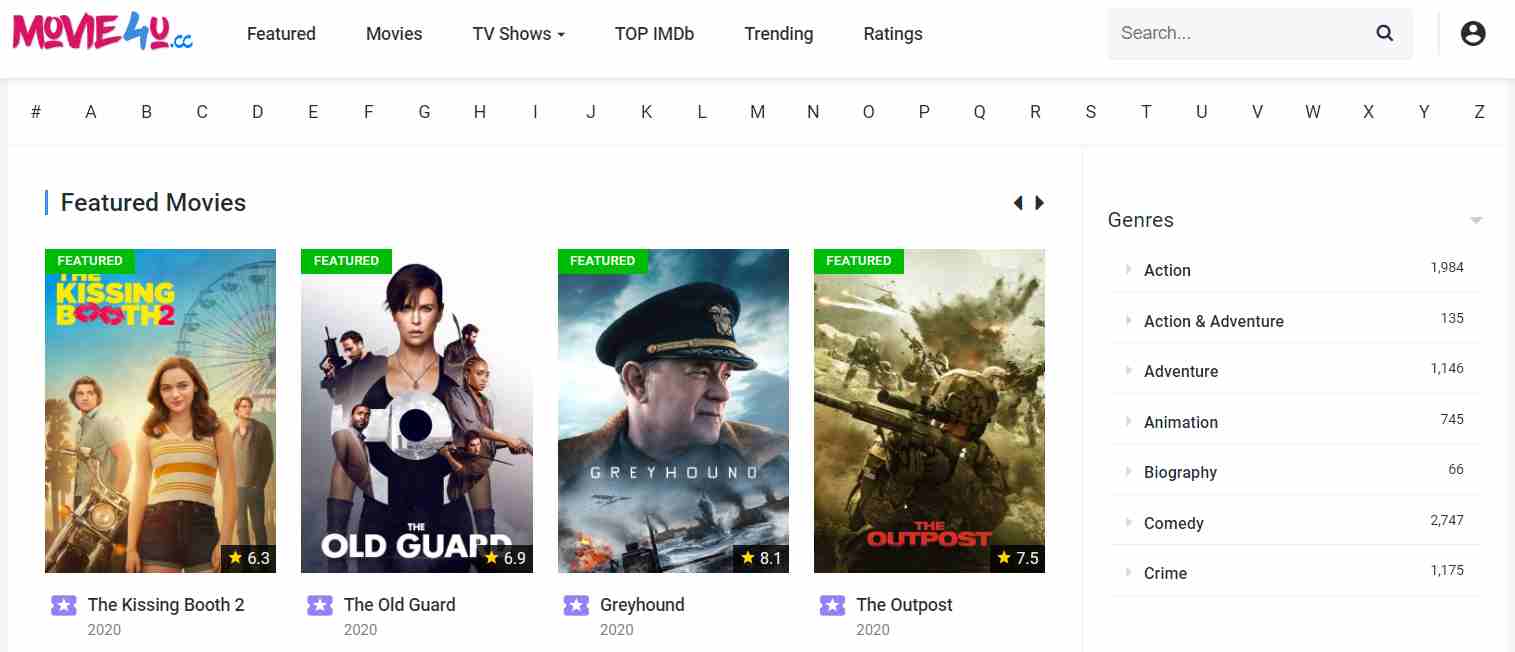 Another good choice is Movies4U, which has a similar site 123movies alternative unblocked. The UI is easy to use, and the menu is set up so that you can move around quickly. This site has a huge collection of movies and TV shows. Check out this site for sure.
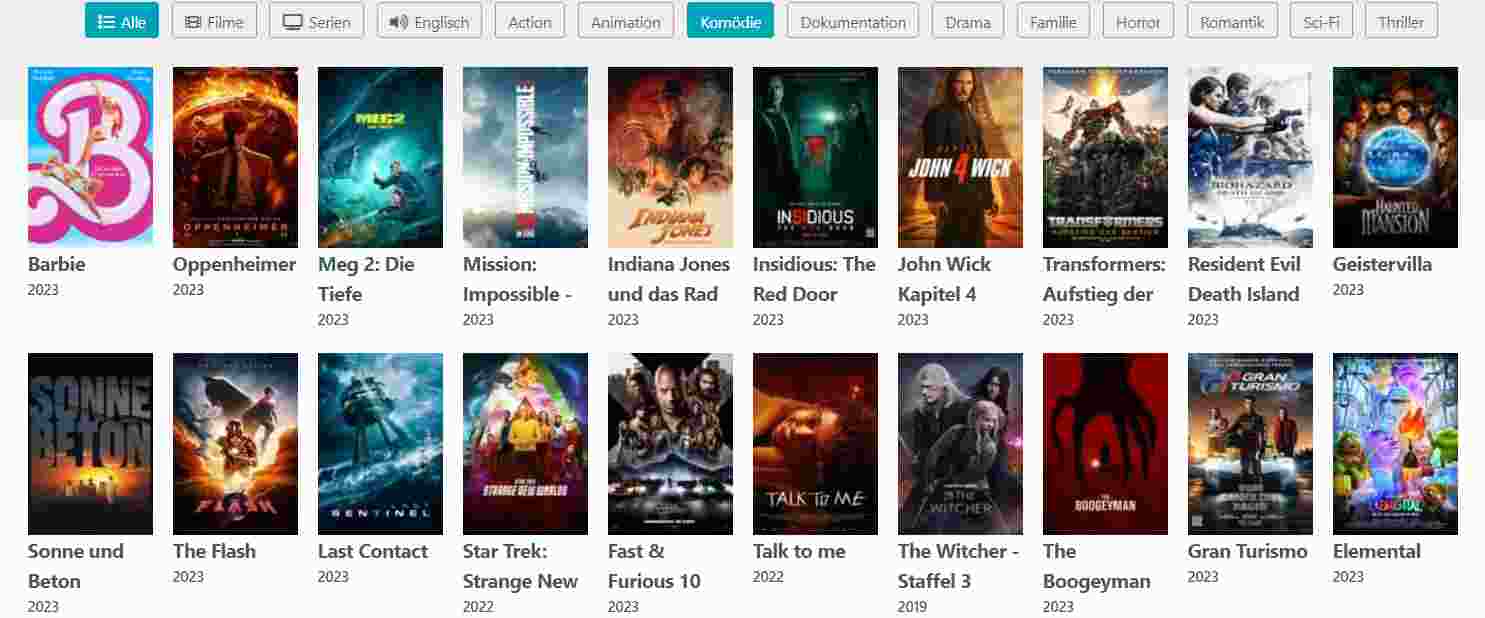 Movie4k is an excellent alternative to 123 Movies that you should check out. At this site, users can watch a wide range of movies and TV shows. The clean and easy-to-use user interface (UI) of this product is something that stands out. On this site, it’s always easy to find a movie you want to watch. The method also sorts movies into groups based on when they came out.
 Bounce TV is a digital streaming service in the United States that is made especially for African-American people. The platform has a wide range of programs and movies that appeal to a wide range of people, including a specific group of people. Users can get free access to the website, which has high-quality multimedia material and not too many annoying ads.
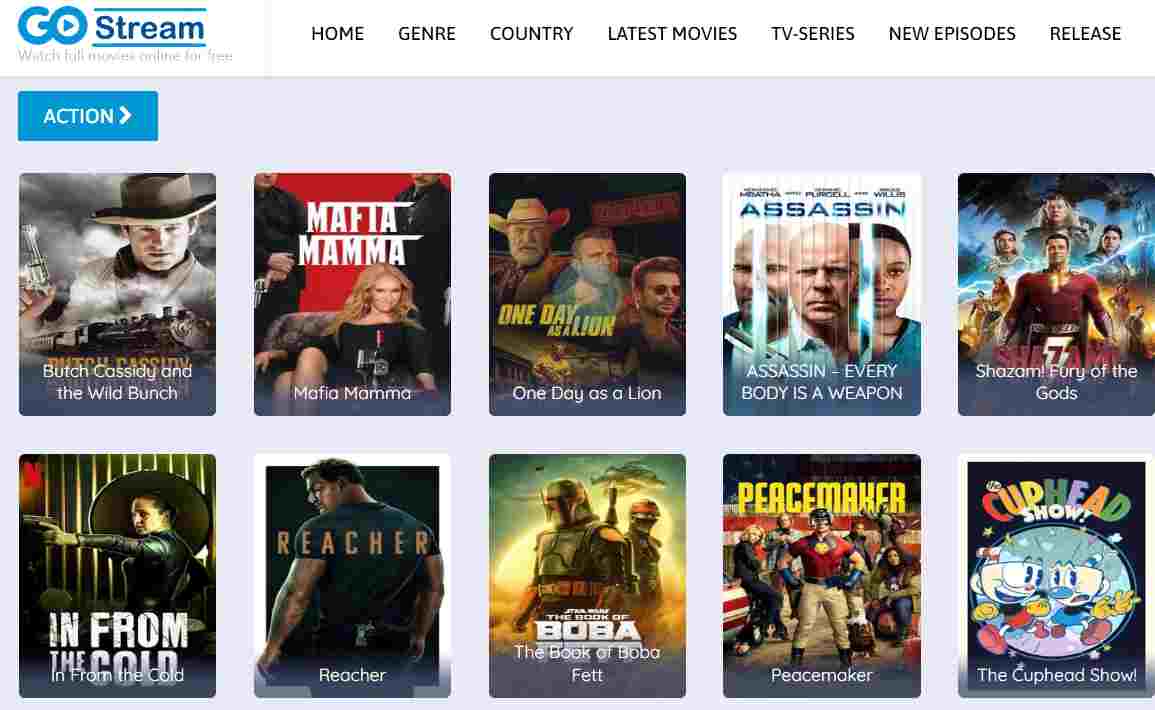 Gostream is an online site 123movies alternative to watch free movies. It’s easy to find what you want because it’s set up simply. Go to the best 123movies alternative website and type the name of the movie into the search bar to find it. If someone still wants to watch a movie, they can look through the albums to find one. When people go to a movie page, they will see a lot of information about the movie, like its grade and a video trailer.
 This site is a gold mine if you want to stream old movies. This site has a huge collection where you can find both old and new movies. The site is also free, and you can watch movies online or download them. Streaming sites that offer full HD resolution are also free.
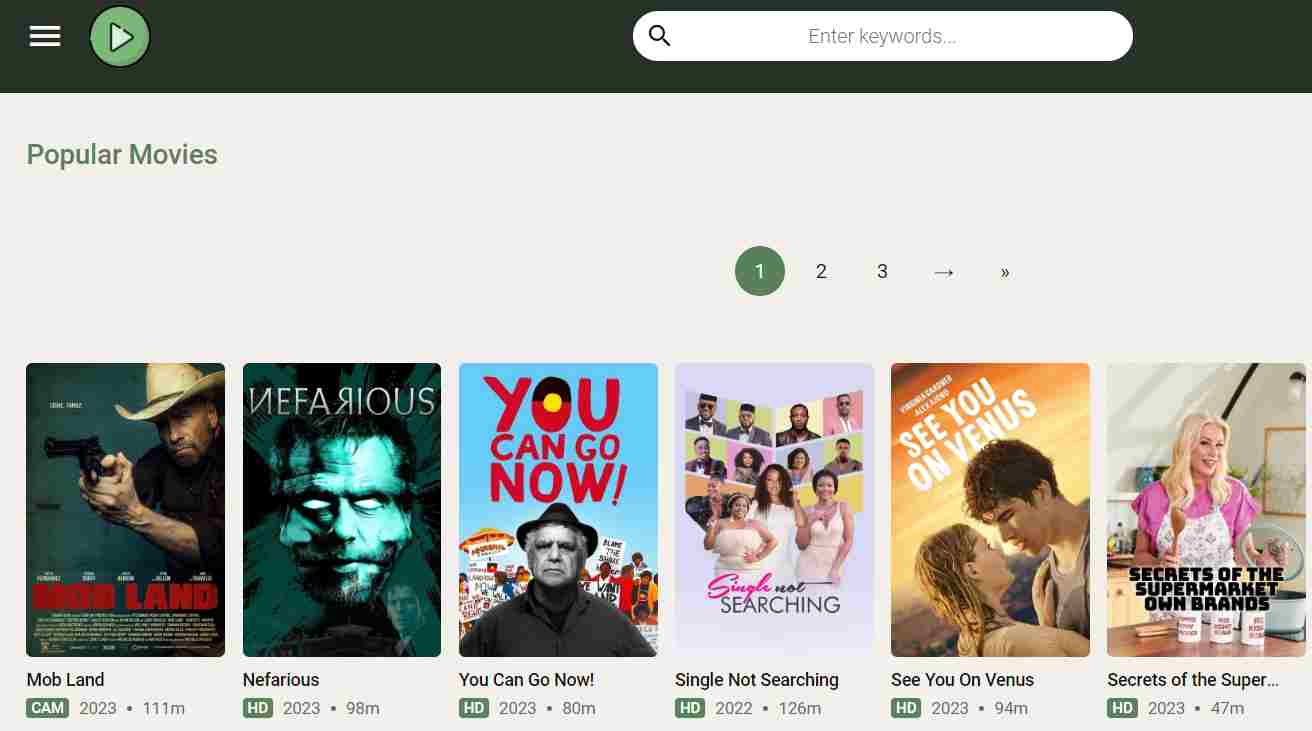 Cineb is a great option for people who want to watch movies for free but can’t use 123movies because its main website is stopped working. People can watch a wide range of movies and TV shows for free on the website, which is a brand-new platform. The group wants to make a good name for itself in the business world. The online site for watching movies has a simple interface, high-quality video playback, and few ads that get in the way. The feature I just talked about makes the website better, which is great.
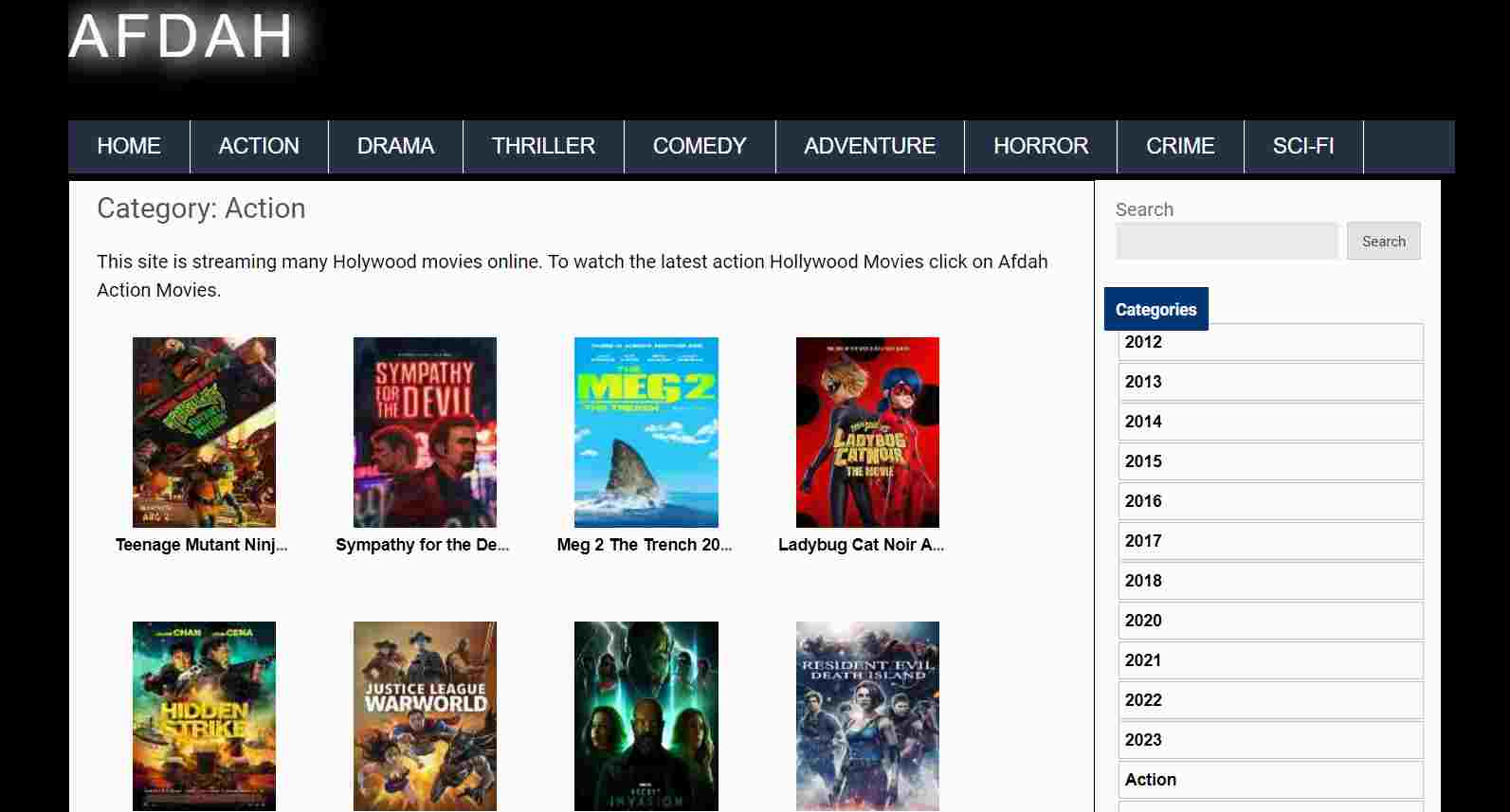 There are many types of movies, like thrillers, scary movies, comedies, and so on. This site has information about all the new Hollywood and Bollywood movies.
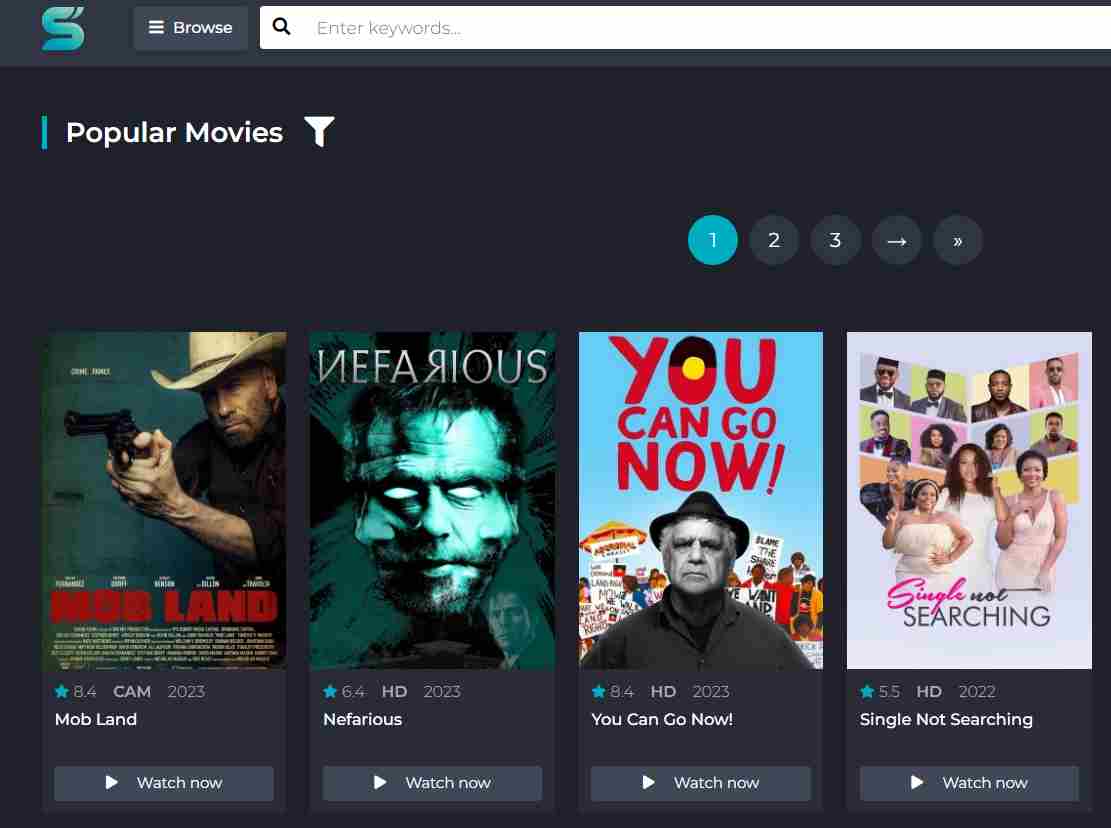 SFlix is a good alternative to 123movies because it is like other movie websites. On the site, there is a big search bar that makes it easy for users to find their favorite movies and TV shows.
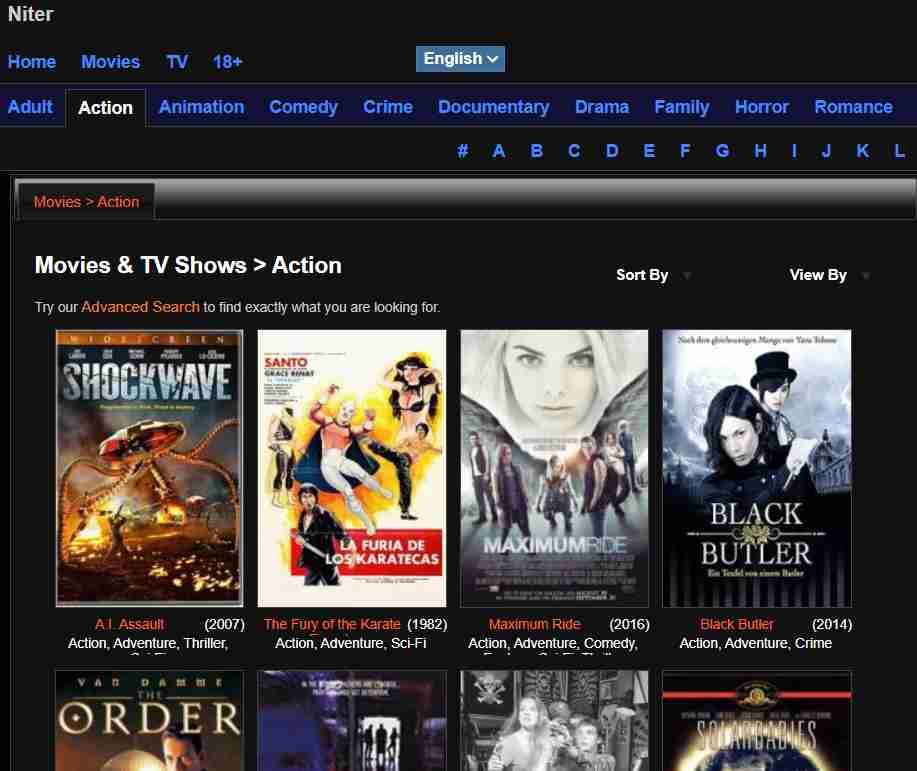 Niter’s home page has an easy-to-use search box and online site 123movies alternative to watch free movies. On the platform, users can watch a wide range of free material. The method lets users choose from many different kinds of movies, such as action, comedy, and cartoons, among others. You can also watch things like cartoons and TV shows.
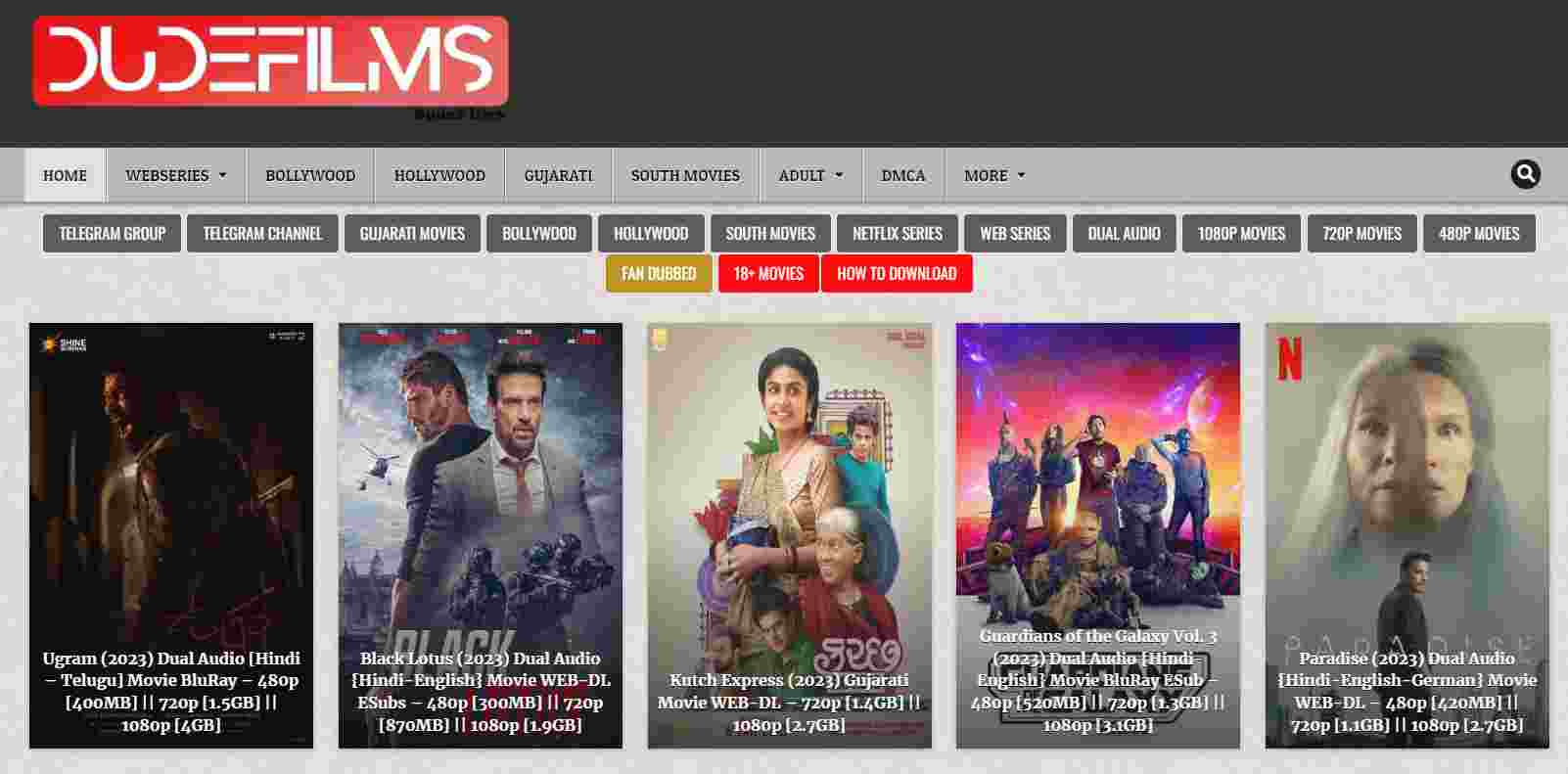 Most Indians use DudeFilms to watch movies for free and download them. You can easily find your favorite movies, web series, and TV shows on this site because it is easy to use and navigate.
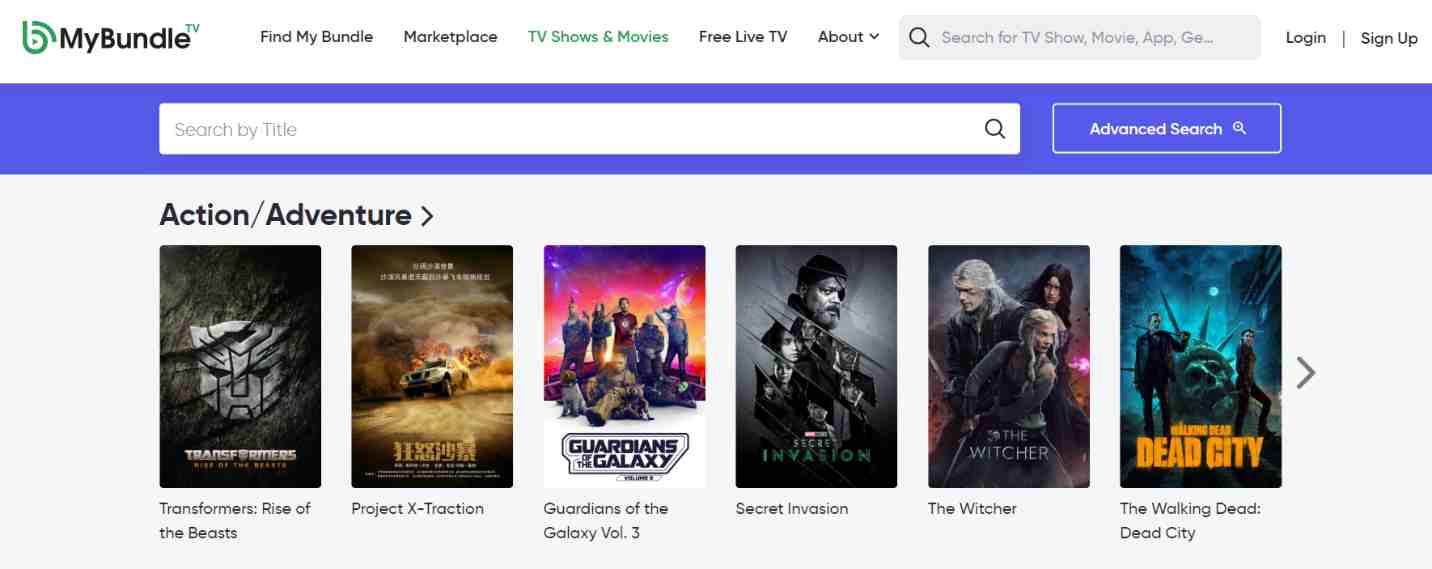 MyBundleTV is a unique site like 123movies that does the same thing. People who use this website don’t have to pay anything to watch a huge number of movies and videos online. The app makes it easier for people to find places where they can watch certain kinds of pictures and videos. People who want to watch free movies online can use a thorough compilation or catalog for this purpose.
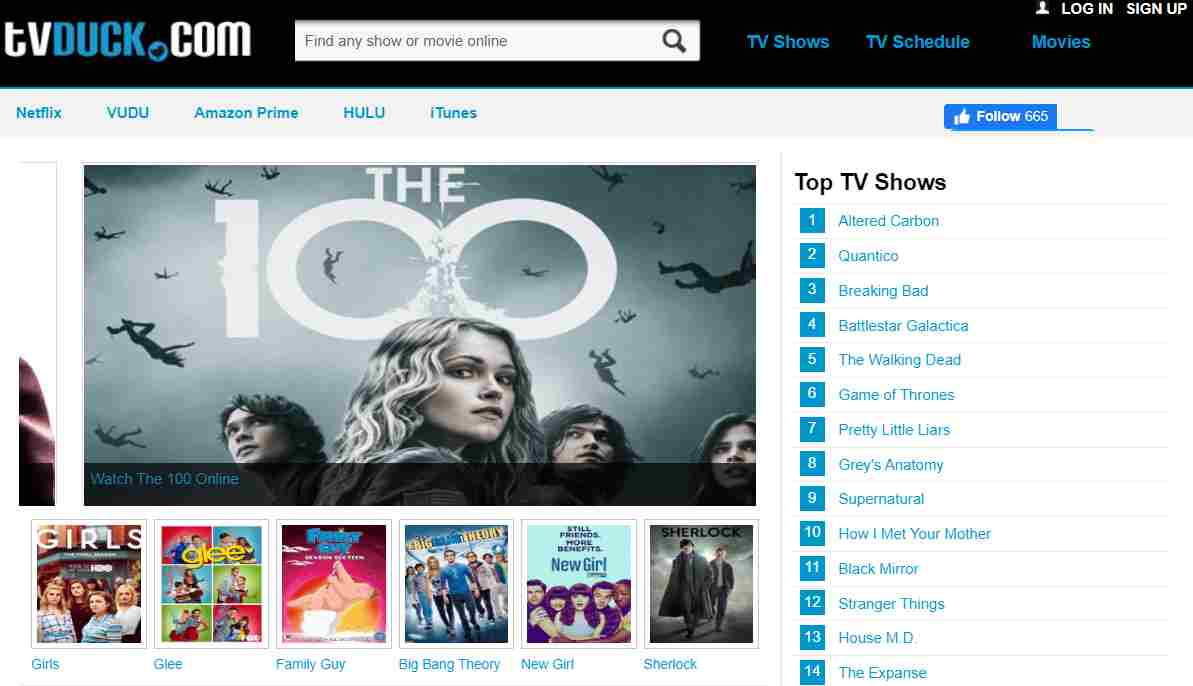 Another online site 123movies alternative to watch free movies, TV shows, and cartoons online is Tvduck. The website has a lot of different kinds of information that are put into different categories. The site has stories from fantasy, sci-fi, adventure, action, comedy, and romance, among other themes.
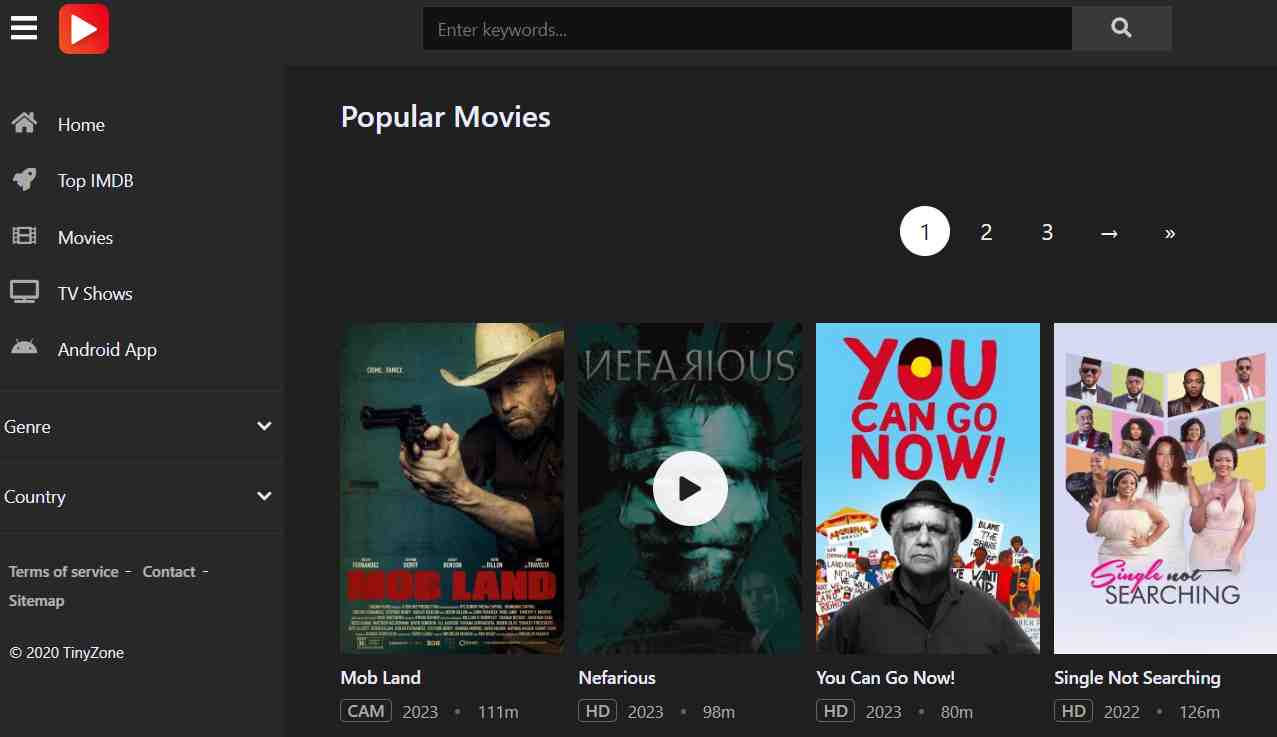 Tinyzone” is another site like 123Movies. If you want to find a website with the best IMDB movies and TV shows, you should add Tinyzone to your bookmarks right away. Tinyzone lets you watch movies online for free.
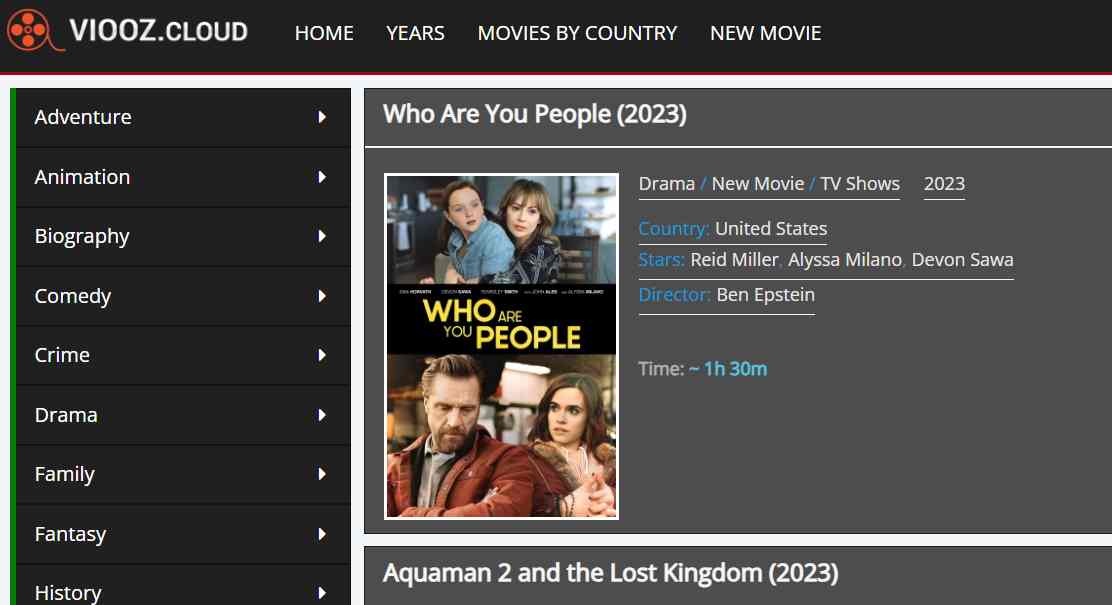 Viooz is an online site 123movies alternative to watch free movies where you can watch and download full movies with good picture and sound quality. The site has a huge amount of high-quality material from many different categories, such as Action, Adventure, Comedy, Family, History, Horror, War, etc.
 When looking for good 123movies alternatives, TheMovies25 is another great choice. You can watch free HD movies on this site.
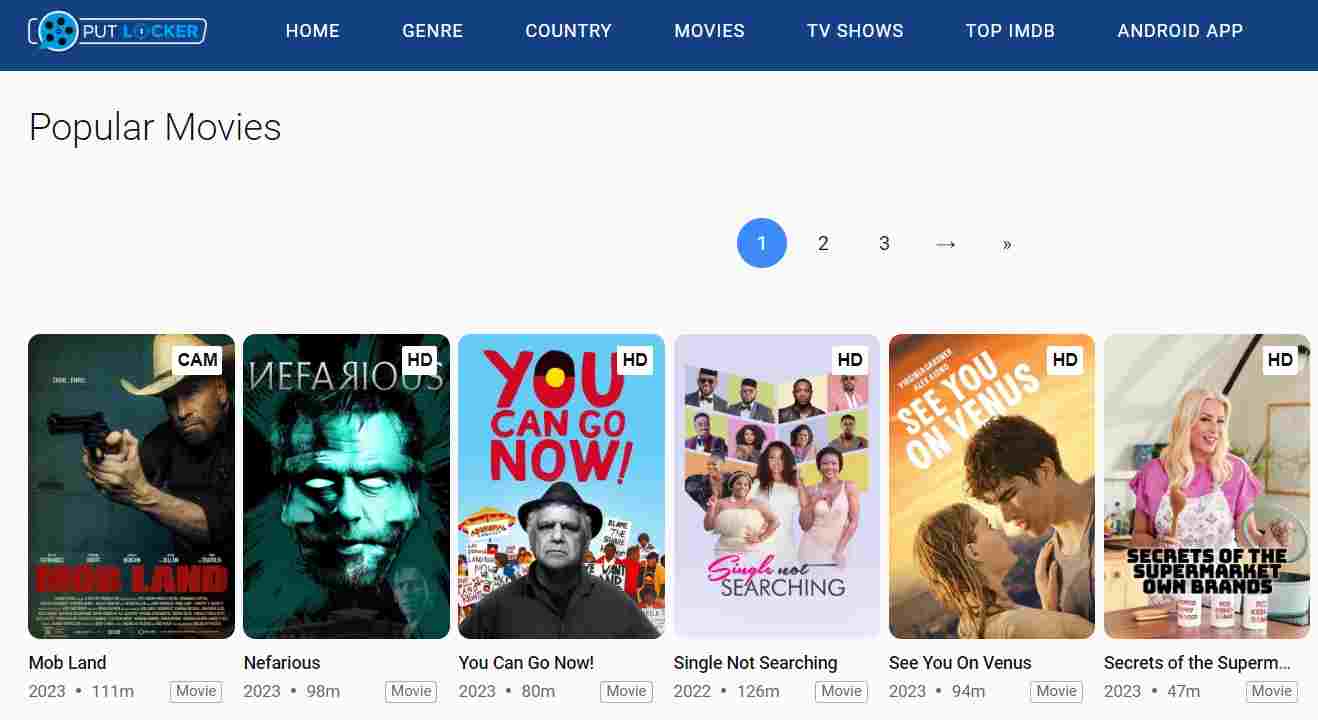 It is a website for online entertainment that lets people watch movies and TV shows for free. The app gives you access to high-quality movies and TV shows that don’t take a long time to load. It has a lot of different kinds of movies and TV shows, like action, comedy, drama, and so on.
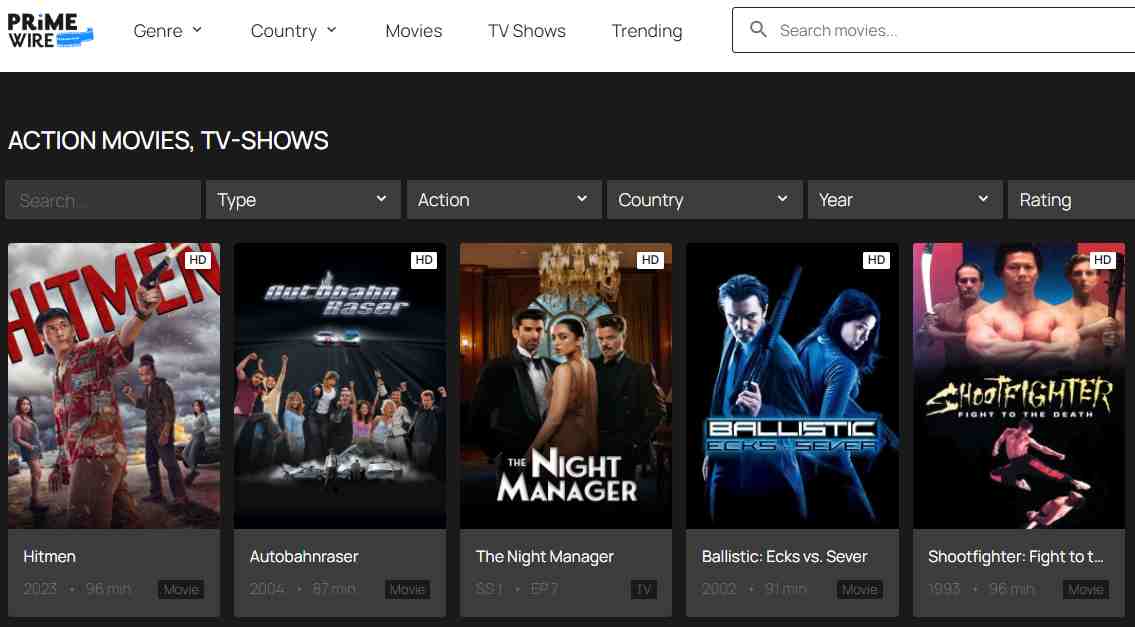 PrimeWire is one of the best free sites like 123movies where you can watch movies. It gives you a list of movies from websites that host videos and lets you watch them online for free.
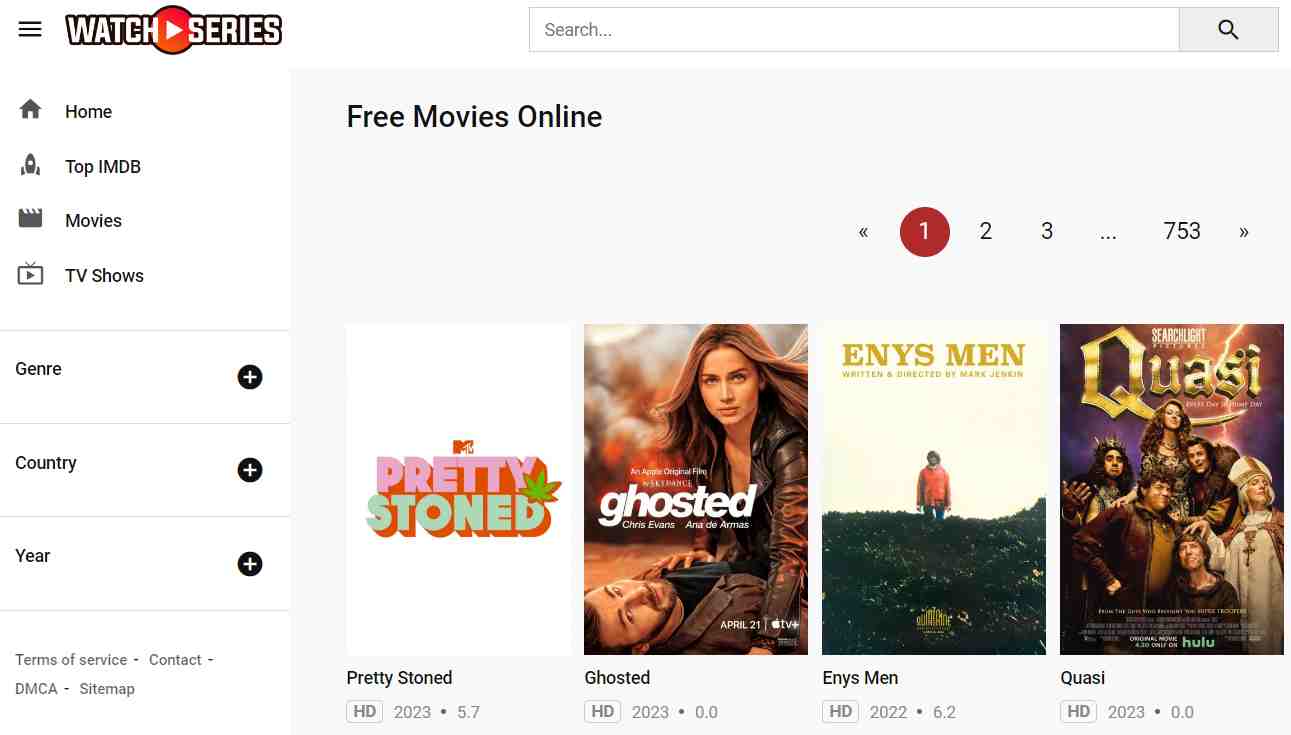 Watch Series TV is one of the best websites like 123movies for people who want to watch the latest episodes of their favorite TV shows from around the world.