17+ Lightest Browsers for Windows PC with Low Specs – Choosing the lightest browser to use on a low-spec laptop/PC is sometimes frustrating. If this is the case, there are only two solutions: upgrading your laptop/PC specs, or switching to a more RAM-efficient browser.
17+ Lightest Browsers for Windows PC with Low Specs
But what makes us confused is, that many browsers claim that the browser is the lightest. But after installing it, it still makes it slow.
Read more:
- 8 Ways To Change Default Browser in Windows 10 and Mac
- How To Lock Google Chrome Browser With Password
- 10 Best Anti-Blocking Browser Apps for Android
- 11 Best Open Source Browsers For Linux PC
Don’t worry, No need to rush to change laptops or upgrade PCs. Here I will compare 17 browsers to go through a series of tests to find which browser consumes the least RAM.
And here are the results.
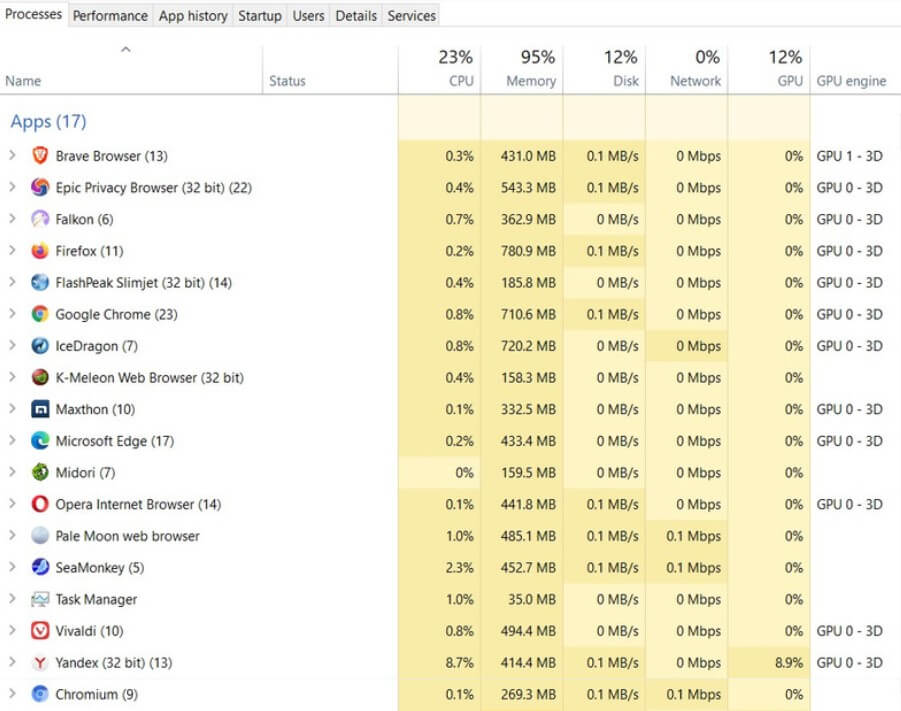
It should be noted that the lightest browser is not the same as the best browser. Some browsers can’t open one or two of the five experimental websites above.
Well, if you are confused about which one to choose, I will discuss the advantages and disadvantages one by one. Please choose the most suitable for your needs.
Let’s start with the lightest browser…
#1. K-Meleon
|
Browser Name |
K-Meleon |
|
Developer |
Dorian, KKO, et al. |
|
Base |
Mozilla |
|
Browser Engine |
Goanna (Gecko-fork) |
|
Built-in Search Engine |
DuckDuckGo |
If you are looking for the lightest browser, then K-Meleon is the answer.
K-Meleon is a super-duper lightweight browser based on the Gecko engine developed by Mozilla.
Having the tagline “ The Browser You Control ”, K-Meleon gives us the option to customize this browser. Starting from skins, button locations, toolbar locations, menus, proxies, cookies, javascript, and much more.
As the lightest browser, K-Meleon certainly only consumes less RAM than other browsers. Another plus point is obtained because this browser can be opened quickly, is responsive, and is powerful. The ecosystem is also well developed so this browser is very stable.
The drawback, this browser is officially available for Windows users only. To use it on Mac OS, you need a Windows emulator which of course is not recommended because it makes it even more difficult.
The interface is also old-fashioned and reminds me of how browsers looked in the early 2000s. In addition, what is quite disturbing is that the scrolling is not smooth, it even tends to break.
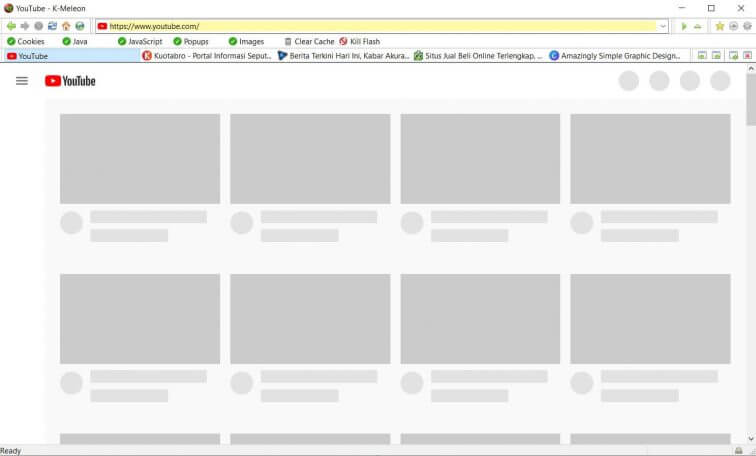
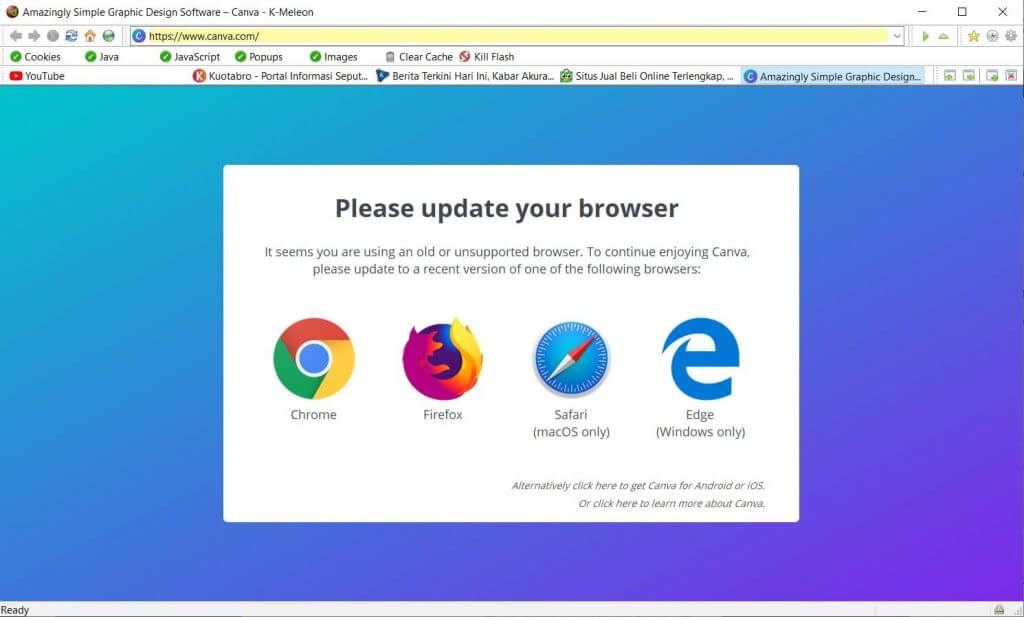
One very unfortunate thing is, when I did a test by opening 5 tabs at once, K-Meleon couldn’t open Canva and YouTube. And possibly other multimedia services too.
Advantages
- lightest (absolutely!)
- the display can be customized
- very stable software
Deficiency
- ancient interface
- only available for Windows
- scrolling a bit broken
- Can’t open Canva & Youtube
#2. Midori
|
Browser Name |
Midori |
|
Developer |
Astian Foundation |
|
Base |
– |
|
Browser Engine |
WebKit |
|
Built-in Search Engine |
DuckDuckGo |
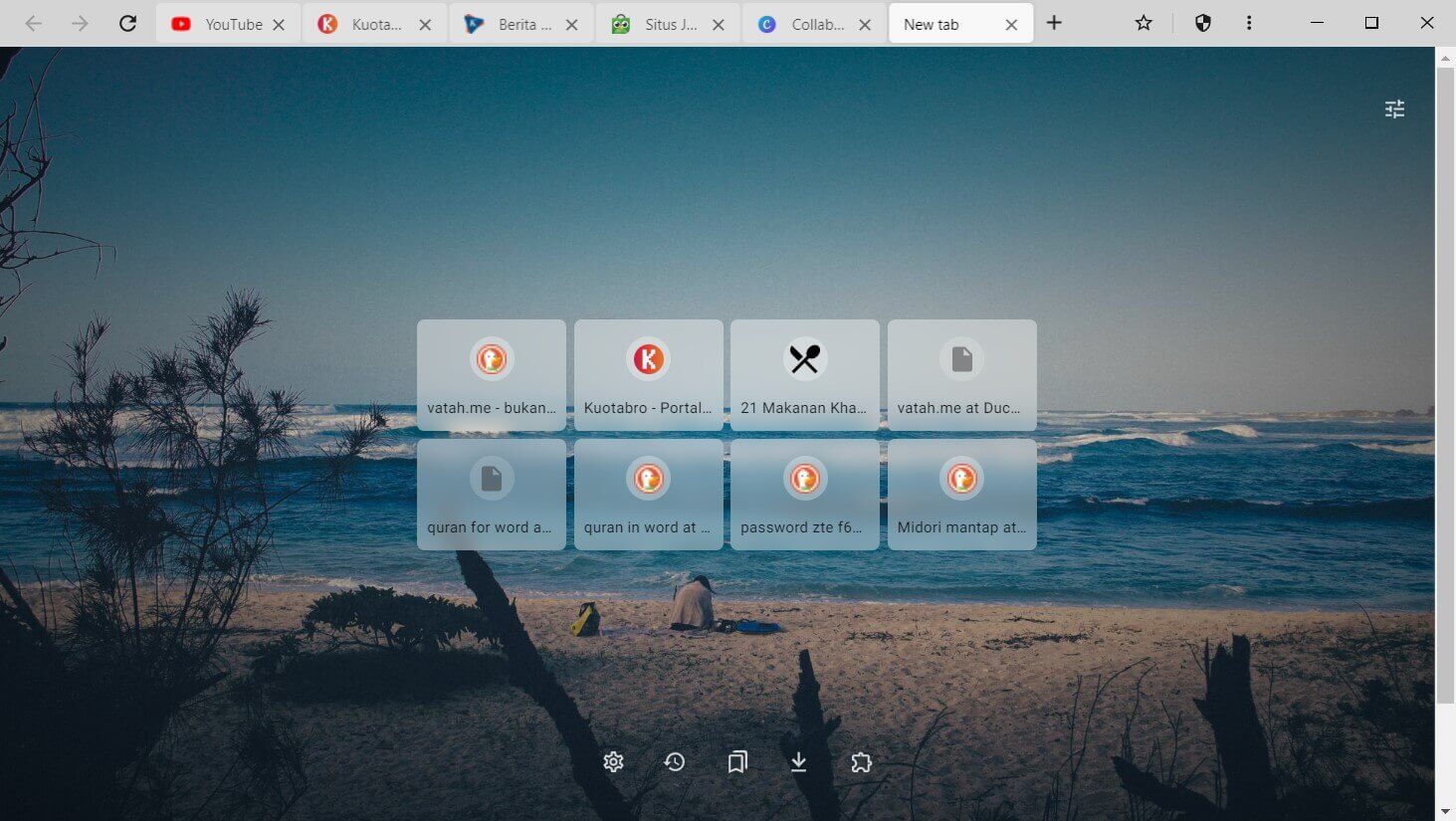
Speaking of lightweight browsers, it seems impossible not to include Midori in this list. This browser is very light, even Midori claims that the browser requires six times less RAM than Google Chrome.
This browser is perfect for use on old-school laptops or PCs with low specs. The start-up is also fairly fast even though it is opened on a laptop/PC with small RAM.
Besides being lightweight, the excellent feature of Midori is its availability on multi-platforms ranging from Windows, Mac OS, and Linux, to Android. Not to forget, security features such as anonymous and do not track are also embedded in it. Plus it already has a built-in adblocker.
It looks modern and minimalist, smooth, and comes with three theme variants: auto, light, and dark. Well, this dark mode feature makes it superior to other browsers.
Some of the shortcomings of Midori are that some Midori users also report crashes when running this browser. But I’ve been using it for a week and so far haven’t found any crashes or bugs, instead, I like this browser.
In addition, Midori does not display a lock icon ( secure ) or a warning icon ( not secure ) on the left side of the address bar to inform us whether the website we are accessing is already using HTTPS or not.
However, Midori is one of the lightest on this list. So it never hurts to try.
Advantages
- save RAM consumption
- has a built-in adblocker
- available on many platforms
Deficiency
- there is no http/https icon
- some users reported crash
- scrolling a bit broken
- Can’t open Canva & Youtube
#3. Slimjet
|
Browser Name |
Slimjet |
|
Developer |
FlashPeak Inc. |
|
Base |
Chromium |
|
Browser Engine |
Blink |
|
Built-in Search Engine |
|
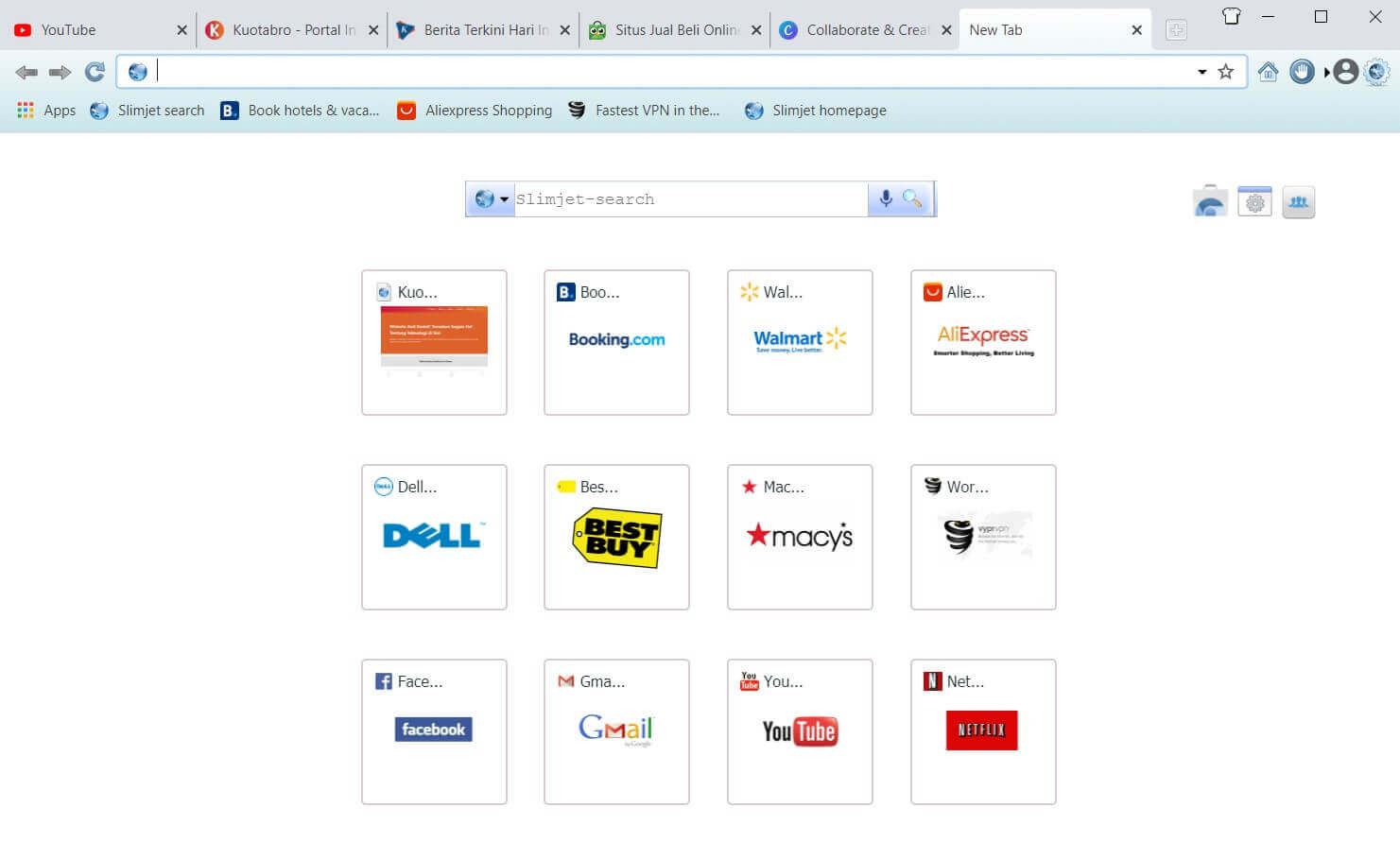
Slimjet is a Chromium-based browser that is quite popular among other lightweight browsers.
This browser is equipped with many features, including form filler, and built-in AdBlock, can record screens directly from the browser, can change themes, can add plugins, and can edit photos before uploading.
For those of you who like to download, you will like this browser because it has embedded the Turbocharged Download Manager feature.
It doesn’t stop there, the Slimjet browser also has a YouTube/HTML5/flash downloader feature which you can use to download MP3s directly from YouTube without the need for a converter. Interesting right? Just download it below.
There’s more, so even though it looks old-fashioned, SlimJet is equipped with screenshots and screen recording features up to 1080p you know.
Advantages
- has a built-in download manager
- has a built-in MP3 conversion
- Can screenshot & screen record up to 1080p
Deficiency
- the display still feels old-school
#4. Chromium
|
Browser Name |
Chromium |
|
Developer |
The Chromium Project |
|
Base |
– |
|
Browser Engine |
Blink |
|
Built-in Search Engine |
|
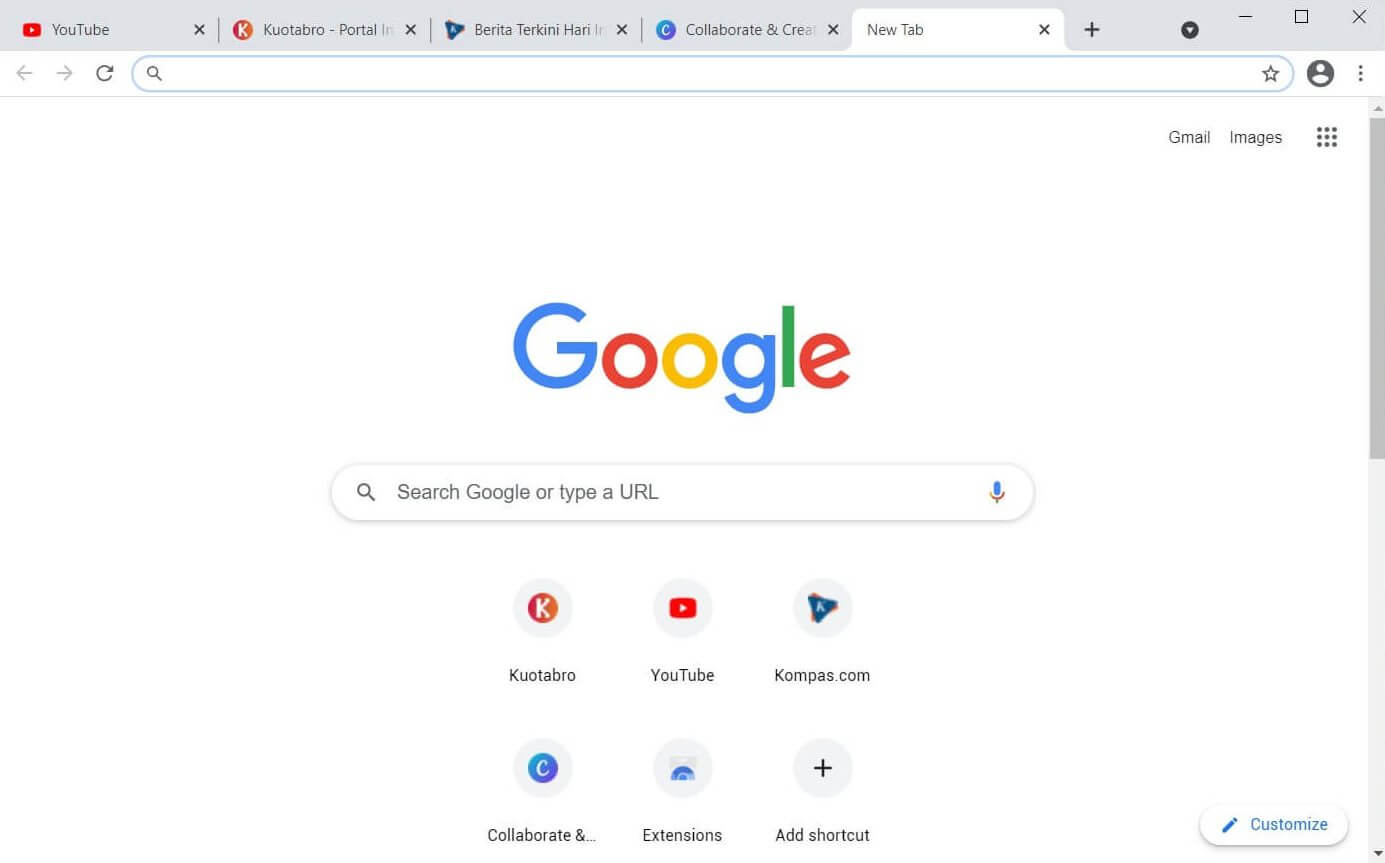
Chromium will be suitable for those of you who are used to using Google Chrome and want to move to a lighter browser. With a display that is the same as Google Chrome, of course, you will not feel awkward the first time you use it.
Chromium is of course equipped with abundant features that you may not need.
This browser is equipped with a sandboxing feature, meaning that each tab and plugin that is run does not affect the browser’s performance because it is processed separately. But, this feature makes Chromium eat more RAM.
As a browser that takes the source code from Google Chrome, here you can also install extensions from the Chrome Web Store.
Some of the disadvantages of Chromium include:
There is no auto-update feature like Google Chrome.
Some Chromium users say that they find it difficult to uninstall Chromium from the root.
Because it is open-source, anyone can modify this browser, including inserting viruses or malware into it. Therefore, you need to be careful when downloading Chromium. Make sure to download it directly from the official website.
Advantages
- have a good level of security
- lighter than Google Chrome
- look identical to Google Chrome
- has a sandboxing feature
Deficiency
- prone to malware insertion if you download carelessly
- no auto-update feature
- hard to uninstall to the root
#5. Maxthon
|
Browser Name |
Maxthon |
|
Developer |
Maxthon International Ltd |
|
Base |
– |
|
Browser Engine |
WebKit, Trident |
|
Built-in Search Engine |
|
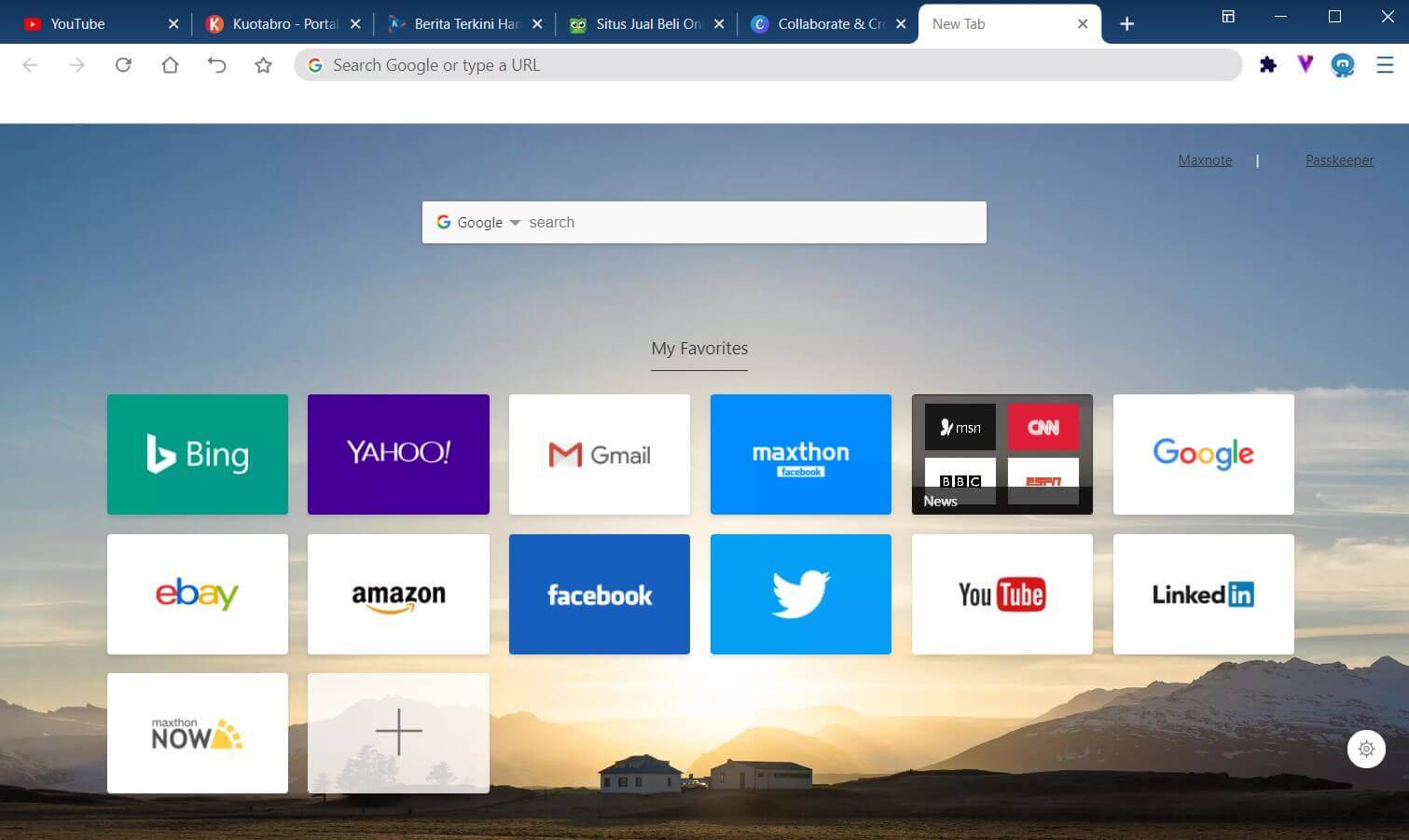
Advantages
- available on multiplatform
- lots of skins and extensions
- cloud sync
Deficiency
- no auto-update
- no malware/trojan warning
#6. Falcon
|
Browser Name |
Falcon |
|
Developer |
KDE Projects |
|
Base |
QupZilla |
|
Browser Engine |
Blink |
|
Built-in Search Engine |
DuckDuckGo |
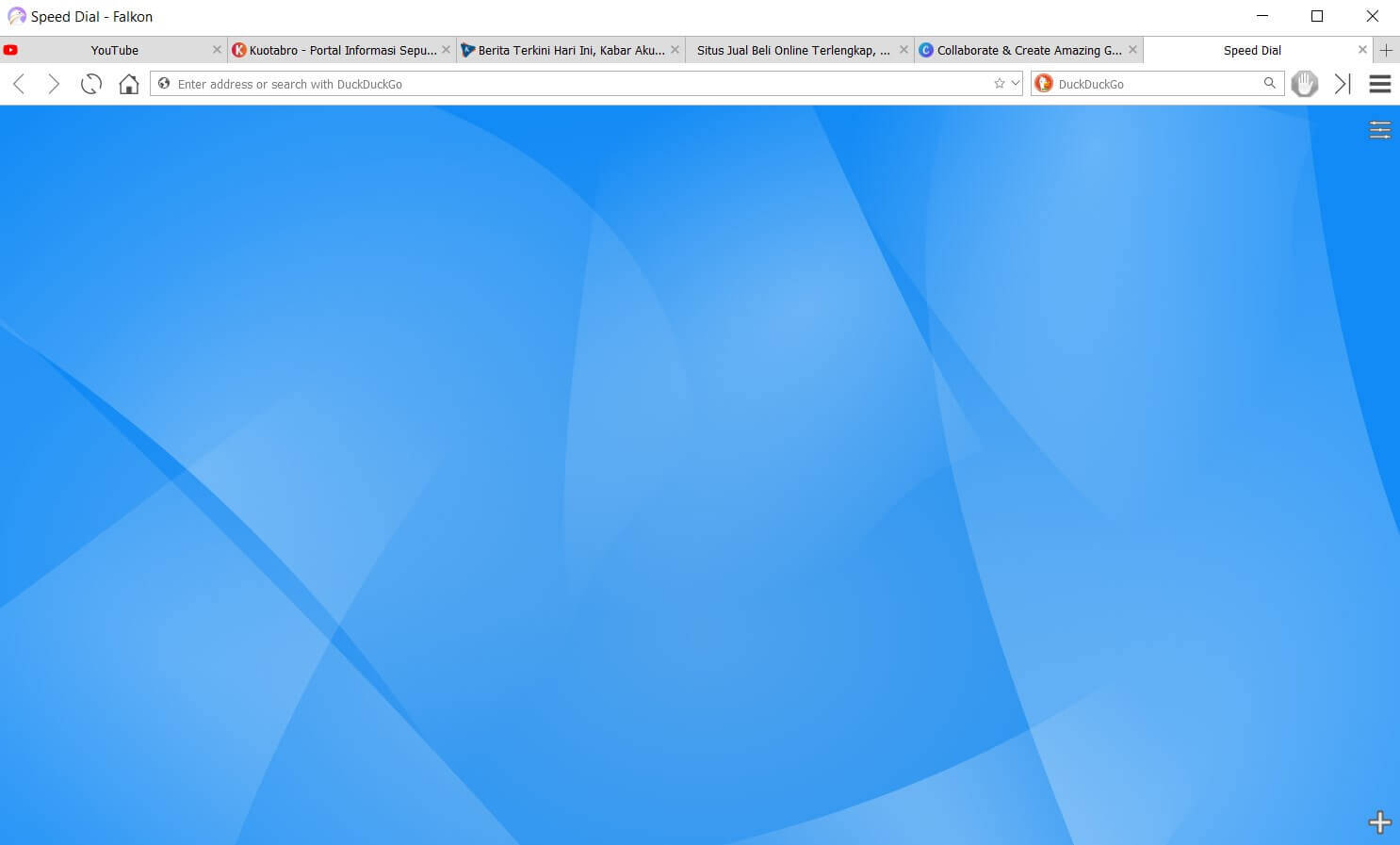
Falkon browser was previously known as QupZilla since 2010, then changed its name to Falkon after being under the auspices of the KDE Project.
From the start, Falkon’s goal was to become a lightweight browser available on all platforms. And until now, Falkon has become one of the lightest browsers available.
The appearance is not grandiose, the features are also standard. But when it comes to memory consumption, this browser can run smoothly with 1GB of RAM, you know.
There is no need to ask about stability. With more than 10 years of age, it certainly makes Falkon a very stable browser.
Website rendering and other graphic elements can also be smoothed over. Several other features of Falkon are history, tabs, and bookmarks, and are equipped with a built-in AdBlock.
I found some complaints on the internet from Falkon users saying that sometimes Falkon can’t play videos. But so far, I still haven’t found the complaint. Curious? Download via the link below.
Advantages
- can run with small RAM
- has a built-in AdBlock feature
- very stable software
- can customize themes/skins
Deficiency
- there is a complaint about the video not playing
- bookmark management is not simple
- not many people use it yet
#7. Yandex
|
Browser Name |
Yandex Browser |
|
Developer |
Yandex |
|
Base |
Chromium |
|
Browser Engine |
Blink |
|
Built-in Search Engine |
Yahoo! |
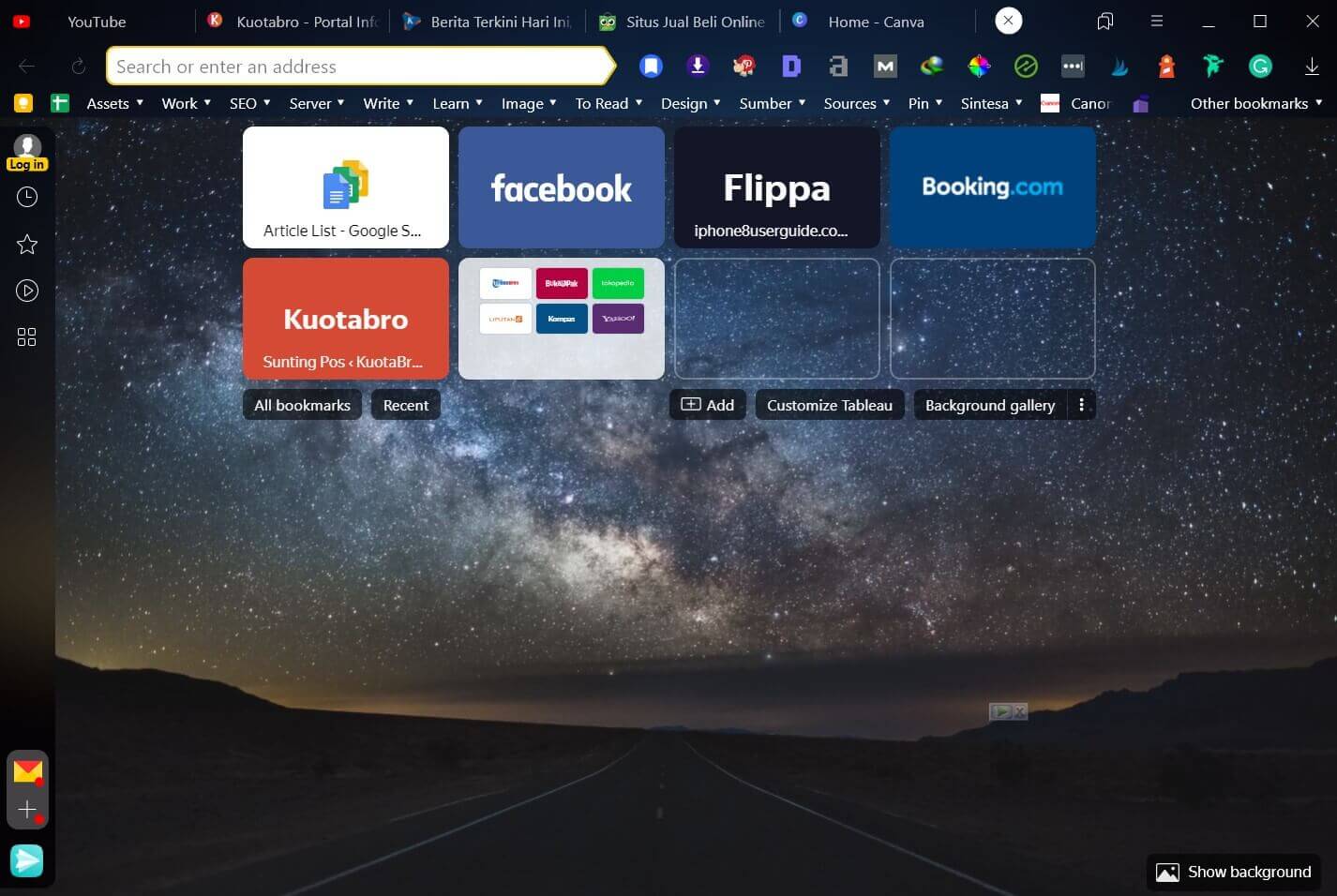
Many think that Yandex is a virus. It’s not though. Yandex is a powerful Russian search engine company.
Like Google, Yandex has many services, including email, image search, video search, translation, and maps, including a browser.
The advantage of Yandex is in speed because this browser is equipped with the Turbo Speed feature which will optimize internet speed on weak connections.
Even cooler, Yandex also has features that are very useful for laptop users who often move from place to place.
First, there is a video compression feature that is very useful for saving quota when you are using tethering. Second, it has a save power feature that will save battery usage when your laptop is low on the bat.
The security features are also fairly complete; Yandex can ensure that the file you are about to download is safe, supports anti-phishing protection, and Yandex by default will encrypt your data when you use public Wi-Fi.
Advantages
- has a Turbo Speed feature
- friendly to quota
- has a power save feature
- the security features are pretty good
Deficiency
- track user activity
- the extension is still minimal
- not the lightest browser
#8. Brave
Advantages
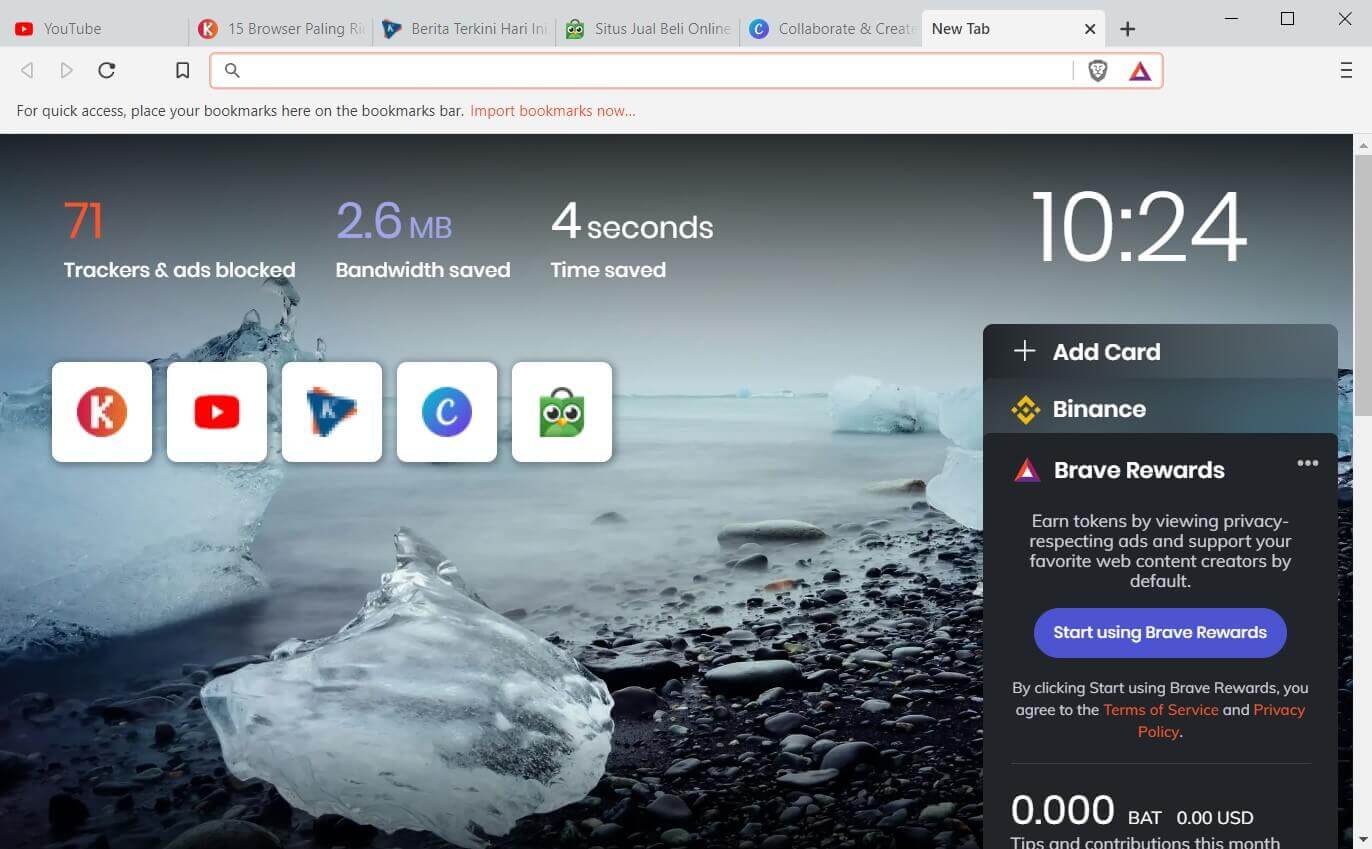
- loading is claimed to be 3-6x faster
- complete privacy & security features (including AdBlock)
- can earn & share money
Deficiency
- too many features outside of browsing
- wasteful of battery consumption
#9. Microsoft Edge
|
Browser Name |
Microsoft Edge |
|
Developer |
Microsoft |
|
Base |
Chromium |
|
Browser Engine |
Blink |
|
Built-in Search Engine |
Bing |
Advantages
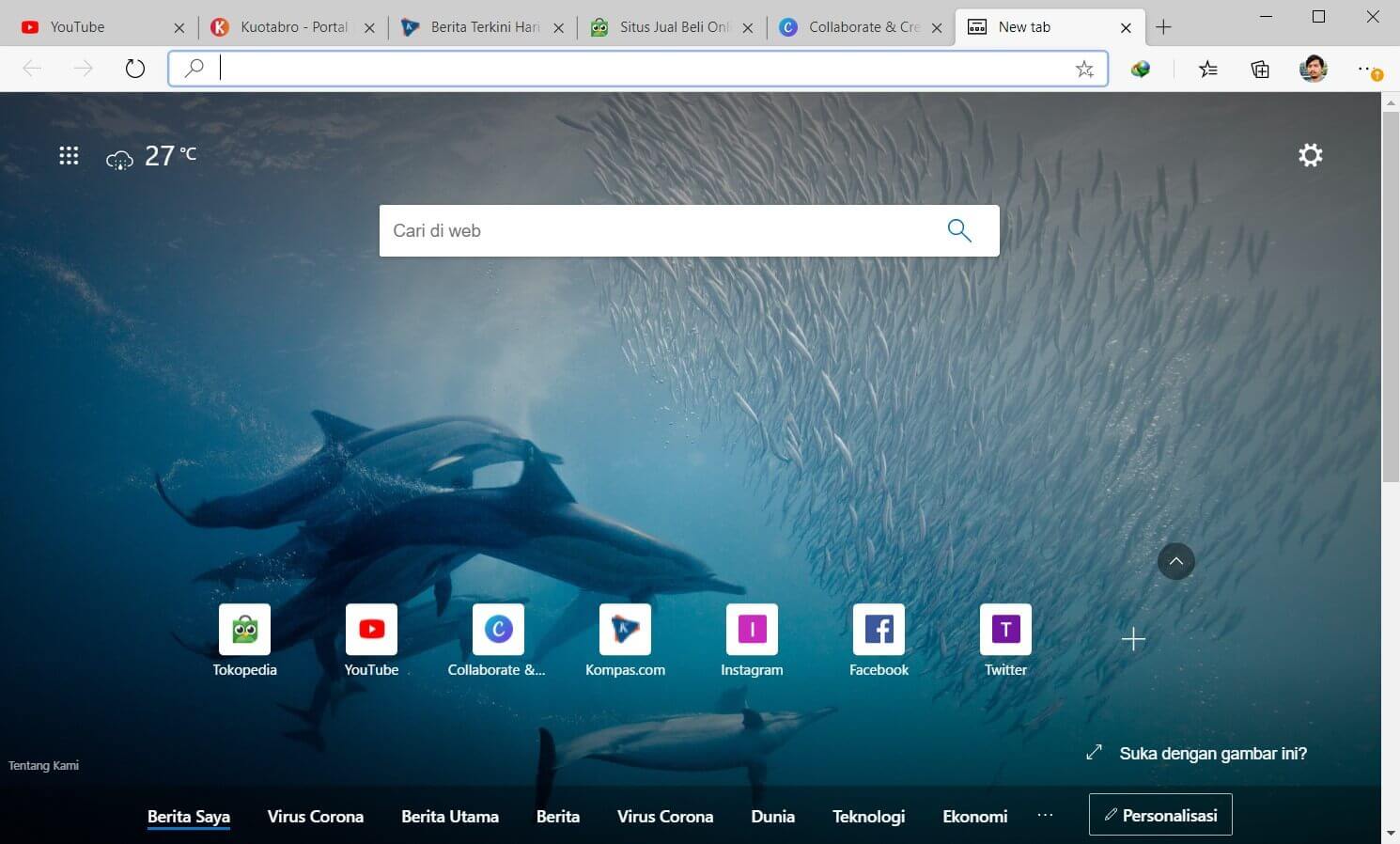
- already installed in Windows
- has a reader feature that will block ads
- power saving
- compatible with the Chrome extension
Deficiency
- weak synchronization between devices
- collect user data (weak privacy)
#10. Opera
|
Browser Name |
Opera |
|
Developer |
Opera Software |
|
Base |
Chromium |
|
Browser Engine |
Blink |
|
Built-in Search Engine |
|
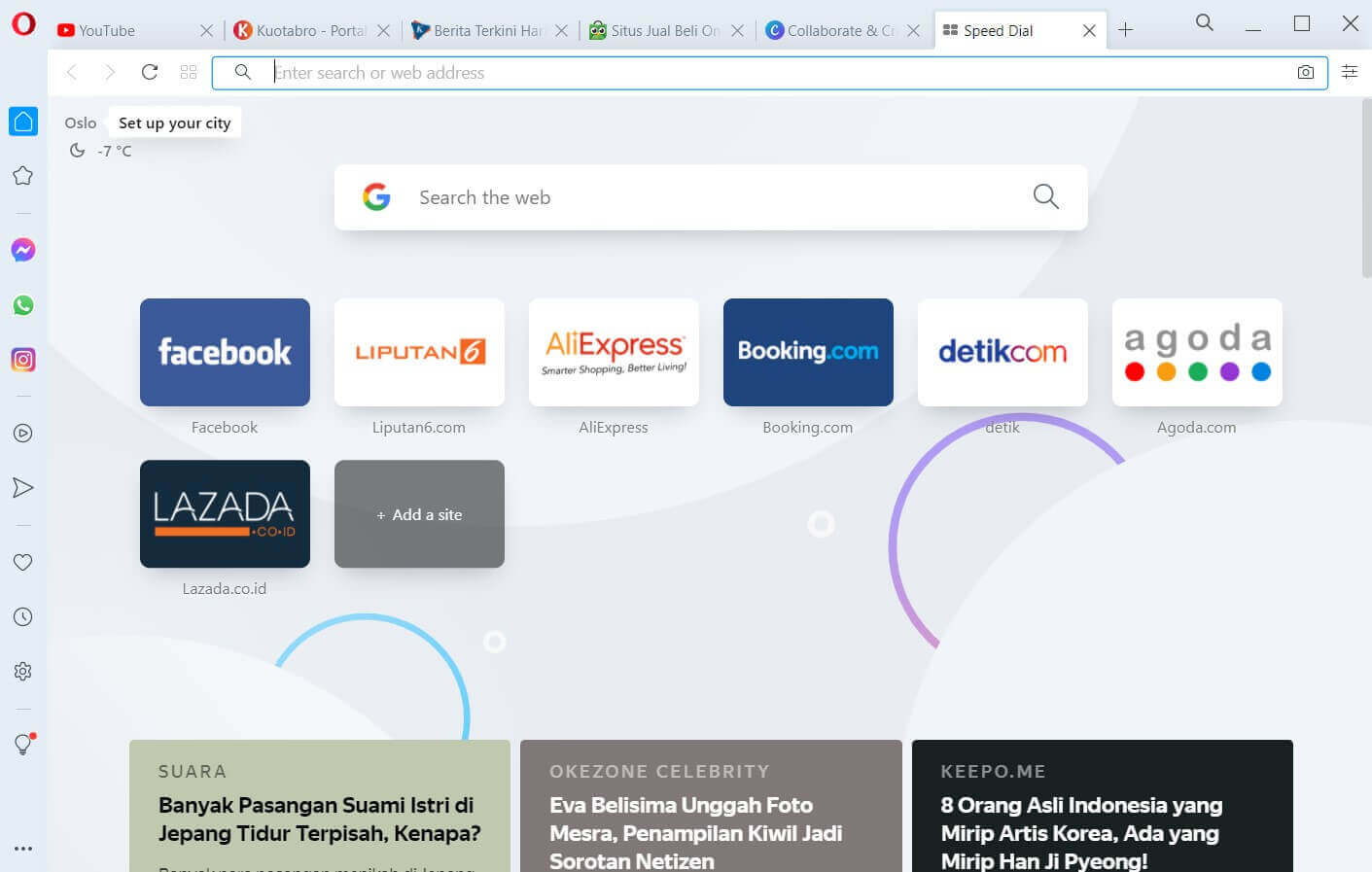
Opera was one of my favorite browsers of its time. Opera’s appearance is now much fresher than when I last used it (2008).
Not just a ‘facelift’, but it turns out the features have also increased a lot. Here are the Opera features I like:
- Sidebar (can be turned off)
- Dark mode
- Block ads
- Block trackers
- Free VPN
- Can screenshot
- There is a battery-saver
Regarding speed, Opera can access websites faster than K-Meleon, although K-Meleon is certainly lighter. In the tests I did, Opera occupied the 10th position with 442 MB of RAM consumption.
Advantages
- there is a dark mode
- there is an Adblock feature
- there is a built-in screenshot feature
- free VPN
Deficiency
- a bit difficult to access the add-on it
- the developer is not focused on developing Opera
#11. Seamonkey

|
Browser Name |
SeaMonkey |
|
Developer |
SeaMonkey Council |
|
Base |
Mozilla |
|
Browser Engine |
Gecko |
|
Built-in Search Engine |
DuckDuckGo |
Seamonkey is a super lightweight Firefox-based browser that also comes with Thunderbird-based email integration. The features are also fairly standard, but it is more than enough to accommodate internet needs such as browsing, multimedia, and online learning.
Some additional features that might be useful are a password manager, mouse gestures, custom toolbars, restore sessions, and multiple accounts, and are equipped with a lightweight theme as well.
Although not the best on this list, it never hurts to try. Click the link below to download.
Advantages
- have a mouse gesture feature
- the display can be customized
- has email and chat features
Deficiency
- old school interface
- startup is slow
- consuming CPU resources
#12. Pale Moon
|
Browser Name |
Pale Moon |
|
Developer |
Moonchild Productions |
|
Base |
Firefox ESR 38 |
|
Browser Engine |
Goanna |
|
Built-in Search Engine |
DuckDuckGo |
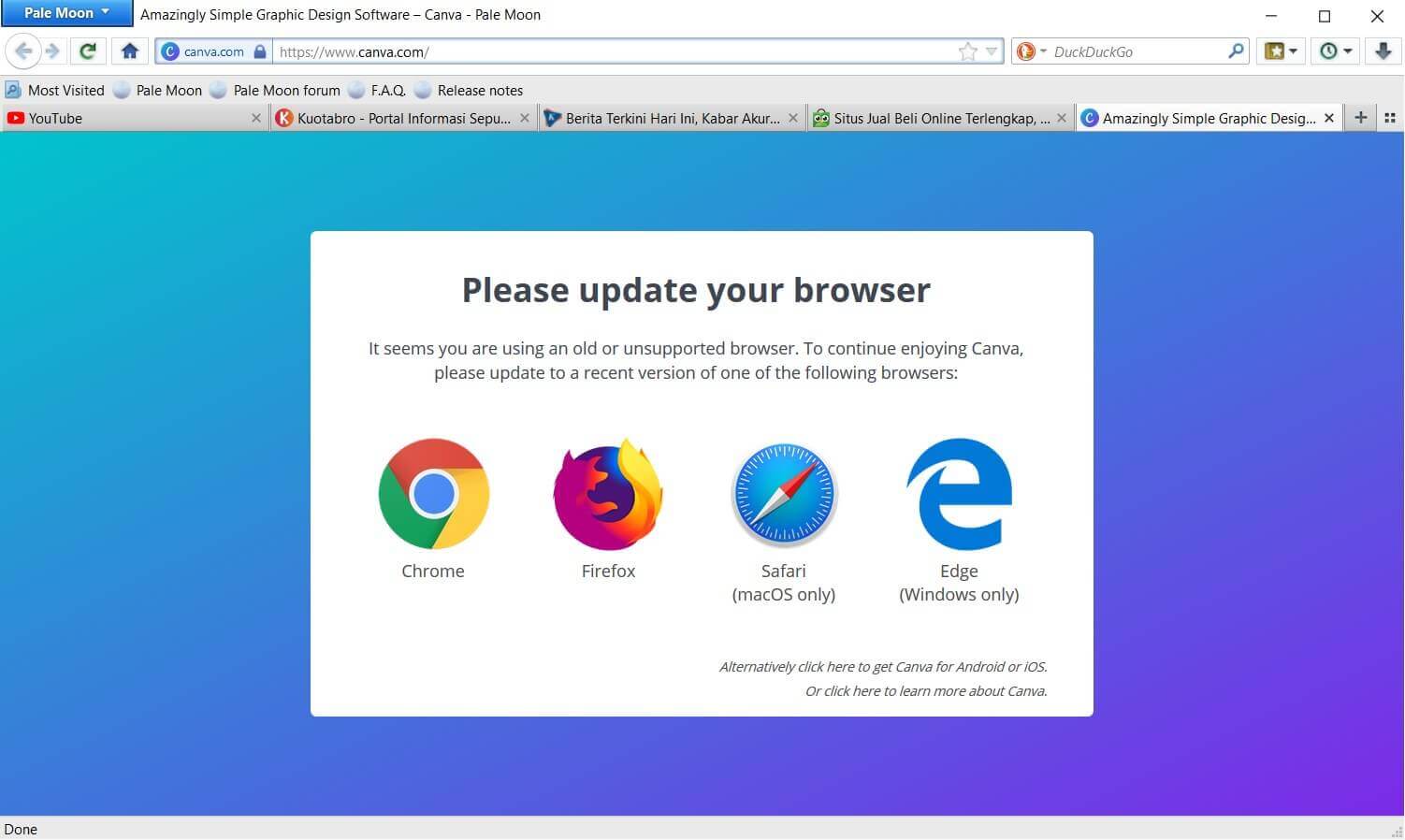
Pale Moon is one of my favorite browsers. Besides being lightweight, Pale Moon also has an easy-to-use interface. It looks pretty old-school in appearance, but it still looks clean and user-friendly.
Not only in terms of appearance, but the rendering engine used by Pale Moon is also outdated. This browser uses the Goanna rendering engine which is a fork of Mozilla’s Gecko.
That doesn’t seem like a big deal, because Pale Moon focuses on usability, not on abundant but unimportant features.
Another advantage of Pale Moon is the matter of privacy. You can enjoy this browser in peace because this browser is ad-free, spyware-free, and free from data theft activities.
Interested to try?
Advantages
- focus on function, not much gimmick
- protect user privacy
- have their add-on ecosystem
- can customize the theme
Deficiency
- old school interface
- some Mac OS users report a crash
- still using the old-school rendering engine
#13. Vivaldi
|
Browser Name |
Vivaldi |
|
Developer |
Vivaldi Technologies |
|
Base |
Chromium |
|
Browser Engine |
Blink, Webkit for iOS |
|
Built-in Search Engine |
Bing |
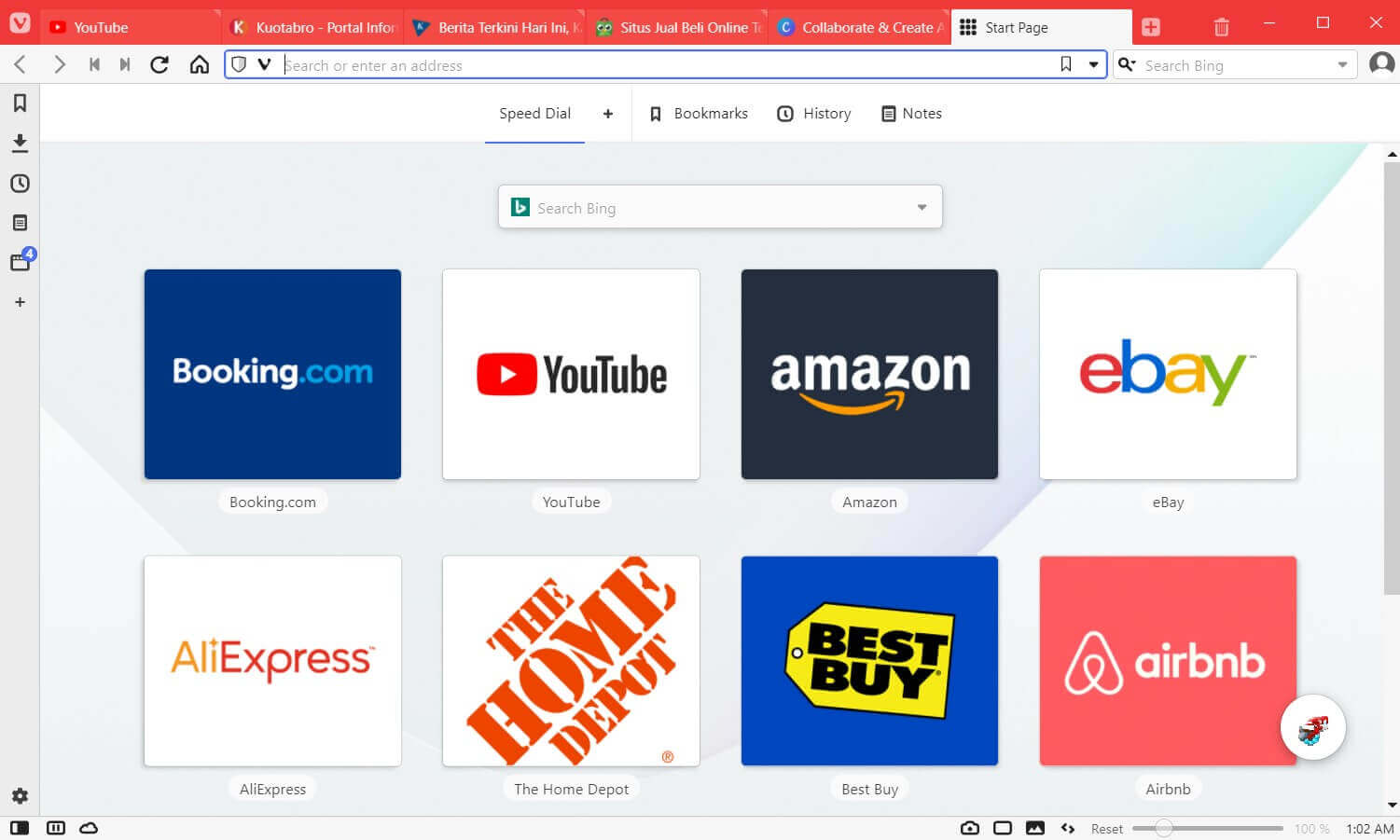
Vivaldi is a browser that carries a layout that is almost similar to Opera. Both have a built-in sidebar and screen capture options. Vivaldi was also created by the founders of the Opera browser himself.
However, Vivaldi has some cool additional features. Among them is easier tab management, notes that are directly stored in the browser, page tilting (a kind of split-screen), an ad blocker, and a take-a-break feature that will pause all browsing activities for a moment.
The drawback of the Vivaldi browser is that it uses a lot of RAM and is not yet available for iOS devices. The rest is fine.
Advantages
- very good tab management feature
- page tilting feature to open 2 tabs at once
- built-in take-a-break feature
- available on Android
Deficiency
- not yet available for iOS
- RAM usage is quite large
#14. Epic Browser
|
Browser Name |
Epic Privacy Browser |
|
Developer |
Hidden Reflex |
|
Base |
Chromium |
|
Browser Engine |
Blink |
|
Built-in Search Engine |
Yahoo! |
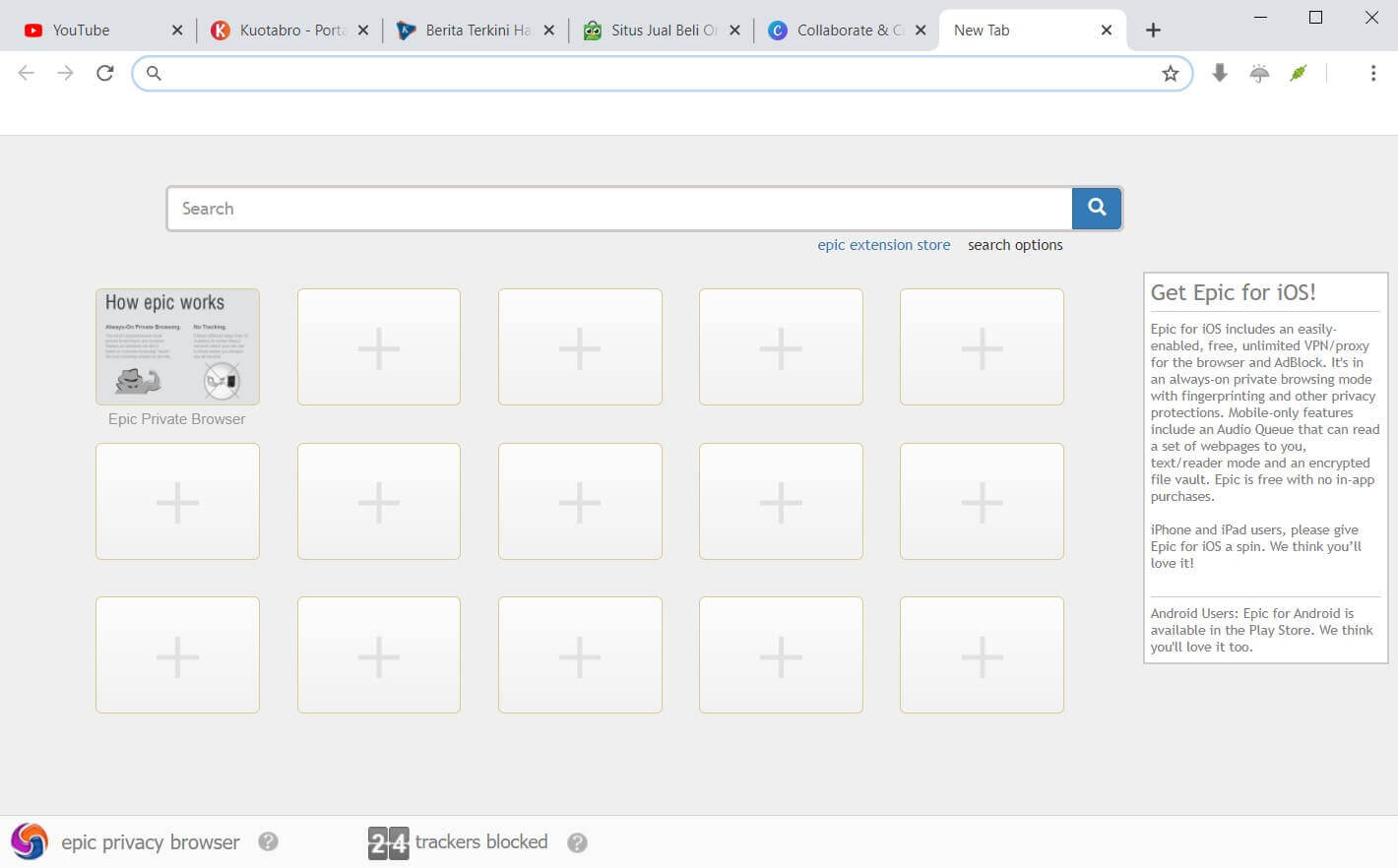
In short, Epic Browser is a browser developed from Chromium but has been optimized in terms of resource consumption so that it is lighter.
As open-source software, there are many other browsers developed from Chromium, one of which is Epic Browser. But unlike Chromium, Epic Browser focuses on the speed, privacy, and security of its users.
Epic Browser protects the privacy of its users from data misuse, tracking, spying, crypto mining, and others. Not to forget, the adblocker feature is also embedded in it.
Plus, Epic Browser has an Instant Proxy feature that will redirect your traffic to Epic’s New Jersey proxy server. With this feature, the websites you visit cannot track your IP.
Because it is based on Chromium, Epic Browser has the same powerful performance as Chromium.
Advantages
- has a very good level of security
- has a built-in adblocker
- focus on privacy and speed
- has the Instant Proxy feature
Deficiency
- does not record browsing history
- don’t have many add-ons
- not suitable for accessing sites that require privacy
#15. Chrome
|
Browser Name |
Chrome |
|
Developer |
|
|
Base |
Chromium |
|
Engine Layout |
Blink |
|
Built-in Search Engine |
|
Advantages
- regular updates and maintenance
- easy to use
- abundant extension
- seamless on all platforms
Deficiency
- consumes a lot of rams
- not suitable for those of you who prioritize privacy
#16. Comodo IceDragon
|
Browser Name |
Comodo IceDragon |
|
Developer |
Comodo IceDragon |
|
Base |
Mozilla |
|
Browser Engine |
Gecko |
|
Built-in Search Engine |
Yahoo! |
Advantages
- fast browsing speed
- can use Firefox add-ons
- complete security features
Deficiency
- some users crash when opening multiple tabs
- it takes a long time to open the program
#17. Firefox
|
Browser Name |
Mozilla Firefox |
|
Developer |
Mozilla Foundation |
|
Base |
Netscape>Mozilla Suite |
|
Browser Engine |
Gecko, Webkit for iOS |
|
Built-in Search Engine |
|
Advantages
- complete security features
- the display can be customized
- has a dark mode feature
- has a picture-in-picture (PiP) feature
Deficiency
- need to create an account to access advanced settings
- a few tools for developers
Conclusion:
Choosing a lightweight browser must also be adjusted to the needs. Generally, the more features a browser has, the heavier its performance will be. The number of extensions/addons installed is also very influential.
Beyond that, the optimization of laptop/PC performance is also a big influence, you know. So before that make sure the performance of your laptop / PC is well-optimized.
In our opinion, the lightest browser overall is Midori, then Slimjet and Pale Moon. If your device has low specs and you just need to browse, use one of the three. Surely your laptop or PC RAM will be saved.
Meanwhile, if you want a browser with more features but still light enough for low-spec devices, you can use Vivaldi or Chromium.
Personally, as a Chrome user, I’ve been quite satisfied with using Vivaldi because it has many features that are not available in Chrome. Which one are you?